The most popular advice on CRM selection gets this wrong. Consultants do not need the flashiest platform, they need the system that protects the handoff, from inquiry and discovery through proposal decisions, onboarding, delivery coordination, and referrals. The best CRM for consultants is the one that makes follow-up unavoidable, keeps next steps visible, and reduces the admin burden that small firms feel every day. That matters because CRM use is already mainstream in small business, especially once firms move past the tiniest stage, with 71% adoption among businesses with 500 or fewer employees and about half of firms with fewer than 10 employees using one, according to the 2024 Freshworks-referenced survey summarized in the source brief. It also matters because follow-up failures are still common, and the 2026 sales data in the brief shows how much revenue can disappear when a proposal goes quiet or a lead never gets a second touch.
This comparison looks at the full operating path, not just feature lists. I'm weighing workflow fit, follow-up discipline, implementation effort, pricing variables, integrations, and the point where a platform stops being a fit. Starward Navigators is included as a purpose-built option for firms that want installed client-acquisition infrastructure instead of a blank CRM workspace, while the other entries represent broader CRM approaches for consultants with different levels of complexity, budget, and internal capacity.
Table of Contents
- 1. Starward Navigators
- 2. HubSpot Customer Platform
- 3. Pipedrive
- 4. Zoho CRM
- 5. Salesforce Starter Suite
- 6. Copper
- 7. Insightly
- 8. Capsule CRM
- 9. Close
- 10. Attio
- Top 10 CRMs for Consultants: Comparison
- Choose the Workflow You Can Sustain
1. Starward Navigators
Starward Navigators is the clearest answer for firms that want a CRM to behave like an operating system, not a blank database. Its value is in the way it installs Business Development, Client Delivery, and Relationships & Referrals pipelines around the way consulting firms sell, then automates the repetitive work that usually slips through the cracks. That includes intake routing, proposal chasing, missed-call recovery, appointment reminders, onboarding handoffs, and referral nurture, all of which fit the consulting reality described in the verified data about stalled follow-up and fragile handoffs.
Starward Navigators is built to reduce the revenue leak that happens when a lead comes in, gets discussed, and then disappears into a spreadsheet or an inbox. The vendor's Map → Install → Go Live process matters as much as the software itself, because implementation burden is one of the main reasons CRM systems underperform in service firms. Starward says setup is done for you, included on every plan, with a 14-day go-live guarantee and a typical live timeline of about two weeks, which makes it unusually practical for boutique teams that can't spare a full-time admin.
Why it fits consulting work
Starward is strongest when your main problem is not generating demand, but handling it consistently. It centralizes leads from website, inbox, LinkedIn, and events, then pushes them into a structured follow-up flow with automated multi-touch sequences across email and SMS. It also gives teams AI query access through Claude, so they can ask plain-language questions about silent proposals or stalled opportunities instead of manually hunting through records.
Practical rule: If your firm loses deals because nobody owns the next touch, a purpose-built follow-up CRM will usually outperform a more flexible tool that still needs months of configuration.
Pros
- Purpose-built for consulting and advisory workflows. It ships with prebuilt pipelines and actions, so you can go live without designing the system from scratch.
- Strong follow-up automation. Proposal chasing, missed-call recovery, appointment reminders, and referral nurture are all part of the core design.
- Done-for-you setup. The implementation burden is lower than with most general CRMs.
- Built for handoffs. Won deals can move into delivery without manual re-keying.
- AI-assisted visibility. Claude access helps teams spot quiet opportunities faster.
Cons
- Limited public social proof. The site doesn't show a large volume of testimonials or third-party case studies.
- Higher tiers gate some builders. Campaigns, Triggers, and Workflows are reserved for Core Plus and above, so growing teams may need to upgrade.
- Best for a specific operating model. Firms that want a broad enterprise CRM framework may prefer a larger suite.
If your firm values speed to live more than endless customization, Starward's pitch is unusually coherent.
Internal reading that aligns with the onboarding angle is available in Starward's own client onboarding overview. For small consultancies, that handoff focus is the differentiator.
Website: Starward Navigators
Image: 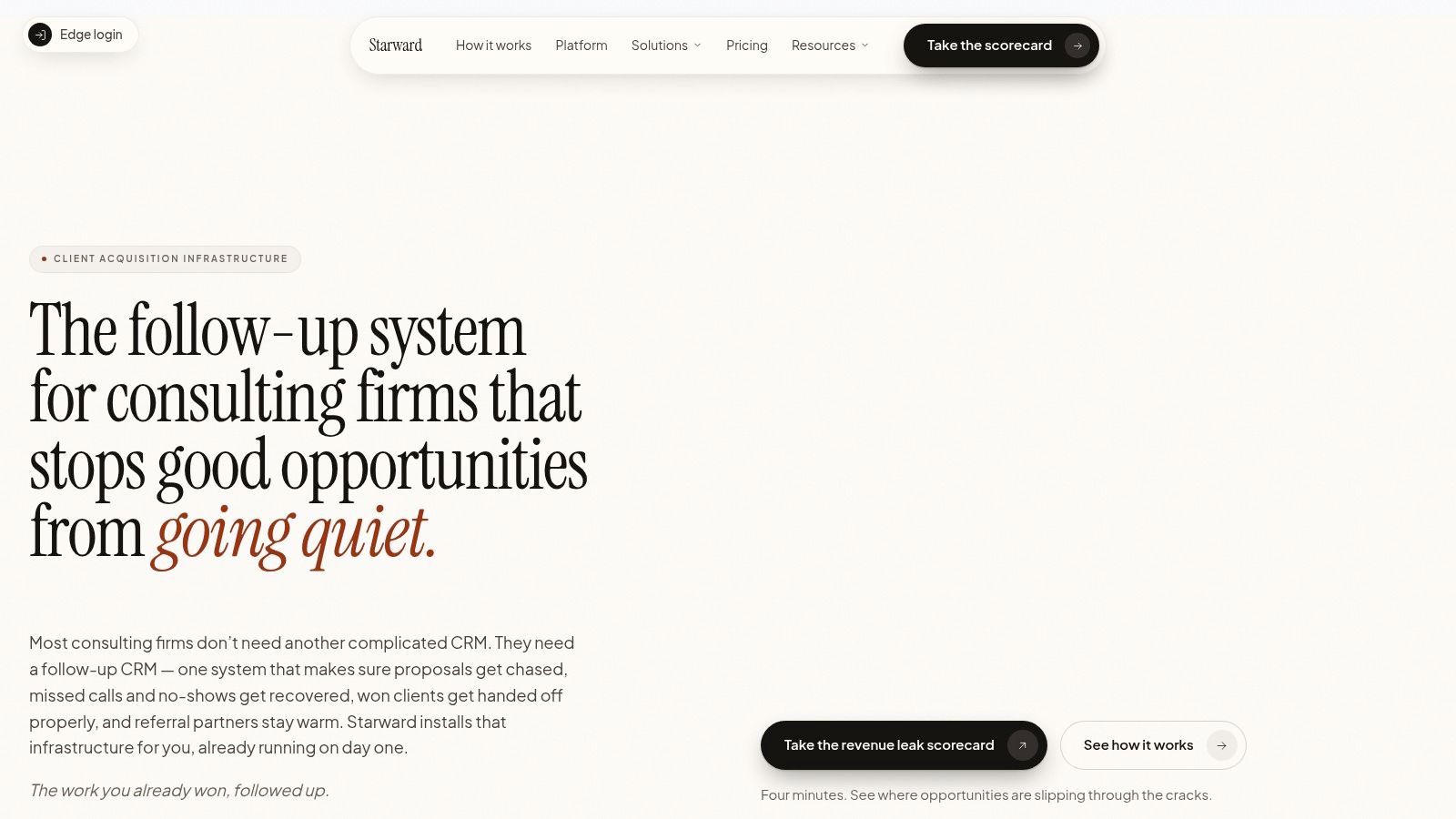
2. HubSpot Customer Platform
HubSpot is the safest pick for consultants who want breadth and don't mind managing a bigger system over time. It combines CRM, sales, service, and data tooling in one ecosystem, which is attractive if your firm wants lead capture, meeting scheduling, quotes, and ticketing under one roof. The advantage is ecosystem depth, because broad integration support reduces the odds that you'll outgrow the platform just as your consulting practice gets more structured.
For consultants, HubSpot's strongest use case is a firm that wants one vendor to handle the journey from first inquiry to post-sale service. That makes it easier to standardize workflow across marketing, sales, and client care, especially when one person wears several hats. The tradeoff is that the platform can become expensive and operationally heavy as seats, features, and AI credits expand.
Where it makes sense, and where it doesn't
HubSpot is a good fit if your firm has enough process maturity to benefit from structure, but not so much complexity that you need a highly specialized delivery stack. Its large partner network is a plus if you expect to outsource setup or hire help later. It's less compelling if you want something lean, because consultants often end up paying for modules they don't fully use.
The internal comparison against consulting firms is useful to review in Starward's HubSpot guide for consulting firms, especially if you're deciding between a purpose-built consulting workflow and a broader platform.
Pros
- Very complete out of the box. Lead, deal, quote, service, and reporting tools live in one ecosystem.
- Strong follow-up mechanics. Sequences and meeting links help with disciplined outreach.
- Large app marketplace. That makes it easier to fit into a broader tech stack.
- Support ecosystem is mature. Implementation help is easier to find than with newer tools.
Cons
- Costs can escalate quickly. Seats, modules, and AI usage all add complexity to the budget.
- Can become overbuilt. Smaller consultancies may not need all of its layers.
- Needs ownership. Without a dedicated administrator, the workspace can sprawl.
Website: HubSpot
Image: 
3. Pipedrive
Pipedrive is the most obviously pipeline-first option on this list, and that's why many small consulting teams like it. It keeps the conversation focused on what stage the deal is in and what happens next, which is exactly where consulting sales break down when proposals stall or a discovery call doesn't get converted into a concrete next step. The platform's emphasis on activity-driven selling makes it easier to maintain discipline without forcing every user into a heavy process.
That matters because the verified data on follow-up is blunt. A CRM that doesn't keep visible pressure on the next action leaves too much money exposed. Pipedrive is strong when you need that clarity, but don't want enterprise-level admin overhead.
Best fit and main limits
For a small firm, Pipedrive is often the right compromise between usability and control. It's fast to implement, the interface is approachable, and consultants who are not full-time sales operators can still use it without much training. The main drawback is that deeper marketing automation and richer project coordination usually require add-ons, so the platform can feel narrow if your consulting business needs more than pipeline management.
If your priority is proposal tracking and follow-up discipline, the internal reference on Starward's sales pipeline approach is worth comparing against a general pipeline tool. It highlights the difference between a generic sequence of stages and a consulting-specific operating model.
Pros
- Easy to adopt. Teams usually ramp faster because the UI is simple.
- Strong next-step discipline. It keeps stalled deals visible.
- Good for small teams. Non-sales users usually don't struggle with it.
- Useful meeting and email tools. That helps with discovery logistics.
Cons
- Marketing and projects may need add-ons. End-to-end consulting workflows can require extra tooling.
- Less governance than larger suites. Permission depth is simpler than enterprise CRMs.
- Can feel too lightweight for delivery-heavy firms. Once project handoffs get complex, you may outgrow it.
Website: Pipedrive
Image: 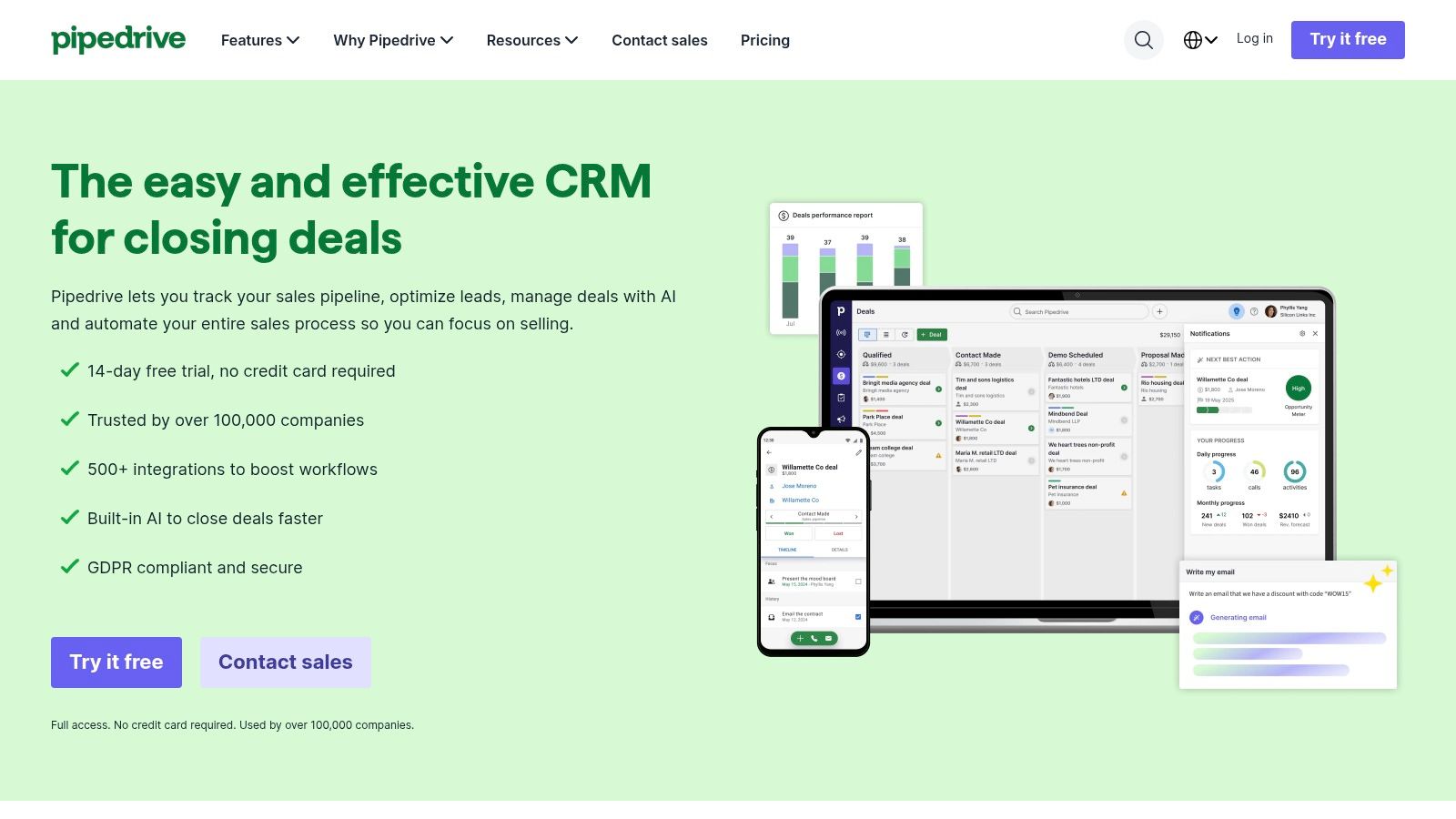
4. Zoho CRM
Zoho CRM is the value play for consultants who want breadth without paying a premium for brand name convenience. It has enough surface area to handle multiple pipelines, forecasting, AI assistance, and higher-tier options like CPQ and portals, while staying connected to the wider Zoho suite. That makes it appealing to firms that want to consolidate sales, service, projects, and analytics into one vendor relationship.
The upside is obvious, especially for small consultancies trying to stretch every software dollar. The caution is that Zoho can feel like a system you have to learn before it helps you, and that creates a real implementation burden for small teams that don't have an internal owner. It's not a bad product, but it rewards teams that are willing to design process carefully.
Practical considerations
Zoho works best when a consultancy wants configurable tooling and can tolerate some complexity. It's less attractive if your team lives in a highly outbound, phone-heavy motion, or if you want the cleanest possible user experience from day one. The broader suite is the selling point, but that same breadth can slow adoption when people just want to track proposals and follow-ups.
The cheapest system is not always the lowest-cost system. If people avoid using it, the hidden cost shows up in missed follow-ups and messy handoffs.
Pros
- Strong value for coverage. You get a lot of capability for the price band.
- Suite benefit. Zoho apps can replace several point tools.
- Flexible for multi-team use. Sales, marketing, and service can share data.
- Free plan available. That lowers the barrier for very small firms.
Cons
- Can feel overwhelming. Setup and customization take discipline.
- Less polished ecosystem than top-tier suites. You may work harder to connect everything.
- Not ideal for fast outbound sales. Consultants with heavy calling workflows may find it clunky.
Website: Zoho CRM
5. Salesforce Starter Suite
Salesforce Starter Suite makes sense when a consulting firm already knows it will grow into more structure later. The appeal is less about immediate elegance and more about a runway into the broader Salesforce ecosystem, which matters if you expect more complex approvals, governance, or multi-team coordination down the line. For a boutique consultancy, that can be overkill. For a firm planning to scale its client operations, it can be a smart long-term anchor.
The downside is the same thing that makes Salesforce powerful, the platform rewards admin discipline. Without someone to own configuration, permissions, and process cleanup, it can become cluttered fast. Smaller teams that just want an easy proposal tracker often don't need that kind of overhead.
When to choose it
Choose Salesforce if your consulting operation already behaves like a structured sales organization, or if you know a future team will need stricter controls. It's also attractive when you want a big partner ecosystem and a familiar enterprise brand. It's a poor fit if your biggest need is simplicity, because the system can demand more internal effort than a small firm wants to spend.
The sourcing brief also notes that CRM adoption rises with firm size in the Metrigy data, which is a useful reminder that Salesforce often makes more sense as complexity grows. For tiny teams, that same complexity can become unnecessary friction.
Pros
- Clear upgrade path. You can grow into more advanced Salesforce functionality.
- Governance-friendly. Permissions and control are a strong point.
- Large ecosystem. Finding help and integrations is easier than with niche tools.
- Good for future complexity. It's built for scale.
Cons
- Admin effort is real. The system benefits from internal or partner support.
- Can overwhelm smaller firms. Too much capability can become clutter.
- Starter is only the beginning. Real extensibility often sits in higher editions.
Website: Salesforce Starter Suite
Image: 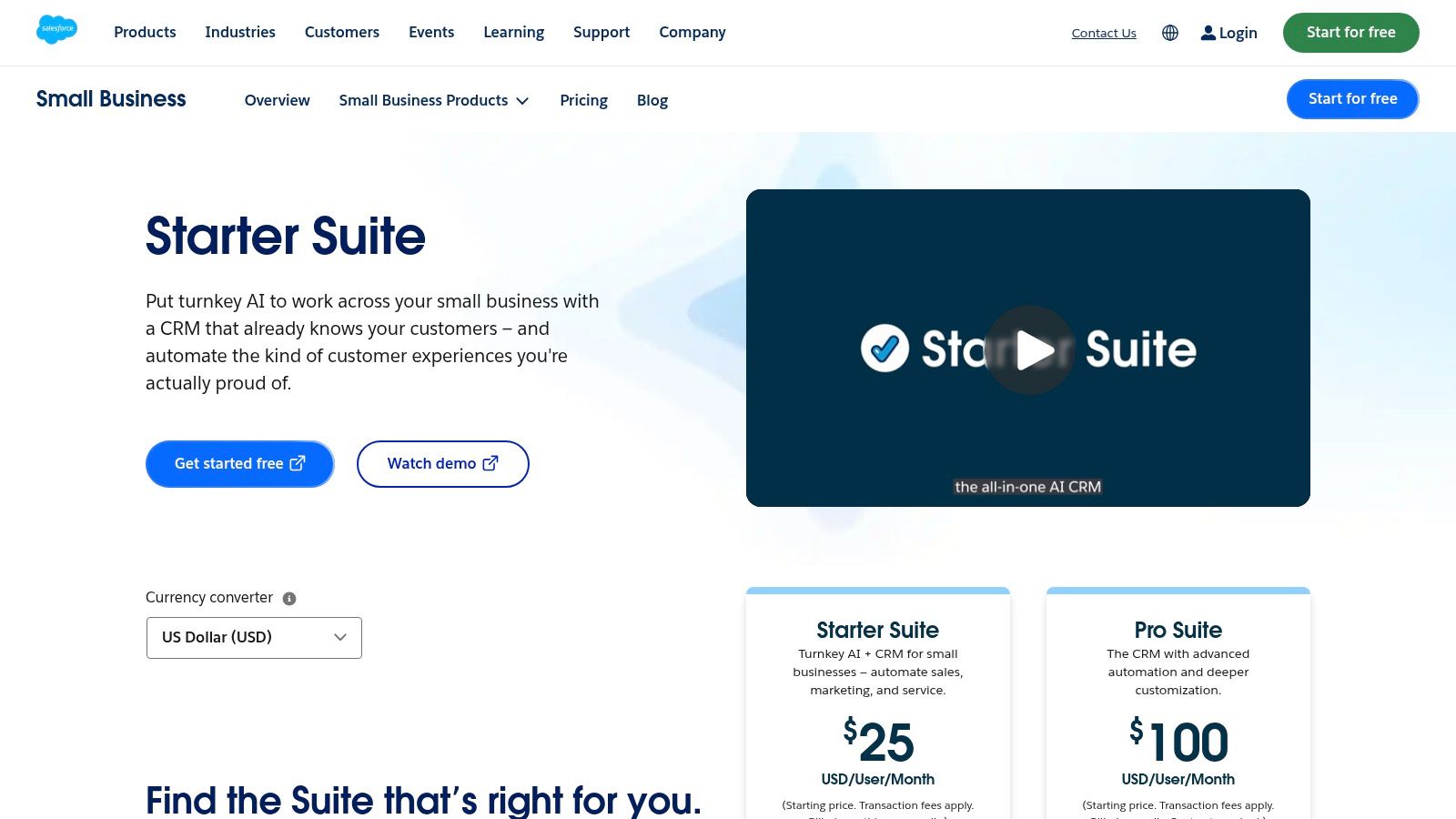
6. Copper
Copper is the cleanest fit for consultants who live in Google Workspace. It sits close to Gmail, Calendar, and Drive, so the CRM feels like part of the inbox instead of a separate place to do admin. For small firms, that matters because adoption often fails when consultants have to jump between too many tabs just to update a contact or send a follow-up.
Copper works best when your sales process is light to moderate and your team values speed over complexity. It's especially appealing for founders and small client-facing teams that already use Google tools to schedule, write, and store work. The tradeoff is that it doesn't try to be the most powerful CRM in the room.
What makes it useful
Its main strength is reducing context switching. If your consulting practice runs out of Gmail and Calendar, Copper can keep records current with less resistance from the team. It's a practical choice, not a strategic platform for deep service operations.
A separate constraint is scale. Lower-tier usage limits mean you'll want to watch contact growth, and some of the stronger automation and email-series functions sit higher up the plan stack. That makes it a good fit for smaller teams that don't expect the system to carry every part of the business.
Pros
- Natural for Google users. Adoption feels easier.
- Low friction. Less switching means better record keeping.
- Clean interface. Good for teams that avoid heavy software.
- Helpful for inbox-led work. Great for consultants who run their day from email.
Cons
- Less depth than larger suites. Reporting and automation are narrower.
- Contact limits need monitoring. Growth can force upgrades.
- Google-first only. It's not the best answer for Outlook-heavy firms.
Website: Copper
Image: 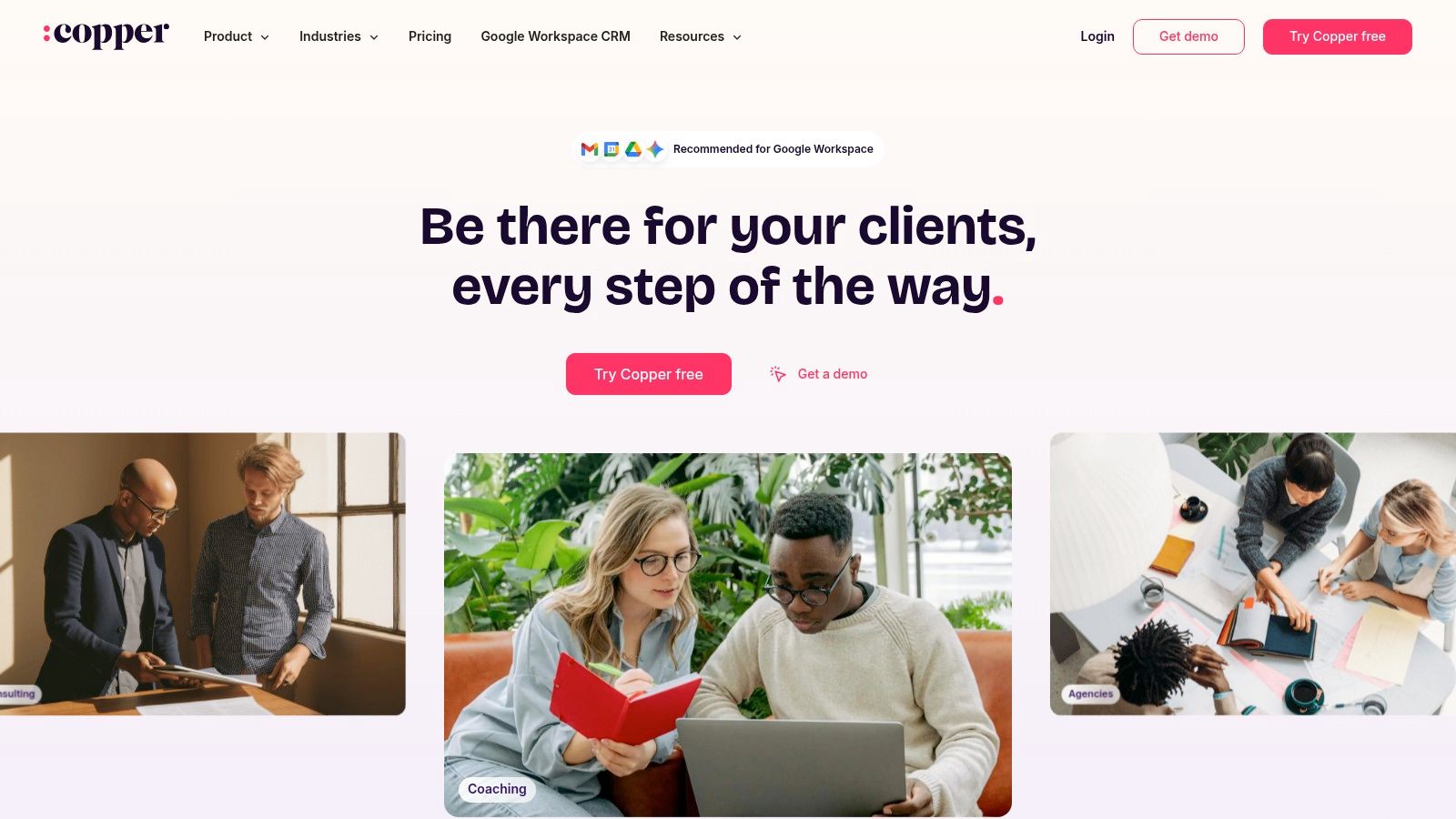
7. Insightly
Insightly fits consulting firms that need the CRM to continue working after a proposal is accepted. The post-sale handoff often becomes one of the most fragile parts of the revenue cycle. Insightly's integrated projects and dashboards connect opportunity progress with basic delivery continuity, giving it an operational advantage over pipeline-only tools.
That connection matters when a firm currently transfers won deals into a separate project system. Insightly can keep key client and opportunity context in one place, although it does not replace a full professional services automation platform. Delivery teams with complex resourcing, time tracking, or project controls may still need dedicated software.
A balanced choice for smaller service firms
Its main benefit is continuity across sales and early delivery. Consultants can move from qualification and proposal follow-up into project setup without re-entering every detail, while leaders can review active work without reconciling separate spreadsheets. This reduces the risk that referral context, client requirements, or agreed next steps disappear during the handoff.
The tradeoff is implementation and cost control. Advanced automation and integrations may require higher tiers or bundles, while an all-in-one setup fee on some packages can make the initial investment higher than the per-user price suggests. Firms should price the workflow they need, not just the entry plan.
Insightly is a practical middle ground for teams that have outgrown contact storage but do not need a full PSA suite. Its interface may require more configuration than a simpler CRM, yet that added structure can support a more accountable sales-to-delivery process.
Pros
- Better sales-to-delivery continuity. Opportunity details can carry into project work.
- Useful dashboards. Leaders can see pipeline and active delivery in one system.
- Modular options. Marketing or service functions can be added as requirements grow.
- Suitable for small firms. It avoids the administrative weight of enterprise platforms.
Cons
- Advanced features can sit behind higher tiers. Scaling costs require review.
- Setup fees may apply. Budget for implementation, not only licenses.
- Not a true PSA replacement. Delivery-heavy consultancies may need specialized tools.
Website: Insightly
Image: 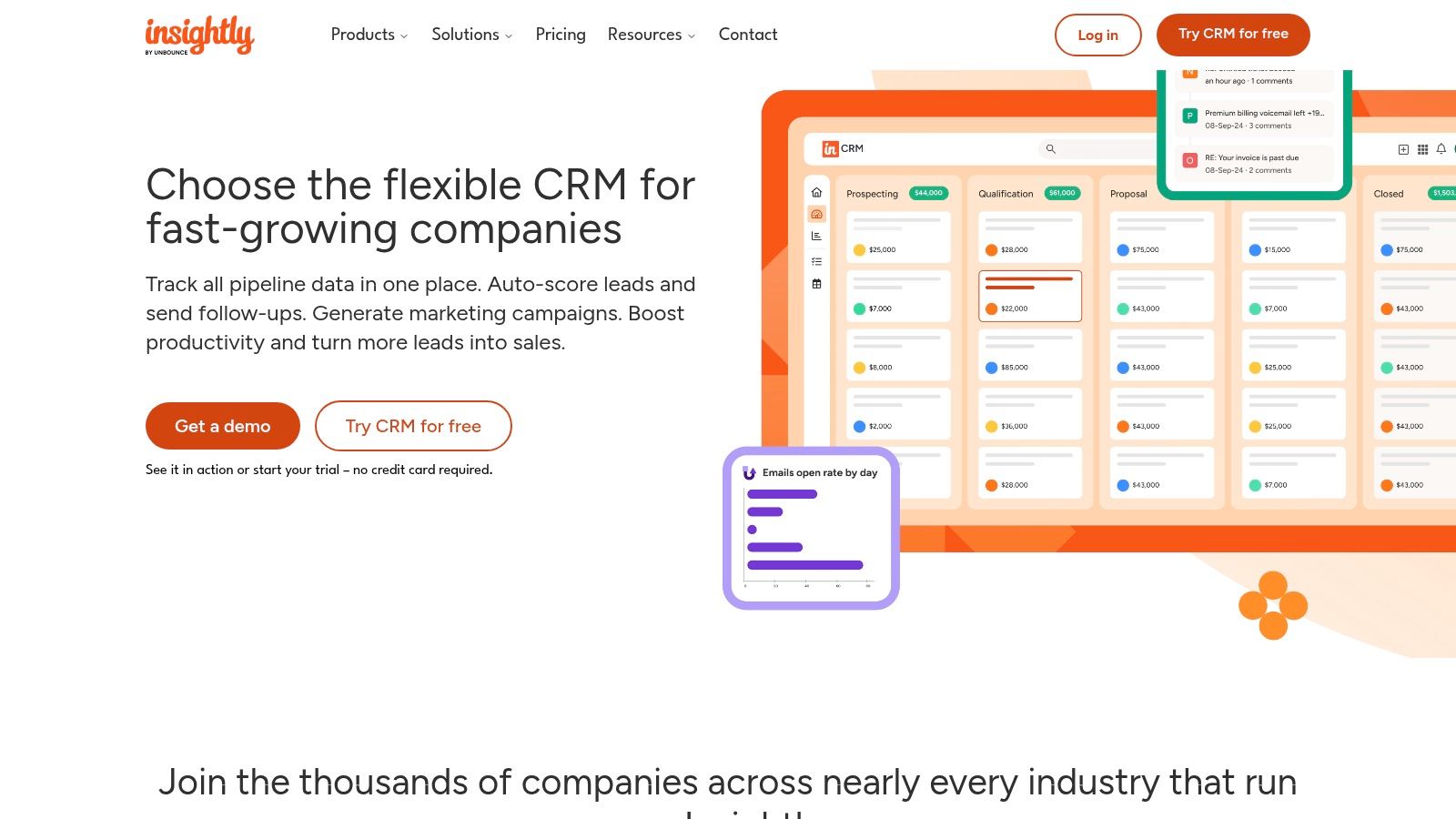
8. Capsule CRM
Capsule CRM is the lightest serious option in this comparison. It appeals to small consulting firms that want to manage contacts, opportunities, and a few simple automations without taking on the admin weight of a larger suite. That simplicity can be a strength, because many consultants do not need a complex CRM, they need a reliable one they'll keep updated.
The tradeoff is that Capsule stays intentionally modest. If your firm needs deeper marketing, service workflows, or complex reporting, it will start to look thin. For a solo consultant or a tiny boutique team, though, that restraint can be exactly what keeps the system usable.
Why it can win on adoption
Capsule is often a better operational choice than a richer platform if your team is small and busy. A simple opportunity pipeline, custom fields, and tasking are enough for many consultant workflows, especially when proposals are short and referrals drive a lot of business. Transparent tier limits help with planning, which is useful when you're trying to avoid surprise upgrades.
The optional Transpond marketing add-on gives it more reach, but the core product is still about keeping the basics clean. That makes it a sensible answer for teams that want low admin overhead first and expansion later.
Pros
- Low friction. Small teams can start quickly.
- Simple, pragmatic design. It's easy to maintain.
- Transparent limits. That helps with sizing.
- Optional marketing add-on. You can extend it when needed.
Cons
- Fewer native modules. It's not built for complex service stacks.
- Heavier marketing needs require add-ons. Costs can expand.
- Regional pricing flow can be awkward. That slows comparison shopping.
Website: Capsule CRM
Image: 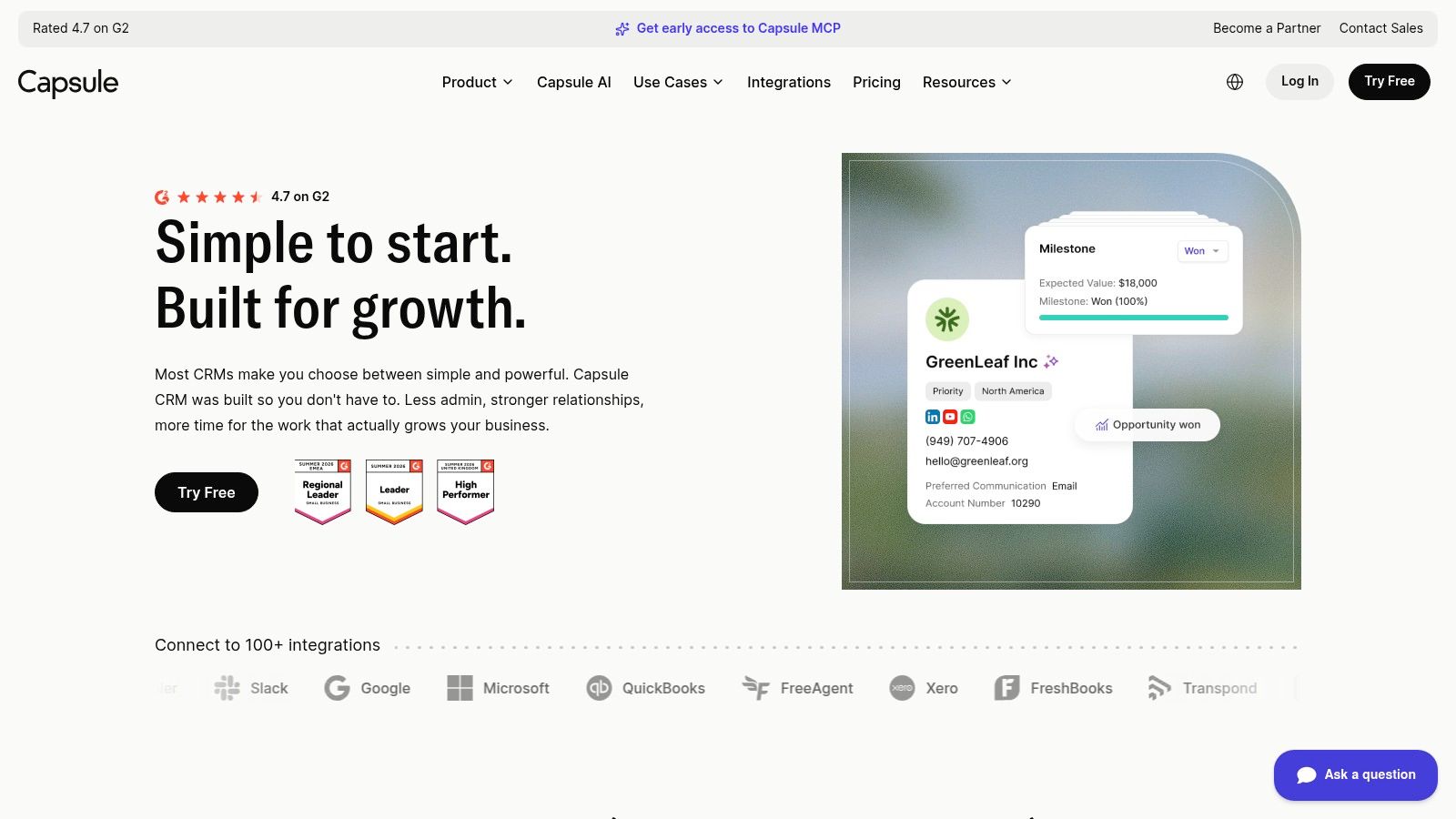
9. Close
Close is the best fit for consultants whose business development is conversation-heavy. It combines calling, SMS, email, workflows, and AI support in one sales-execution workspace, which reduces the friction that comes with juggling separate tools for outreach and follow-up. If your firm relies on direct outbound, warm calling, or fast response to interest, Close has a real advantage.
That also means it's not the best option for every consultant. If your sales motion is mostly referral-driven and your biggest problem is not making enough calls, Close may feel more powerful than necessary. But if your follow-up quality is the issue, the unified inbox and built-in communication tools can help a lot.
Best for active outreach
The practical value is tool consolidation. Instead of buying a separate dialer, SMS layer, and email tool, you get a tighter sales stack with clearer tasking. The downside is that telephony and extra AI usage can add variable costs, so it's important to understand your usage before you commit.
Close is strongest when your consulting business depends on outbound consistency and fast response times. It becomes a weaker fit when post-sale delivery management is your core need, because it's built for selling, not project coordination.
Pros
- Built for active outreach. Strong for calling and SMS.
- Unified communication layer. Less sprawl, faster follow-up.
- Clear pricing structure. That helps small teams plan.
- 30-day money-back guarantee. Lower-risk evaluation.
Cons
- Can be more tool than some consultants need. Especially if outbound is light.
- Usage-based telephony adds cost. Budget for it.
- Weak on delivery modules. Not ideal for complex post-sale workflows.
Website: Close
Image: 
10. Attio
Attio is the modern flexible choice for consultants who care about relationship intelligence. It works well for account-based firms, partnership-led consultancies, and teams that need adaptable objects and views without building everything from scratch. The appeal is that it feels current and collaborative, while still giving you enough structure to track relationships, research, and follow-up.
The biggest caution is cost variability. Its credit model means you need to watch AI and automation usage carefully, especially if your team leans on enrichment and intelligent workflows. That makes it attractive for firms that value a modern interface, but less predictable for teams that want fixed simplicity.
Where Attio stands out
Attio is useful when your consulting business depends on many subtle relationships, not just a single pipeline. It helps surface who knows whom, which contacts matter, and where the conversation sits. That makes it a strong choice for firms that win work through introductions and referral networks rather than high-volume transactional selling.
The ecosystem is still younger than the largest platforms, so you may not find the same one-click integration depth. Even so, the product's flexibility gives it an edge for teams that dislike rigid CRM structures.
If your growth comes from relationships more than campaigns, flexible relationship intelligence can matter more than a packed feature checklist.
Pros
- Modern and flexible. Good balance of structure and adaptability.
- Strong enrichment and research support. Less manual prep.
- Good collaboration model. Useful for introduction-heavy firms.
- AI-native feel. The interface is built around smarter workflows.
Cons
- Credits need monitoring. Variable usage can affect cost.
- Younger ecosystem. Fewer integrations than the biggest vendors.
- Not ideal for teams that want fixed, packaged workflows.
Website: Attio
Image: 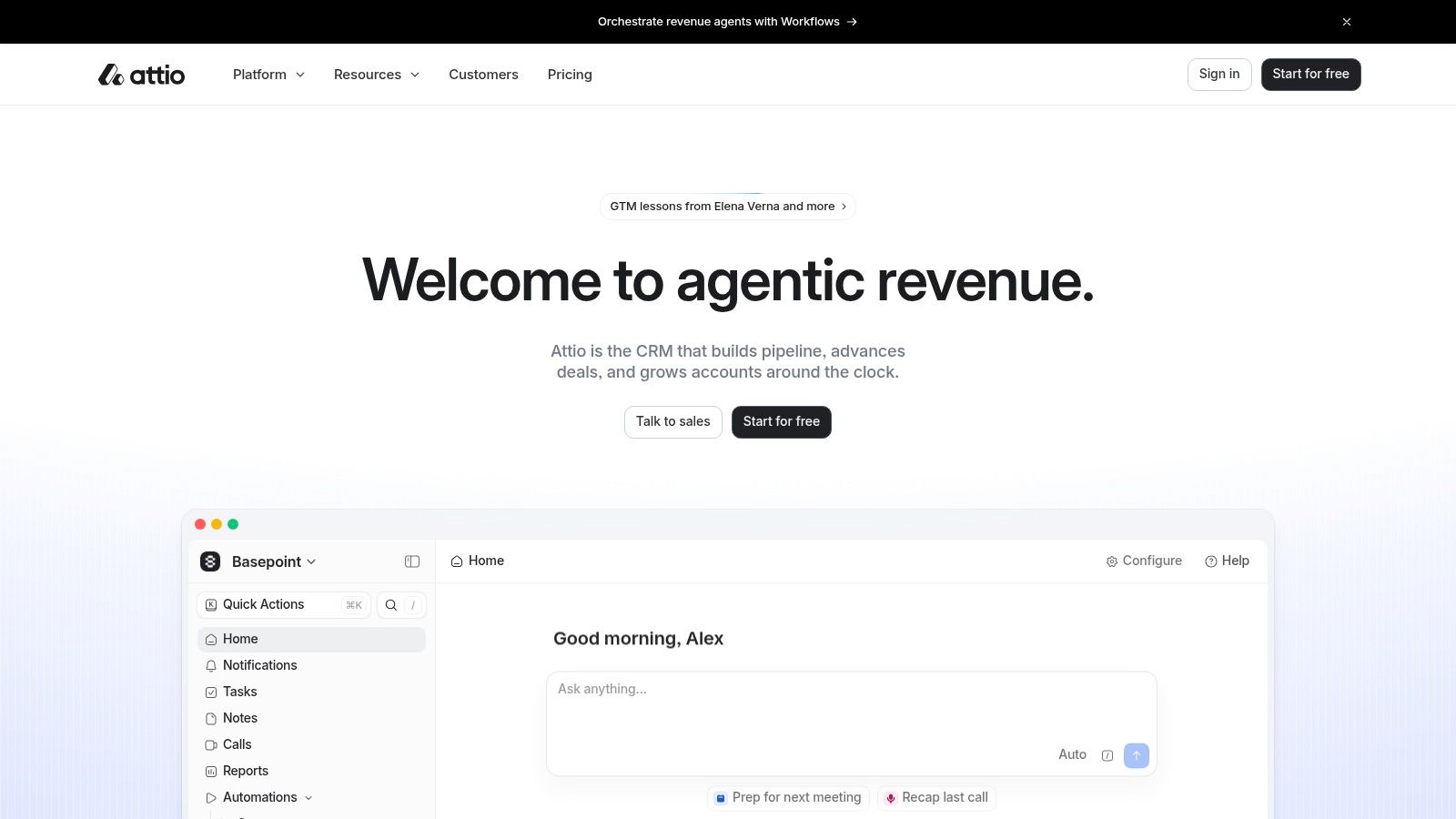
Top 10 CRMs for Consultants: Comparison
| Solution | Core features | UX / Quality (★) | Value & Price (💰) | Target audience (👥) | Unique selling point (✨) |
|---|---|---|---|---|---|
| Starward Navigators 🏆 | Prebuilt BD/Delivery/Referrals pipelines, automated multi-touch follow-up (email+SMS), proposal tracking, scheduling & reminders, onboarding automation, lead routing | ★★★★, vendor-led 14‑day go‑live | 💰 from $97/mo; setup included; tiered seats/contacts | 👥 Small consultancies (2–20), independent advisors, fractional execs | ✨ Done-for-you install + proposal-to-decision follow-up, centralized acquisition OS, AI query access |
| HubSpot Customer Platform | CRM + email, meetings, quotes, sequences, reporting, large app marketplace | ★★★★, comprehensive & scalable | 💰 Free tier; costs grow with hubs, seats & AI credits | 👥 Growing teams wanting a single-vendor platform | ✨ Extensive integrations & AI agents (Prospecting/Service/Data) |
| Pipedrive | Stage-based pipelines, required fields, meeting scheduler, email sync, basic automation | ★★★★, fast adoption, activity-driven selling | 💰 Mid-priced; add-ons for campaigns/projects | 👥 Small sales-led consultancies, BD-focused teams | ✨ Enforces "next activity" to prevent stalled proposals |
| Zoho CRM | Email/phone, multiple pipelines, CPQ, portals, Zia AI, process tools | ★★★, feature-rich but can be complex | 💰 Low-cost; free up to 3 users; bundle options | 👥 Budget-conscious firms needing broad app suite | ✨ Tight integration across Zoho apps (Desk, Projects, Analytics) |
| Salesforce Starter Suite | Accounts/Contacts/Leads/Opportunities, guided sales flows, basic email marketing & analytics | ★★★★, enterprise upgrade path | 💰 Starter pricing; costs increase for extensibility | 👥 Firms expecting complex governance or growth | ✨ Clear migration path to full Salesforce platform |
| Copper | Deep Gmail/Calendar/Drive integration, auto contact enrichment, pipelines, task automation | ★★★★, inbox-native, low context-switching | 💰 Mid-priced; Google Workspace value | 👥 Google Workspace–centric agencies & consultants | ✨ Native Gmail/Drive CRM experience |
| Insightly | CRM + integrated projects, dashboards, optional All‑in‑One bundles, AI copilot on higher tiers | ★★★, good sales-to-delivery continuity | 💰 Mid-priced; modular bundles; some setup fees | 👥 Firms wanting delivery handoffs in one system | ✨ Built-in project management for post-sale delivery |
| Capsule CRM | Contact & pipeline tracking, simple automation, transparent tier limits, optional marketing add-on | ★★★, lightweight, low admin overhead | 💰 Low-cost; free tier for very small teams | 👥 Very small services firms, solo consultants | ✨ Simple, pragmatic CRM with quick time-to-value |
| Close | Built-in dialer, SMS, email, workflows, AI agent, unified inbox | ★★★★, strong outbound execution | 💰 Mid–high; telephony & AI usage metered | 👥 Outbound-heavy consultancies & SDR-led BD | ✨ All-in-one calling/SMS + outreach AI |
| Attio | Relationship intelligence, auto enrichment, flexible objects/views, AI credits model | ★★★★, modern UX, collaboration-focused | 💰 Mid; credit-based AI/automation costs | 👥 Account-based, research-heavy consulting teams | ✨ AI-native relationship insights & flexible data model |
Choose the Workflow You Can Sustain
There isn't one universal winner here, because consulting firms don't all fail in the same place. Some lose leads at intake, some lose momentum after discovery, some let proposals go quiet, and some create a mess at the sales-to-delivery handoff. The right CRM is the one that fixes your weakest link without introducing a bigger management problem somewhere else.
If you want installed consulting-specific acquisition infrastructure, Starward Navigators is the most purpose-built choice in this list. If you need breadth and ecosystem depth, HubSpot is hard to beat. If you want pipeline visibility with minimal friction, Pipedrive stays practical. If value and suite consolidation matter most, Zoho makes sense. If governance and future scale are the priority, Salesforce has the longest runway. If your team lives in Google Workspace, Copper feels native. If you need sales-to-delivery continuity, Insightly is the most relevant. If you want lightweight administration, Capsule keeps things simple. If your motion depends on outbound conversations, Close is built for that. If relationship intelligence matters most, Attio gives you modern flexibility.
Total cost matters more than the sticker price. Compare seats, add-ons, AI credits, telephony, setup fees, and future upgrades against the way your firm works. Then make the system do the basics consistently. Define stages, assign ownership, document proposal next steps, connect lead sources, test reminders, map the won-to-onboarding handoff, and review stalled opportunities regularly. That's the difference between a CRM that looks good in a demo and one that protects revenue in real life.
If you want a CRM that's already built around how consultants acquire, chase, win, and hand off work, Starward Navigators is worth a serious look. It gives small consulting and advisory firms prebuilt pipelines, done-for-you setup, and the follow-up structure that stops deals from going quiet. Visit Starward Navigators to see how its consulting-focused operating system fits your firm.