You sent a solid proposal on Thursday. The prospect gave you a verbal yes on the call, you meant to send the contract that afternoon, and client work swallowed the next nine days. By the time you followed up, they'd hired someone who replied faster.
That's the pattern this list is built around. Most solopreneurs don't need a bigger CRM. They need a system that follows up on open proposals, reminds people to show up, and moves a won deal into kickoff without you retyping names, dates, and next steps. The adoption gap explains why so many tools miss that mark. In a May 2022 survey of 1,146 U.S. small-business owners and managers, MarketingCharts reported that just 11% of sole proprietors used CRM software, compared with much higher use as headcount grew. Tools built for sales teams assume someone else will configure them.
I judged these eight options on monthly cost at realistic seat and contact counts, automation available on the entry tier, setup time before the first live lead, and fit for a consulting cycle of discovery, proposal, decision, delivery, and referrals. The list stops at eight because overlapping products were merged rather than padded out. If you're still sourcing inquiries, match lead generation to your budget before you automate follow-up for leads you don't have yet.
General-purpose CRMs give you a blank system to configure. Purpose-built systems for consultants ship with pipelines and follow-up already shaped around a consulting sale.
Disclosure matters here. The first item is the publisher's own product, so weigh it against the others on the same criteria, not on placement.
Table of Contents
- 1. Starward Navigators
- 2. HubSpot Smart CRM
- 3. Pipedrive
- 4. Zoho CRM
- 5. Less Annoying CRM
- 6. Capsule CRM
- 7. HoneyBook
- 8. OnePageCRM
- How the eight options compare on starting price, free access, automation depth, and best-fit use case
- Choosing a Solopreneur CRM by Where Your Revenue Leaks
1. Starward Navigators
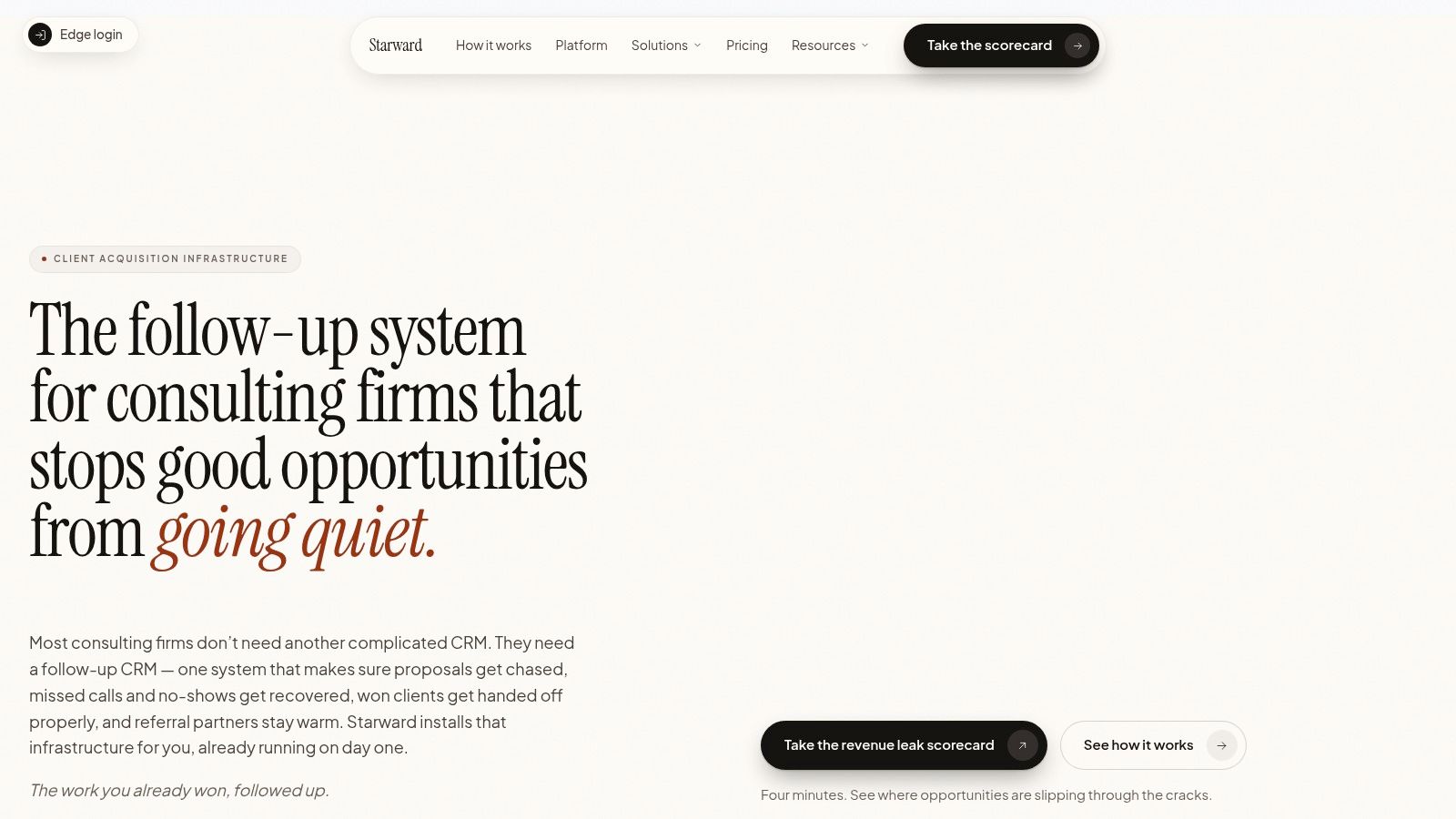
Starward Navigators is a done-for-you follow-up CRM for independent advisors and small consulting or advisory firms that win leads through referrals, LinkedIn, and events but lack a system for turning those leads into booked calls and signed clients. Setup follows a Map, Install, Go Live process: the team maps how leads, meetings, proposals, clients, and referral partners move through your firm, then configures prebuilt Business Development, Client Delivery, and Relationships & Referrals pipelines to match. Contacts are imported during setup, and forms connect to your current website or to the Sites tools included on every plan.
Where It Plugs Revenue Leaks
The system captures and routes new leads, sends scheduling confirmations and reminders, follows up on open or stalled proposals with stage-based triggers, and runs no-show recovery. When an opportunity is marked Won, the client record updates, the delivery pipeline starts, the owner is notified, and onboarding plus kickoff scheduling begin automatically with sales context carried over. Referral partners get tracked stages and ongoing nurture touches between introductions, so a good source doesn't go quiet for six months.
Speed is the reason this plumbing matters. Ringy reported an average response time of 42 hours and that 23% of companies failed to respond entirely in an analysis of Harvard Business Review lead-response research covering 2,241 U.S. companies. A solo operator can't staff that gap manually. Event-driven capture and first follow-up do it for you.
Pros
- Preconfigured pipelines: Consulting stages, proposal follow-up on a schedule, and client handoffs arrive built, not blank.
- Automation on every plan: Every prebuilt automation runs on Core exactly as it does on Firm. Self-serve access to the Campaigns, Triggers, and Workflows builder starts at Core Plus.
- Done-for-you setup: The vendor configures the system to your process, backed by a 14-day go-live guarantee.
- Clear entry pricing: Core is $97 per month with 2 users and 2,000 contacts, with CRM, scheduling, messaging, proposals, and automation in one place.
Cons
- Higher starting price: At $97 per month, it costs more than a basic contact tool, and plan-specific user and contact limits push growing firms to higher tiers.
- Consulting-cycle fit only: The pipelines assume a discovery, proposal, decision, delivery, and referral sale. If your business doesn't sell that way, the shape works against you.
- Your input is required: Setup is adapted to your process, so go-live timing depends on you supplying access, lists, and decisions promptly.
2. HubSpot Smart CRM
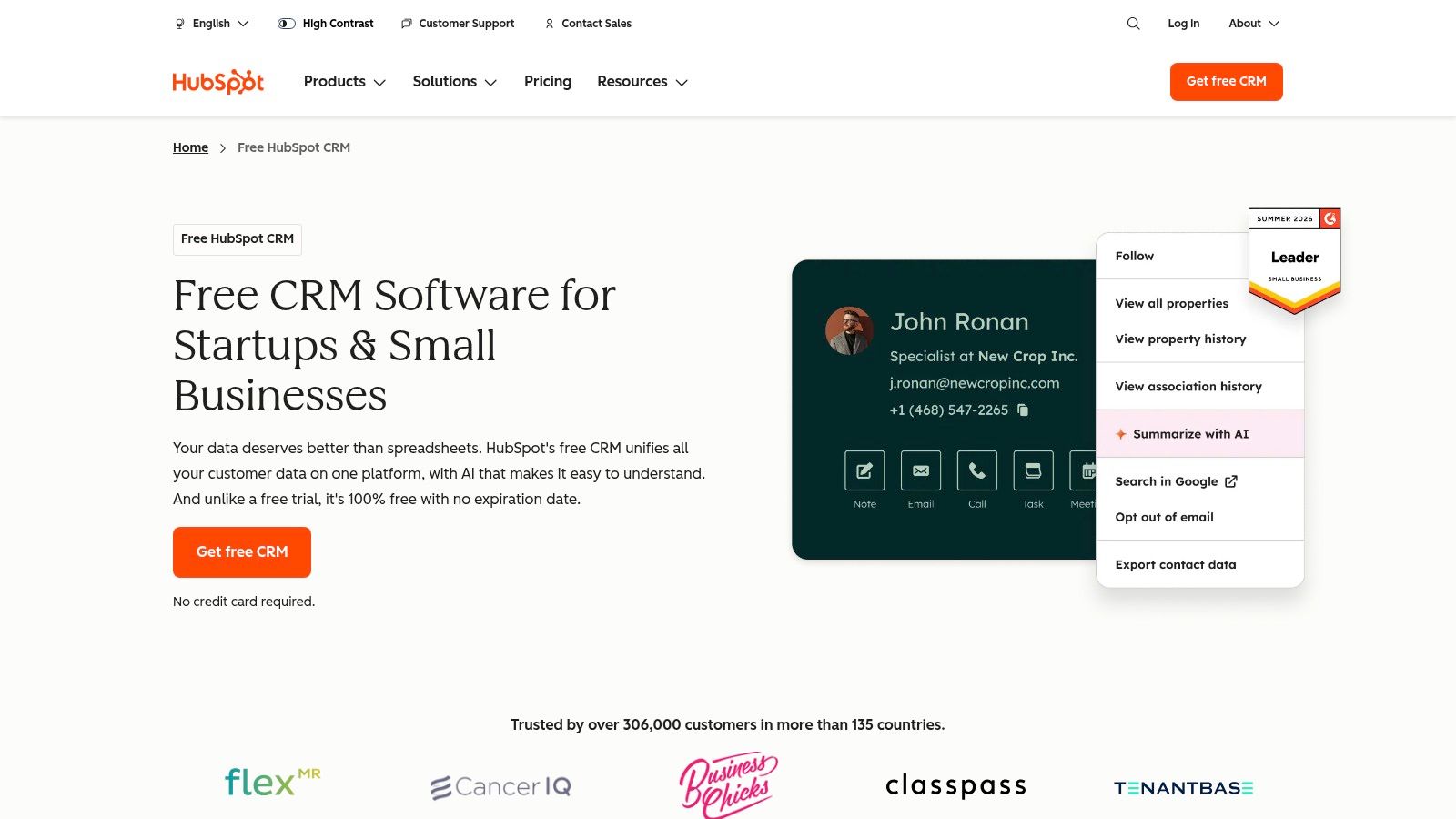
HubSpot Smart CRM is the conventional starting point if your budget is zero and you want contacts and deals out of your inbox today. The free tools cover contact and deal management, email connections with Gmail and many Outlook setups, and meeting scheduling. For a first CRM, that's a real step up from a spreadsheet, and you can start without committing to a paid plan.
The Free Tier Ceiling
The limits show up once referrals, proposals, and follow-up start moving at the same time. The free edition limits seats and contacts, so an active referral network will outgrow it, and the automation that chases a stalled proposal sits in paid products. Moving up is easy, but the broader marketing, service, and content ecosystem can pull a solo consultant into paying for platform breadth they'll rarely touch. Before you commit, read a direct comparison of HubSpot for consulting firms against a purpose-built setup.
Pros
- Free entry point: You can test whether you'll use a CRM before paying.
- Broad ecosystem: Marketing, service, and content tools connect if you grow into them.
- Polished basics: Contact records and deal tracking are easy to learn.
Cons
- Tight free limits: Seat and contact caps won't suit an active referral network for long.
- Automation costs extra: Proposal follow-up, no-show recovery, and client handoffs usually need paid features or manual work.
I recommend HubSpot if you need free structure now and accept that you'll design your own reminders and handoffs later.
3. Pipedrive
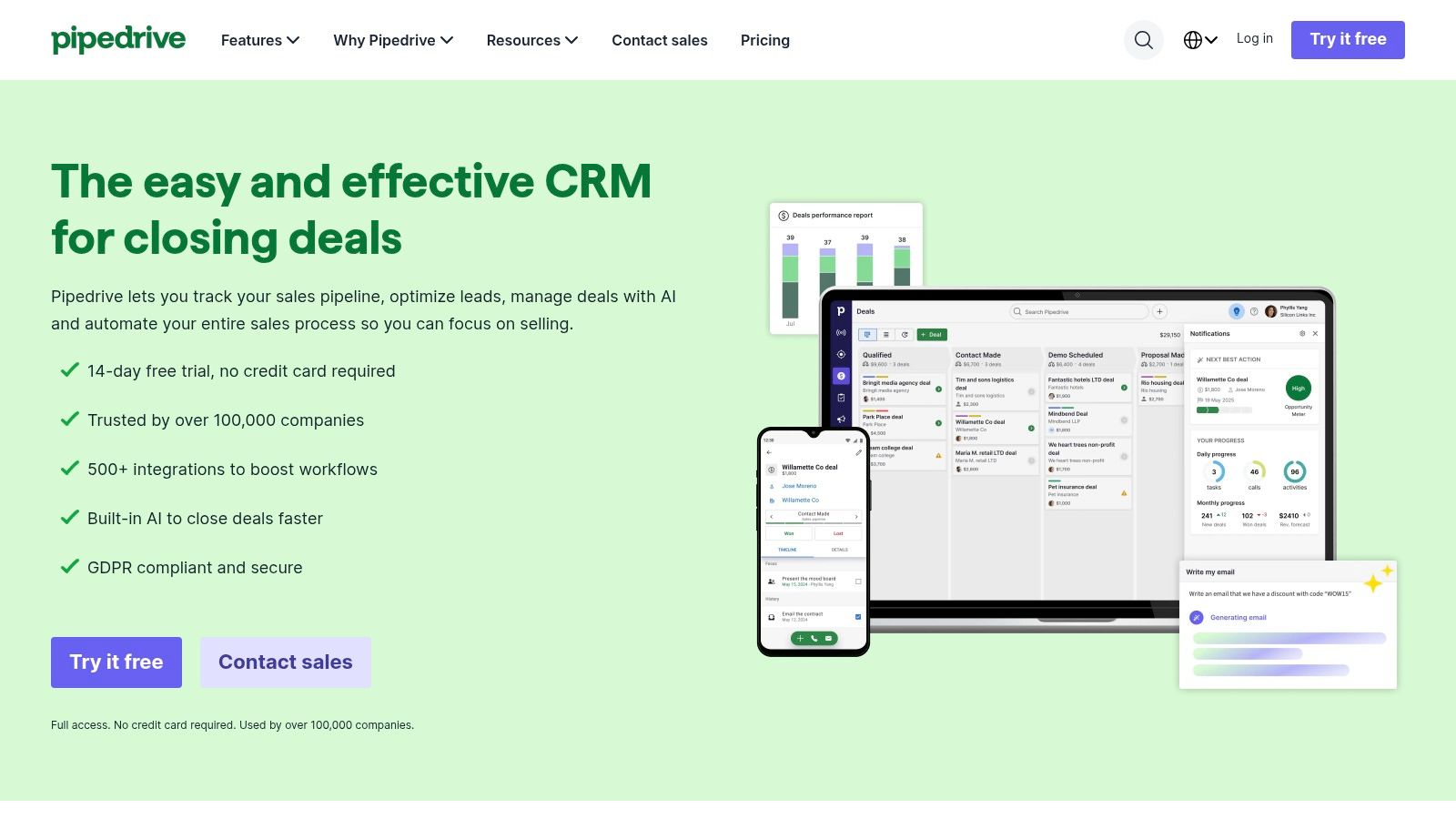
A solo consultant's week is often a row of discovery calls, proposals out, and decisions pending. Pipedrive puts that row on one screen. It's a sales-focused CRM built around pipeline stages, with contacts, deals, and calendar events in a central view. You drag an opportunity forward and the next stage is obvious, which suits consultants who think in deals rather than contact lists.
That focus replaces the spreadsheet many solos still run on. In a 2023 U.S. survey of 1,500 companies with fewer than 100 employees, SchedulingKit reported that 38.6% of respondents relied on spreadsheets, email, or personal productivity tools for customer-management work. Pipedrive's spreadsheet and CRM imports make that switch quick, and its marketplace connects to common tools such as Zapier and Zoom.
Pricing and Limits
Lite is listed at $14 per seat per month billed annually, Growth at $39 per seat per month billed annually, and a 14-day free trial lets you test with real deals. Automation depth depends on the plan, so confirm that the follow-up sequence you need runs on the tier you'd buy. On the revenue-leak test, Pipedrive keeps every open deal visible, but no-show recovery and client handoff sit outside the pipeline view and need outside tools.
Pros
- Pipeline clarity: Every active opportunity and its stage is visible at a glance.
- Fast to trial: Fourteen days is enough to run live proposals through it.
Cons
- Delivery isn't covered: Client handoffs and referral nurturing usually need other tools or integrations.
- Costs climb with needs: Paid tiers get pricier as follow-up requirements expand.
Pipedrive is a strong pick when poor deal visibility is the leak. When the leak is a proposal that went quiet or a client who never got handed off, budget for Growth and plan on connecting other tools.
4. Zoho CRM
Zoho CRM is the broad option for a solo operator who expects to hire or who already juggles several service lines. It tracks contacts, leads, deals, tasks, and activities, adds follow-up reminders and website forms, and layers reporting on supported plans. Paid tiers add multiple pipelines and deeper process automation, so you can separate, say, fractional engagements from project work.
Breadth is both the appeal and the risk. Metrigy's 2025 CX MetriCast, reported by the Kansas City Star, put CRM usage at 52.5% among companies with fewer than 250 employees compared with 78.4% among organizations employing 1,000 to 2,500 people. Smaller firms adopt less because configuration falls on the owner. Zoho gives you the parts, including data entry structure, pipeline design, and reporting setup, but you'll assemble them yourself.
Cost and Setup Reality
The free edition supports up to three users, and Standard is listed at $14 per user per month billed annually. That's inexpensive for the feature count. Budget your own hours as part of the price, though. Email integration, meeting scheduling, mobile apps, and workflow automation vary by plan, so confirm your exact follow-up sequence works on the tier you'd buy.
Pros
- Generous free start: Three users cover a consultant plus support help.
- Room to grow: Multiple pipelines and automation support more complex processes later.
Cons
- More setup and learning: The feature breadth takes focused time to configure well.
- Tier checking is essential: Capabilities shift by plan, and surprises usually surface mid-build.
5. Less Annoying CRM
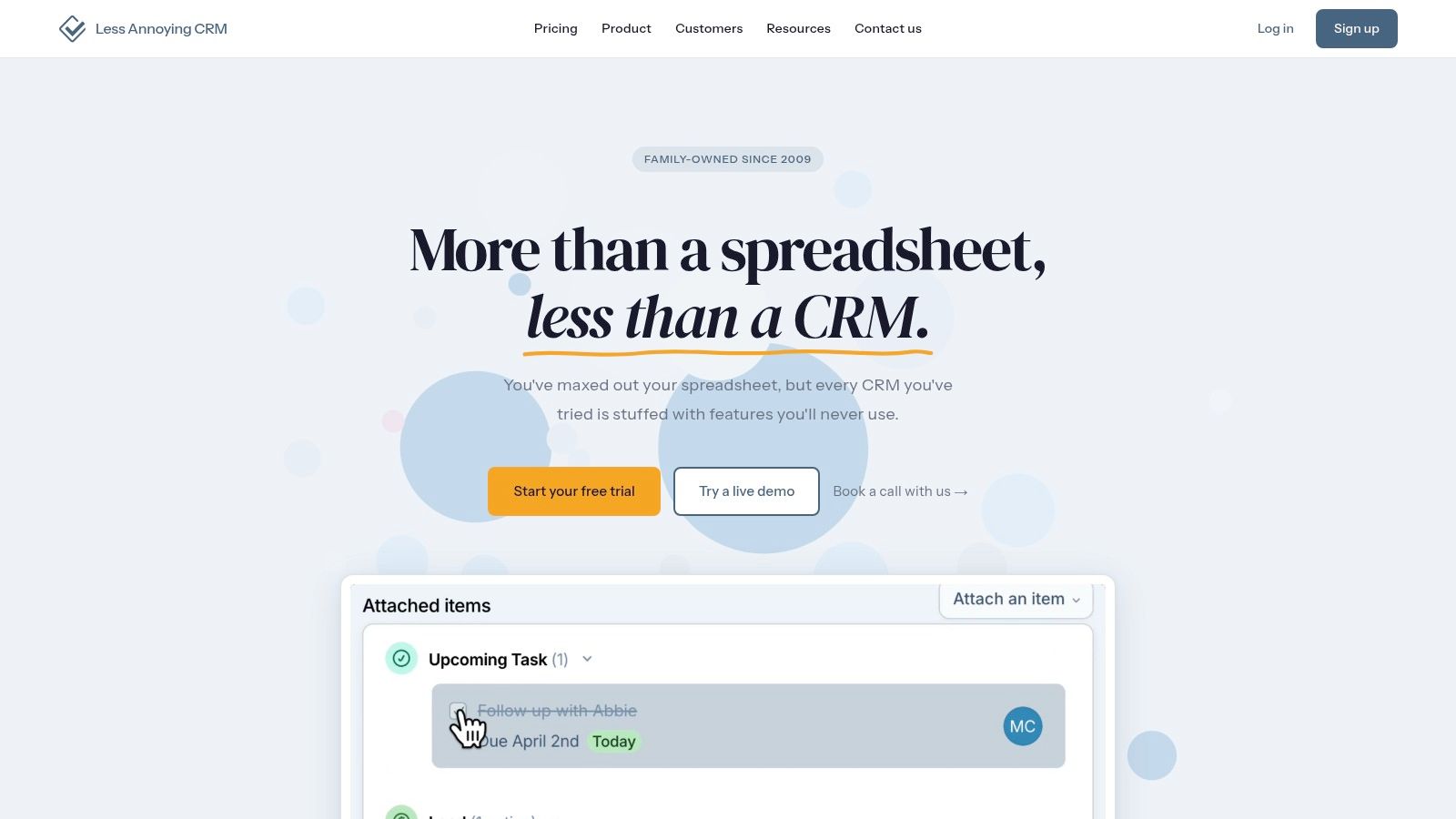
A solo consultant's CRM failure usually looks the same: the tool sits unopened for two weeks, and the follow-up list migrates back to sticky notes. Less Annoying CRM bets that a smaller tool you'll open every morning beats a bigger one you won't. It runs one plan at $15 per user per month with unlimited contacts, companies, and pipelines, plus task management, email logging, custom fields, mobile access, and free phone and email support.
That simplicity speaks to the main barrier for one-person firms. Maintenance costs and the time needed for training are widely cited obstacles to CRM adoption among small businesses, and a one-plan product with human support lowers both. You won't spend a weekend comparing tiers or translating admin documentation.
What You Give Up
The trade-off is automated chasing. This tool keeps your next action visible, but you still write and send every proposal follow-up yourself. No built-in sequence rescues a no-show, and nothing triggers a referral touch when a project wraps. For a handful of active opportunities and a book of past clients, that's acceptable. If stalled proposals are where your revenue leaks, weigh it against a purpose-built CRM for consulting firms before deciding.
Pros
- One clear price: No annual commitment required, and a 30-day trial runs without a credit card.
- Support included: Phone and email help come standard, which matters when you're the IT department.
Cons
- Limited automation: Complex workflows aren't its job.
- Narrower platform: No built-in marketing or client-finance features.
6. Capsule CRM
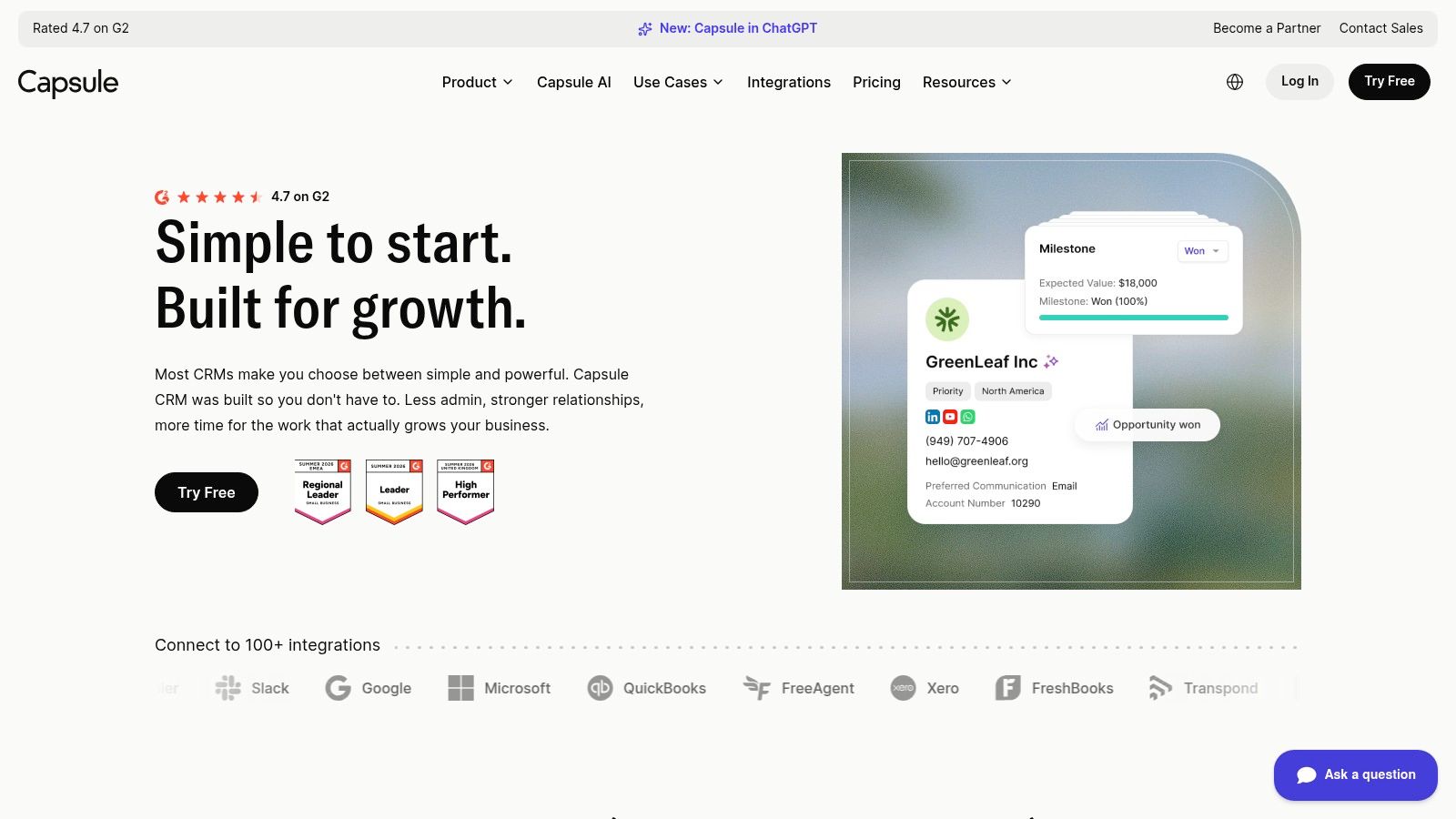
Capsule CRM suits relationship-driven work, where the history with a person matters as much as the current deal. It combines contact organization with sales opportunities, tasks, and project features, so a past client, a live proposal, and a referral partner can all sit in one tidy record. The free plan supports up to two users and 250 contacts with one sales pipeline.
That contact ceiling arrives fast if you network seriously. Starter, listed at $18 per user per month billed annually, raises the limit to 30,000 contacts and adds email templates, basic reporting, and a shared mailbox. Paid plans carry a 14-day trial. Workflow automation and multiple pipelines wait on higher tiers, so map your consulting stages onto a single pipeline first and see if it holds.
Keeping Automation Personal
Capsule's restraint can be a virtue. A review of CRM implementation problems, published through Modern Economics, identified undefined goals, unoptimized processes, and weak integration planning as recurring failure categories. Starting with clean records and manual judgment on sensitive outreach beats automating a messy process at scale.
Pros
- Free tier for two users: Enough to organize a small book properly.
- Relationship-first records: Contact and opportunity history stay together.
Cons
- Free limits bite: 250 contacts prompts an upgrade for active networkers.
- Marketing is an add-on: Campaigns aren't part of the core CRM.
7. HoneyBook
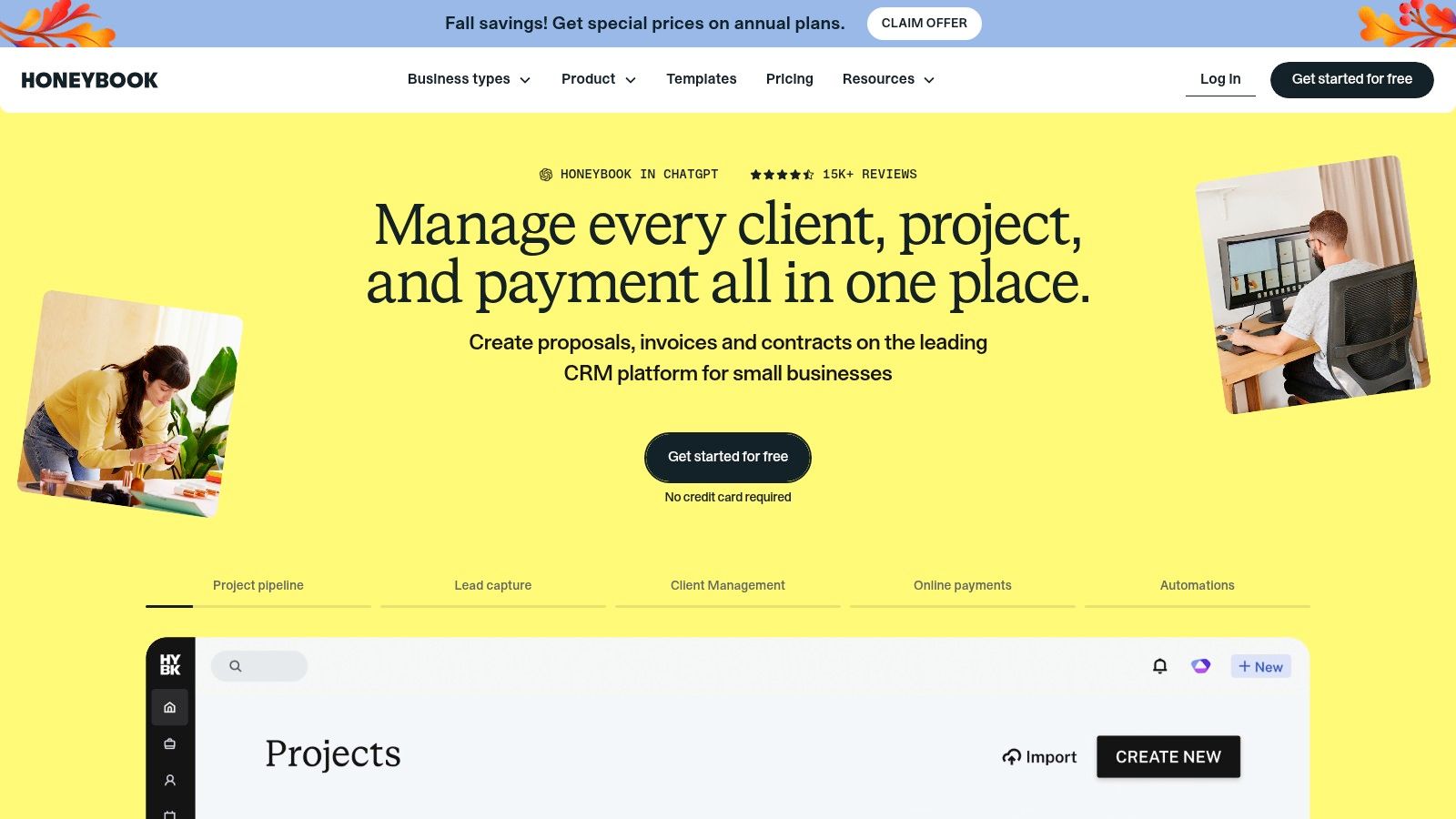
HoneyBook isn't a pure sales CRM. It's client-relationship software for independent service businesses that links lead tracking with proposals, contracts, scheduling, invoicing, and payments. For a consultant whose friction sits after the yes, in paperwork and getting paid, that single client journey is the point.
Starter is listed at $29 per month billed annually, with Essentials and Premium above it, plus a 30-day trial and a 60-day money-back guarantee. Listed plans include unlimited clients and projects. Features cover a customizable project pipeline, inquiry reminders, a client portal, and lead forms. The scheduler and fuller automations require Essentials or higher, so price the tier that sends your reminders.
Fit Check Before You Buy
Test your real sequence end to end, inquiry, discovery, proposal, contract, invoice, kickoff. If that flow feels natural, HoneyBook can replace several admin tools. If you think in sales stages and stalled-deal escalation, its project framing may fight you. A documented client onboarding workflow helps you spot which steps any tool must handle.
Pros
- Whole client journey: Contracts, invoices, and payments sit beside leads.
- Low-risk trial terms: Thirty days to test, with a money-back guarantee listed.
Cons
- Two cost layers: Subscription plus payment-processing fees affect true cost.
- Automation gated upward: Key features require Essentials or higher.
8. OnePageCRM
OnePageCRM gives every contact or deal a concrete next action. The daily list can surface callbacks, proposal check-ins, and warm-lead follow-ups before they slip. That makes it a practical fit for solo consultants whose main CRM problem is remembering the next step.
Plans include unlimited contacts, deals, fields, and tags, along with web forms and email sync. Automation depth depends on the tier, with email sequences and broader automation available on higher plans. Check the plan details against your sales cycle before relying on sequences to keep proposal follow-up on schedule.
Where It Fits a Consulting Cycle
The action-first approach suits discovery through the decision stage, where each opportunity needs a dated follow-up. Client handoffs and referral nurture may need more manual tracking, and pipeline and automation limits vary by plan. Consultants with distinct offers should confirm that their preferred tier supports the way they manage each pipeline.
Pros
- Action-first design: Follow-ups stay visible rather than buried in contact records.
- Tier-dependent sequences: Higher plans offer email sequences for scheduled outreach.
Cons
- Automation depends on the plan: Confirm the available features before building a repeatable follow-up process.
- Delivery handoffs need attention: The sales focus may require extra organization once a prospect becomes a client.
How the eight options compare on starting price, free access, automation depth, and best-fit use case
| Item | Starting price | Free option | Automation depth | Best for |
|---|---|---|---|---|
| Starward Navigators | $97/month | No free plan listed | Prebuilt follow-up, routing, onboarding, and referral workflows run on every plan | Consulting firms seeking a configured CRM and implementation |
| HubSpot Smart CRM | $0; Starter from $20/seat/month | Free plan, limited to 2 users and 1,000 contacts | Advanced automation may require paid plans | Solo operators wanting a free CRM and connected business tools |
| Pipedrive | $14/seat/month, billed annually | 14-day free trial | Automation and follow-up tools vary by plan | Consultants managing sales opportunities through clear pipeline stages |
| Zoho CRM | $0; Standard from $14/user/month, billed annually | Free edition for up to 3 users | Workflow automation available; capabilities vary by plan | Firms needing broad sales-management features |
| Less Annoying CRM | $15/user/month | 30-day free trial | Limited for complex automated workflows | Small businesses seeking simple contact and pipeline management |
| Capsule CRM | $0; Starter from $18/user/month, billed annually | Free plan for up to 2 users and 250 contacts | Workflow automation on higher tiers | Relationship-driven businesses tracking contacts and opportunities |
| HoneyBook | $29/month, billed annually | 30-day free trial | Automations on Essentials and higher | Independent service businesses managing the client journey |
| OnePageCRM | $29.95/user/month, billed annually (Max plan) | No free option listed | Email sequences and unlimited automation on Max | Solo operators who want clear next actions for every contact or deal |
Choosing a Solopreneur CRM by Where Your Revenue Leaks
Don't pick a winner in the abstract. Match the tool to the point where your money leaks, because the best CRM for solopreneurs is the one that closes your specific gap. In 2024, Automated Sales Machine reported Freshworks findings that 71% of small businesses, defined as organizations with 500 or fewer employees, used CRM software. Adoption alone doesn't tell you which shape of system fits a one-person practice.
If you run a few active proposals and need a clean, cheap pipeline, start with Pipedrive for stage clarity, Less Annoying CRM for one-price simplicity, or Zoho CRM on its free tier if you'll invest setup time. Your risk isn't scale. It's paying for automation you never configure. A visible next action on every deal will recover more revenue than unused workflow builders.
If missed follow-up, no-shows, and manual handoffs are the problem, a purpose-built system reduces the work you keep postponing. That's the case for an installed setup like ours, where proposal follow-up runs on a schedule, no-show recovery triggers automatically, and a Won deal starts delivery without re-entry. You pay more than a basic tracker, and in exchange the pipelines, reminders, and referral nurture arrive built.
If contracts, invoicing, and payments cause the friction, HoneyBook covers that administrative stretch in one product. Just confirm the plan tier includes the scheduler and automations you expect, and factor payment-processing fees into the actual monthly cost.
General CRMs can work well for consultants, but they usually require the owner to design the pipelines, reminders, and handoffs. Purpose-built systems trade some flexibility for a consulting workflow that's ready on day one.
Do one practical exercise before any trial. List the three points where deals stalled last quarter, whether that's an unanswered proposal, a discovery no-show, or a slow kickoff after signing. Then test each candidate only on those points, on the exact plan you'd buy, with a real contact and a real deadline. If the tool doesn't automate or clearly surface that moment, it won't fix your leak no matter how long its feature list runs.
Confirm pricing, user limits, and automation tiers directly with each vendor before you migrate data, since plans change and entry prices rarely tell the whole story. If budget is the deciding filter, browse no-cost CRM options and note what each free tier withholds. Finally, check your own regulatory obligations independently. A CRM organizes follow-up, and it does not provide compliance or licensing guidance for your firm.
If your proposals go quiet, your discovery calls no-show, and won deals stall before kickoff, we install the pipelines, reminders, and handoffs that stop those leaks for you. See how the system works and what each plan includes at Starward Navigators, then judge it against the same three stalled deals you'd test anywhere else.