A polished checklist doesn't create a reliable client onboarding process. Your team needs a clear timeline, assigned tasks, and client-facing communication that people will use after the contract is signed. The right client onboarding template depends on where your process breaks today: missing documents, unclear ownership, delayed approvals, weak sales-to-delivery handoffs, or follow-up that stops once the proposal is accepted.
This comparison evaluates each option by the operational layer it standardizes, including documents, tasks, timelines, communications, handoffs, and automation. It also considers setup effort, customization, collaboration, and fit for different consulting engagement models. If acquisition and delivery are disconnected, Starward Navigators deserves special attention because it connects lead capture, proposal tracking, onboarding, delivery kickoff, and referral workflows.
Table of Contents
- 1. Starward Navigators
- 2. Asana Client Onboarding Process Template
- 3. ClickUp Client Onboarding Starter Kit
- 4. HubSpot Free Customer and Client Onboarding Templates
- 5. monday.com Customer Onboarding Template
- 6. Process Street Client Onboarding Templates
- 7. Notion Client Onboarding OS
- Top 7 Client Onboarding Templates Comparison
- Turn the Template Into a Repeatable Client Experience
1. Starward Navigators
Starward Navigators is the strongest choice when onboarding problems begin before the client signs. It's a turnkey client-acquisition operating system for small consulting and advisory firms, with prebuilt workflows for Business Development, Client Delivery, and Relationships & Referrals rather than a blank CRM that your team must design from scratch.
Its operational layer is handoff automation. When an opportunity reaches the Won stage, the system can update the record, start the delivery pipeline, notify owners, and coordinate kickoff scheduling. That connects the proposal decision to the first delivery action, which is where many small firms rely on manual messages and memory. Starward also centralizes lead capture from sources such as websites, inboxes, LinkedIn, and events, then supports follow-up sequences for new leads, proposals, stalled opportunities, and referral nurture.
Where it fits
Choose Starward when your firm needs one operating system from first contact through active delivery. It suits small consulting firms, independent advisors, fractional executives, and boutique business development teams that depend on referrals, LinkedIn, and events but don't have a repeatable system for response, proposal follow-up, and onboarding.
The vendor-led Map, Install, Go Live process reduces implementation work, and Starward’s done-for-you setup is typically live in about two weeks once the required setup inputs and approvals are supplied. Pricing is tiered, with Core at $97 per month, Core Plus at $197 per month, Team at $297 per month, and Unlimited Firm at $497 per month, as listed by Starward Navigators. Core runs the included automations, but self-serve access to Campaigns, Triggers, and Workflows begins with Core Plus. User and contact limits also vary by plan, while Unlimited Firm removes those ceilings.
Practical rule: Use Starward when the real bottleneck is the transition from signed opportunity to owned delivery, not just the collection of intake information.
You'll still need to customize service stages, owners, approval rules, client readiness questions, and kickoff communications. Starward won't replace a detailed project plan or serve as a complete compliance repository. Its value is the connected operating layer that prevents acquisition, proposal, onboarding, and referral activity from becoming separate systems.
2. Asana Client Onboarding Process Template
Asana standardizes tasks and timelines. Its Client Onboarding Process Template gives a consulting team a structured project workflow from kickoff through implementation, with task ownership, custom fields, multiple views, rules, and integrations. It's a practical starting point for firms that already think in projects and need a repeatable sequence rather than a document pack.
The template works well for a standard engagement with a defined start date, clear deliverables, and several internal contributors. You can assign an onboarding lead, add client-specific tasks, set due dates, and use timeline views to show dependencies. Integrations with tools such as HubSpot, Salesforce, Pipedrive, and Gmail can help connect project work with sales and communication systems, although the quality of that connection depends on how your team configures it.
What to customize first
Adapt the template around your actual delivery model. A strategy consultancy may need discovery preparation, stakeholder interviews, data access, and executive review. A fractional executive may need leadership access, meeting rhythms, internal reporting permissions, and a decision-rights map. Don't leave the template as a generic list of “send welcome email” and “schedule kickoff.” Each task needs one owner, a client action where relevant, and a clear definition of completion.
Asana's main limitation is that it standardizes the work after someone creates or triggers the project. It doesn't, by itself, solve every acquisition-to-delivery handoff or enforce follow-up when a proposal goes quiet. You may also need paid tiers for deeper automation and approval capabilities, and clients or collaborators may need time to adopt Asana.
Use Asana's follow-up automation resources when you need to connect task management with more deliberate opportunity follow-up. Choose Asana when task ownership and timeline visibility are the primary gaps. Don't choose it as your only system if your sales pipeline and onboarding workflow are already fragmented.
3. ClickUp Client Onboarding Starter Kit
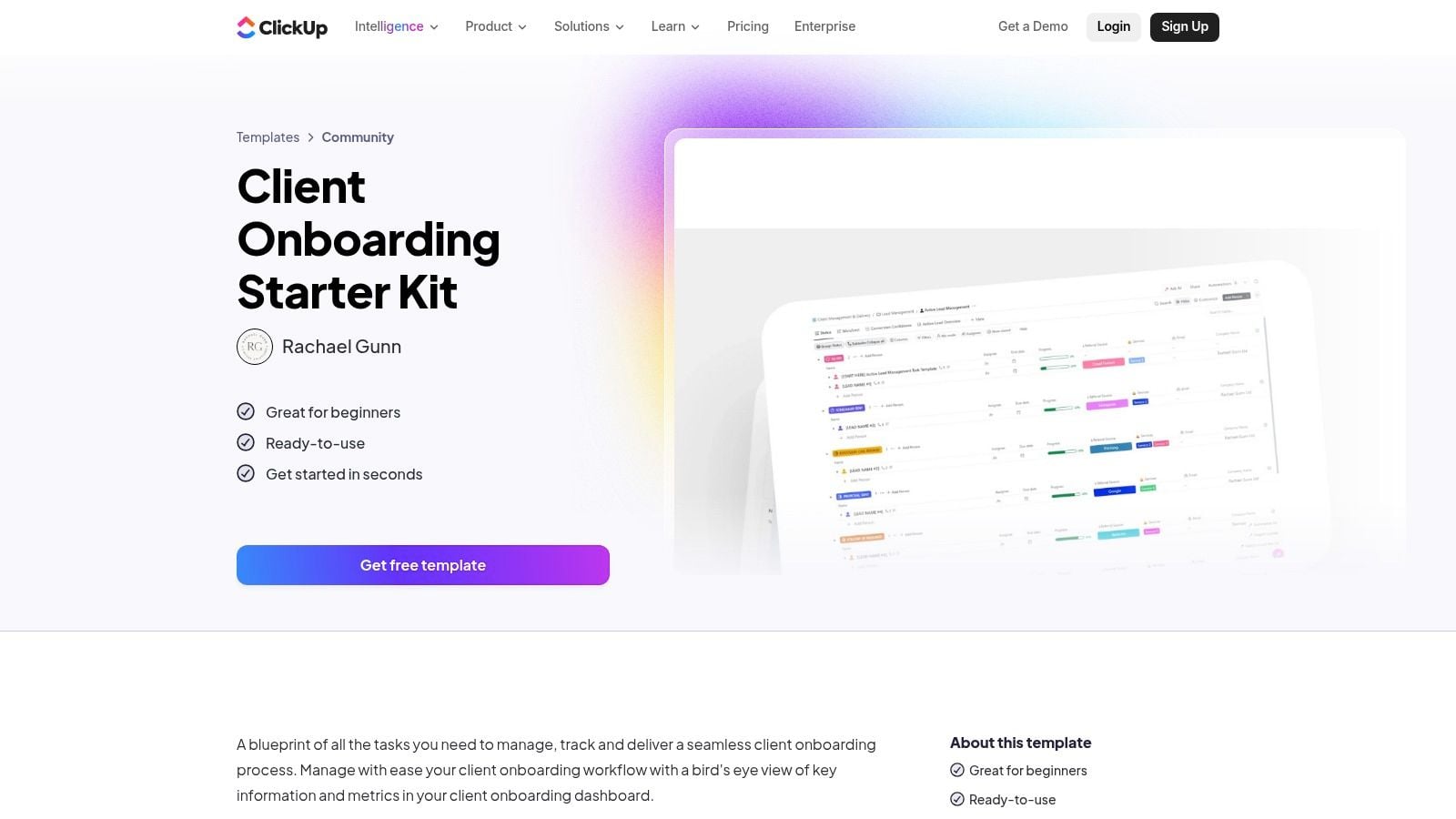
ClickUp standardizes tasks, forms, documents, and workspace structure in one environment. The Client Onboarding Starter Kit is a strong fit for consulting teams that already manage delivery in ClickUp and want intake, kickoff preparation, and handoff tasks connected to the same workspace.
The template uses configured spaces and lists for onboarding stages, with centralized tasks, Docs, and forms for collecting client information. Multiple views let different users work from the format they prefer, while automations can move work forward or notify owners when key fields change. That combination gives ClickUp more flexibility than a basic checklist, especially for firms with different engagement models.
The trade-off is operational complexity
ClickUp can accommodate a project-based engagement, a recurring advisory relationship, or a multi-workstream transformation. That flexibility is useful, but it also creates a configuration burden. Before inviting clients, decide which fields matter, which lists are internal, which pages are client-facing, and which automation rules are essential. If you activate every available option, the onboarding workspace can become harder to understand than the process it was meant to simplify.
A small firm should customize the kit around a few key stages: commercial handoff, client readiness, access and compliance, kickoff, first delivery action, and transition to ongoing delivery. Add stakeholder roles such as executive sponsor, final decision-maker, technical contact, and escalation authority. Those details often matter more than adding another general information field.
ClickUp's consulting platform resources can complement ClickUp when your firm needs a broader acquisition and relationship workflow. ClickUp itself won't automatically solve proposal follow-up, referral nurture, or every cross-system handoff unless you build those connections. Select it when your biggest need is a customizable delivery workspace and your team can support the setup and adoption effort.
4. HubSpot Free Customer and Client Onboarding Templates
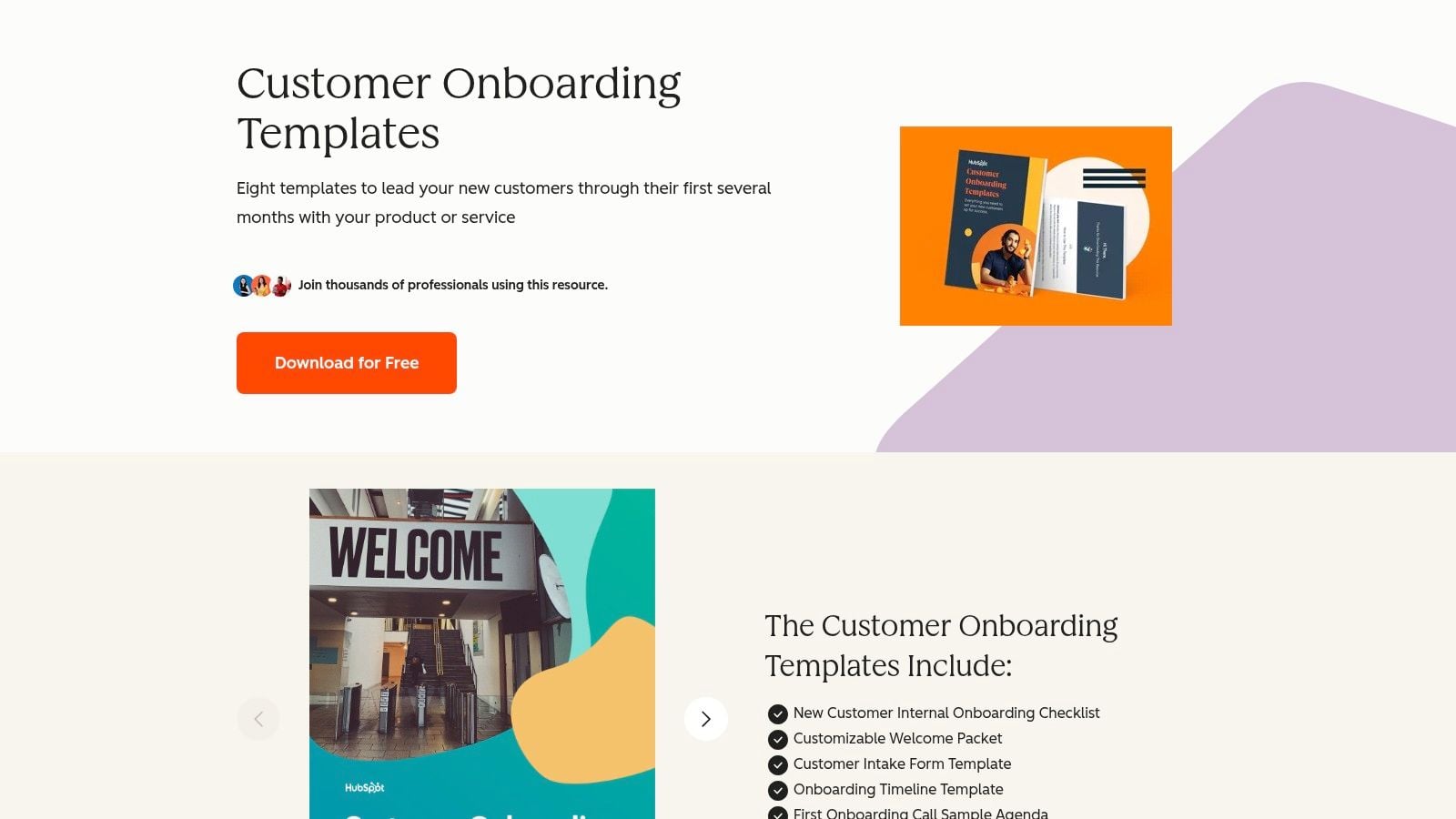
HubSpot's downloadable pack standardizes documents and communications, not live operational execution. It includes editable resources such as a welcome packet, onboarding checklist, email templates, timelines, and policies. For a small consulting firm that needs to present a more consistent client experience quickly, this is the easiest option to put into use.
The pack works independently of HubSpot software, which makes it useful even if your team uses another CRM or project management platform. You can adapt the welcome materials to explain scope, communication norms, required inputs, meeting expectations, and next steps. The email templates also help prevent inconsistent messages from different team members.
Don't confuse polished collateral with process control
A document can explain what should happen, but it won't assign an owner, remind a client to provide access, or escalate an overdue approval unless you transfer its contents into an operating tool. That work remains with your team. The download is also gated by a form, and you'll need to adapt the assets to your own services, legal language, compliance requirements, and delivery system.
Use the pack when the main gap is client-facing clarity. It's especially useful for independent advisors and small firms that need a professional welcome experience before investing in more connected software. Add a project management template or checklist workflow if internal execution is inconsistent.
For firms that need onboarding connected to opportunity status and delivery kickoff, Starward Navigators' client onboarding platform provides a more operational approach. HubSpot's pack won't solve authority mapping, access readiness, proposal handoffs, or automated owner notifications on its own. Treat it as the communication layer inside a broader client onboarding template, not as the complete system.
5. monday.com Customer Onboarding Template
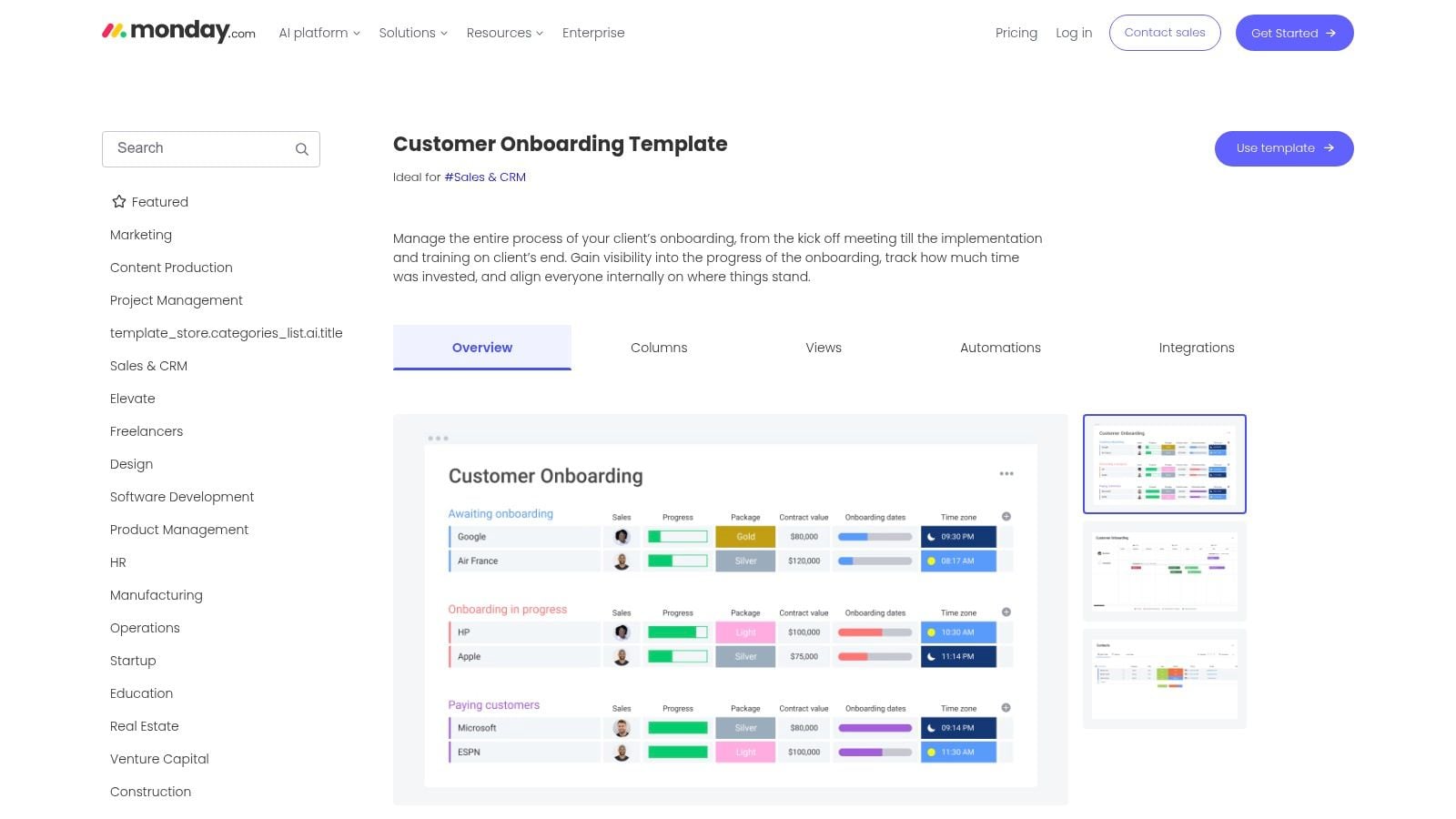
monday.com standardizes visual progress tracking. Its Customer Onboarding Template uses a board with milestones, owners, due dates, statuses, customizable columns, automations, dashboards, and integrations through monday apps. That visual structure makes it easy for an internal team, and sometimes the client, to understand what's complete, what's blocked, and who owns the next action.
This template fits a consulting firm that wants a visible onboarding board without building a project system from an empty workspace. A simple engagement can use a few status columns and deadlines. A more involved program can add workstreams for access, stakeholder approvals, training, implementation, and transition to ongoing account management.
Make the board reflect decisions, not just activity
The most useful customization is to add decision and dependency fields. Include the final approver, executive sponsor, technical contact, required access, compliance constraints, and escalation route. A board that only tracks “intake form sent” and “kickoff complete” can look healthy while the person authorized to approve scope remains unidentified.
monday.com's interface is intuitive, but some automation and integration capabilities may depend on higher-tier plans. Seats-based pricing can also become a consideration as collaborators increase. The platform won't automatically create a complete sales-to-delivery operating system, and a visual board alone won't guarantee that owners act on stalled tasks.
Choose monday.com when your core problem is shared visibility across people and milestones. It's a strong middle ground between a static checklist and a heavily customized operations platform. Keep the board focused, limit client-facing views to relevant information, and use automations only for high-risk delays rather than every status change.
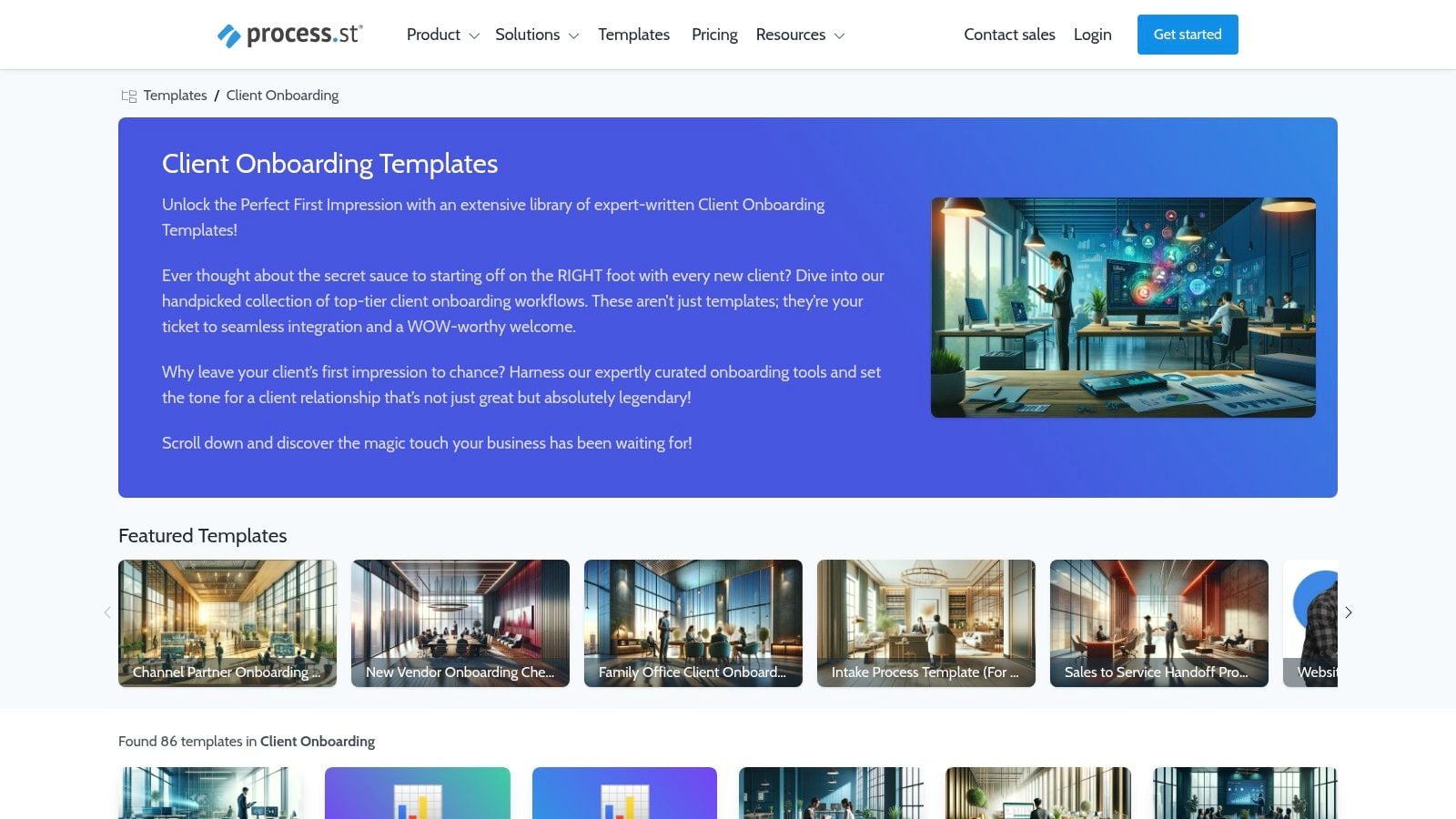
6. Process Street Client Onboarding Templates
Process Street standardizes repeatable procedures, approvals, and accountability. Its library includes editable onboarding checklists and workflow templates, including automation-ready workflows for teams that need a consistent SOP rather than a flexible project board.
This option fits compliance-sensitive consulting work, accounting-related processes, regulated advisory services, and any engagement where the team must prove that required steps were completed. Role assignments, conditional logic, audit trails, and integrations with tools such as Slack, Google Sheets, and DocuSign help move the process beyond a static checklist. A workflow can direct different clients through different steps based on service type, risk, access requirements, or approval conditions.
A checklist tells people what to do. A workflow can also show who must do it, what happens next, and whether the step was completed.
The strength of Process Street is also its main limitation. More detailed logic requires more setup and user adoption. Your team must define the SOP before the template can enforce it. That means documenting what counts as a complete handoff, which documents require review, who can approve exceptions, and when delivery can begin.
Use Process Street when procedural consistency matters more than a client-facing project dashboard. It won't replace a CRM, proposal pipeline, or full delivery workspace, so connect it to the systems that own those records. Confirm pricing and higher-tier features before committing, especially if you need advanced integrations or complex workflow controls.
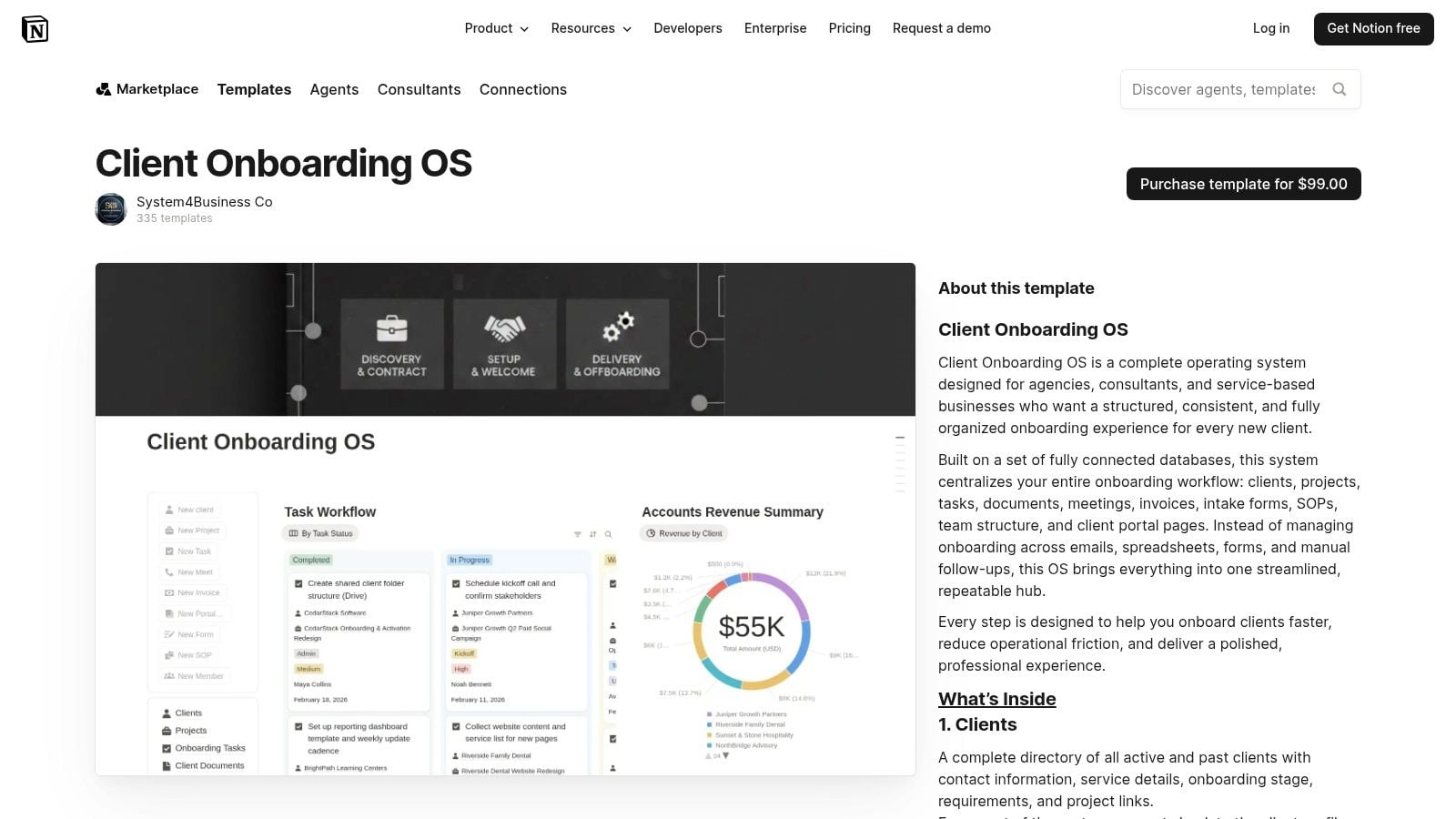
7. Notion Client Onboarding OS
Notion standardizes knowledge, client information, tasks, and shared workspace context. The Client Onboarding OS is a paid template for agencies and consultants that brings client records, projects, tasks, assets, meetings, SOPs, intake forms, invoice tracking, and client portal pages into a connected Notion workspace.
That makes it attractive to a small consulting team that already lives in Notion. Instead of assembling separate pages for every client, you can duplicate the system, adapt the databases, and give clients a dedicated view of relevant information. A client portal can reduce repeated status questions by showing next steps, meeting notes, documents, and project context in one place.
Use Notion for context, not unattended execution
Notion is excellent for making knowledge accessible, but it shouldn't be treated as a fully automated onboarding engine without additional tools. Advanced reminders, form processing, CRM updates, and cross-platform triggers may require external integrations. The one-time purchase also means you should inspect the template carefully before adopting its structure across active engagements.
Customize the OS around your actual governance model. Add fields for decision-maker, sponsor, technical contact, escalation authority, access status, legal constraints, and approval deadlines. Remove databases your team won't maintain. A smaller, current workspace is more useful than one filled with stale information.
Choose Notion when the main problem is scattered knowledge and client context. It won't by itself enforce acquisition follow-up, automate proposal stages, or guarantee that delivery starts when a deal closes. Pair it with a CRM or workflow tool if your firm needs active triggers rather than a well-organized workspace.
Top 7 Client Onboarding Templates Comparison
| Solution | Implementation Complexity 🔄 | Resources & Pricing ⚡ | Expected Outcomes ⭐📊 | Ideal Use Cases 💡 | Key Advantages |
|---|---|---|---|---|---|
| Starward Navigators | Low, vendor-led Map → Install → Go Live (live in about two weeks) | Tiered monthly plans $97–$497; seat/contact limits on lower tiers | High ⭐⭐⭐⭐, standardized BD→delivery pipelines; fewer lost deals | Small consultancies, independent advisors, referral-driven firms | Prebuilt, industry-tailored automations; centralized lead routing; done‑for‑you setup |
| Asana – Client Onboarding Template | Low, turnkey project template in Asana; minimal setup | Requires Asana account; advanced automations may need paid tier | Medium‑High ⭐⭐⭐, clearer tasks, timelines and handoffs | Teams already using Asana wanting task-based onboarding | Prescriptive task structure; mature integrations; multiple views |
| ClickUp – Client Onboarding Starter Kit | Medium, preconfigured spaces but more customization/setup time | Requires ClickUp; some automations/features on paid plans | Medium ⭐⭐⭐, flexible workflows; central task/docs/forms | Teams managing delivery inside ClickUp or needing deep customization | Deep customization; integrated docs/forms/automations |
| HubSpot – Onboarding Templates (Download) | Very Low, downloadable docs and checklists; no platform setup | Free gated download; no software required but manual operationalization | Low‑Medium ⭐⭐, polished collateral and clearer comms | Small firms needing templates before tool integration | Ready-to-use communications, timelines and policies; CRM-agnostic |
| monday.com – Customer Onboarding Template | Low‑Medium, board-based setup; visual configuration required | monday subscription; automations/integrations may need higher tiers | Medium ⭐⭐⭐, visual status and owner clarity across onboarding | Teams preferring visual boards and client-facing status views | Intuitive boards, dashboards and owner/due-date visibility |
| Process Street – Onboarding Templates | Medium, editable SOPs with conditional logic and approvals | Process Street subscription; some enterprise features may be quote-based | High ⭐⭐⭐⭐, SOP-driven repeatability and compliance tracking | Compliance-sensitive teams or checklist-centric operations | Automation-ready checklists, role assignments and audit trails |
| Notion – Client Onboarding OS (Paid Template) | Low, one-time install into Notion; customization optional | One-time paid template; runs entirely in Notion (external automations may be needed) | Medium ⭐⭐⭐, centralized client hub and portal pages | Agencies/consultants using Notion who want an all-in-one workspace | Connected databases, client-facing pages, single-purchase template |
Turn the Template Into a Repeatable Client Experience
The best client onboarding template is the one your team maintains and runs. A download can provide wording, a project template can organize tasks, and an automation system can trigger handoffs, but none of those layers fixes a process that lacks ownership or decision rights.
Start by identifying the operational gap. If your team sends inconsistent welcome emails, policies, or kickoff instructions, choose a document pack such as HubSpot's resources. If tasks disappear between signature and kickoff, use a project template in Asana, ClickUp, or monday.com. If every engagement must follow a controlled SOP with approvals and auditability, choose a checklist platform such as Process Street. If the bottleneck runs from lead capture through proposal follow-up and delivery handoff, choose a connected operating system such as Starward Navigators.
The 2023 HubSpot service-industry summary stated that onboarding for a new corporate client can take up to 100 days. That context explains why a client onboarding template needs more than attractive formatting. It should compress the path from signature to information gathering and first service execution by giving every stage an owner, deadline, client action, and completion signal.
Build your version in this order:
- Define the stages: Separate commercial handoff, intake, readiness, kickoff, first delivery action, and transition to ongoing service.
- Assign one owner per task: Contributors can help, but one person must be accountable for completion.
- Set client-facing milestones: Show the client what happens next and what they need to provide.
- Create reusable communications: Prepare welcome messages, intake instructions, kickoff agendas, approval reminders, and handoff summaries.
- Add reminders where risk is highest: Prioritize missing access, unsigned documents, unclear approvals, and stalled decisions.
- Review after each engagement: Remove unnecessary steps, clarify confusing instructions, and update ownership when the team changes.
A strong onboarding workflow should also capture who has authority. Include the final decision-maker, executive sponsor, IT or technical contact, and escalation authority, particularly when several client stakeholders can delay scope, access, or approvals. Recent client onboarding questionnaire guidance highlights this governance gap, while newer readiness-focused template guidance points toward access, migration, security, compliance, and operational constraints rather than basic contact details alone.
The performance difference can be substantial when teams standardize the right layer. A 2026 benchmark reported that top-performing onboarding operations completed onboarding in 5 to 7 days, while the bottom group took 23.7 days, with some ranges extending beyond 45 days. The same benchmark reported onboarding completion above 95% for top performers compared with 50% to 65% for bottom performers, and linked completion in 5 to 7 days with 90-day retention above 92%, compared with 60% to 70% for firms taking more than 30 days. Review the 2026 client onboarding benchmark report before setting your own control metrics.
For a small consulting team, don't overbuild. Start with the minimum workflow that prevents your current failures, then add automation only after the owners, stages, and client actions are clear. The best client onboarding template isn't a static download. It's a maintained operating workflow that reliably moves a signed client into confident, well-owned delivery.
Starward Navigators gives small consulting and advisory firms prebuilt pipelines, automated follow-up, proposal tracking, appointment reminders, referral workflows, and client handoffs in one operating system. Visit Starward Navigators to see how its vendor-led implementation can connect acquisition with onboarding and delivery kickoff without forcing your team to build a CRM from scratch.