You send a polished consulting proposal after a promising discovery call. The scope is clear, the pricing looks professional, and the document reflects the client's priorities. Then the proposal disappears into email. Nobody knows whether the decision-maker opened it, who owns the next step, when to follow up, or how a signed agreement should move into delivery.
That's the gap these consulting proposal templates need to solve. Some options below are editable Word, Google Docs, PDF, design, or collaborative document templates. Others are workflow-enabled proposal platforms that add pricing controls, approvals, signatures, analytics, and reminders. The right choice depends on whether you need a better document, a faster assembly process, or visibility across the entire journey from discovery inputs to signed agreement.
A practical benchmark helps explain the stakes. One 2026 industry summary reports that the average proposal takes 25 hours to complete and has an average win rate of 45%. It also reports an 18% response rate for proposals with no follow-up, compared with 65% when there are four or more follow-ups, while 80% of deals require five or more follow-ups to close. The proposal statistics summary supports a simple conclusion: your template should make the next decision easy, and your operating system should make the next touch impossible to forget.
Table of Contents
- 1. PandaDoc
- 2. Proposify
- 3. Qwilr
- 4. Better Proposals
- 5. HubSpot Free Consulting Proposal Template
- 6. Canva
- 7. Bonsai
- 8. HoneyBook
- 9. Jotform
- 10. Notion
- Top 10 Consulting Proposal Templates Comparison
- Turn the Chosen Template Into a Repeatable System
1. PandaDoc
PandaDoc suits consulting firms that want a template library and a complete proposal workflow in the same platform. Its consulting proposal templates are assembled through a drag-and-drop editor, so a firm can standardize recurring sections while still tailoring the executive summary, outcomes, scope, and pricing for each buyer. The broader library also helps when your work spans strategy, implementation, managed services, or statements of work.
The advantage appears after drafting. Interactive pricing tables let clients compare options, while reusable content blocks and variables reduce repetitive editing. Tracking and status reporting show whether a proposal has been viewed, where it stands in the approval process, and whether the client has completed the signature step. E-signatures and workflow automation can connect acceptance to the next internal action rather than leaving a signed document in someone's inbox.
Where PandaDoc earns its place
Use PandaDoc when proposal production is only one part of the problem. It's a strong fit for teams that need pricing flexibility, approvals, signatures, analytics, and CPQ-related workflows around repeatable consulting offers.
Practical rule: If your proposal process involves several internal reviewers or multiple pricing configurations, test the approval and variable logic before judging the template gallery.
The trade-off is operational weight. A solo consultant sending occasional, fixed-scope proposals may find the platform more elaborate than necessary. Its full value also depends on paid-plan access, so a simple document-first template can be more economical when you only need clean formatting and manual follow-up. Explore PandaDoc's consulting proposal templates to assess whether the workflow depth matches your sales process.
2. Proposify
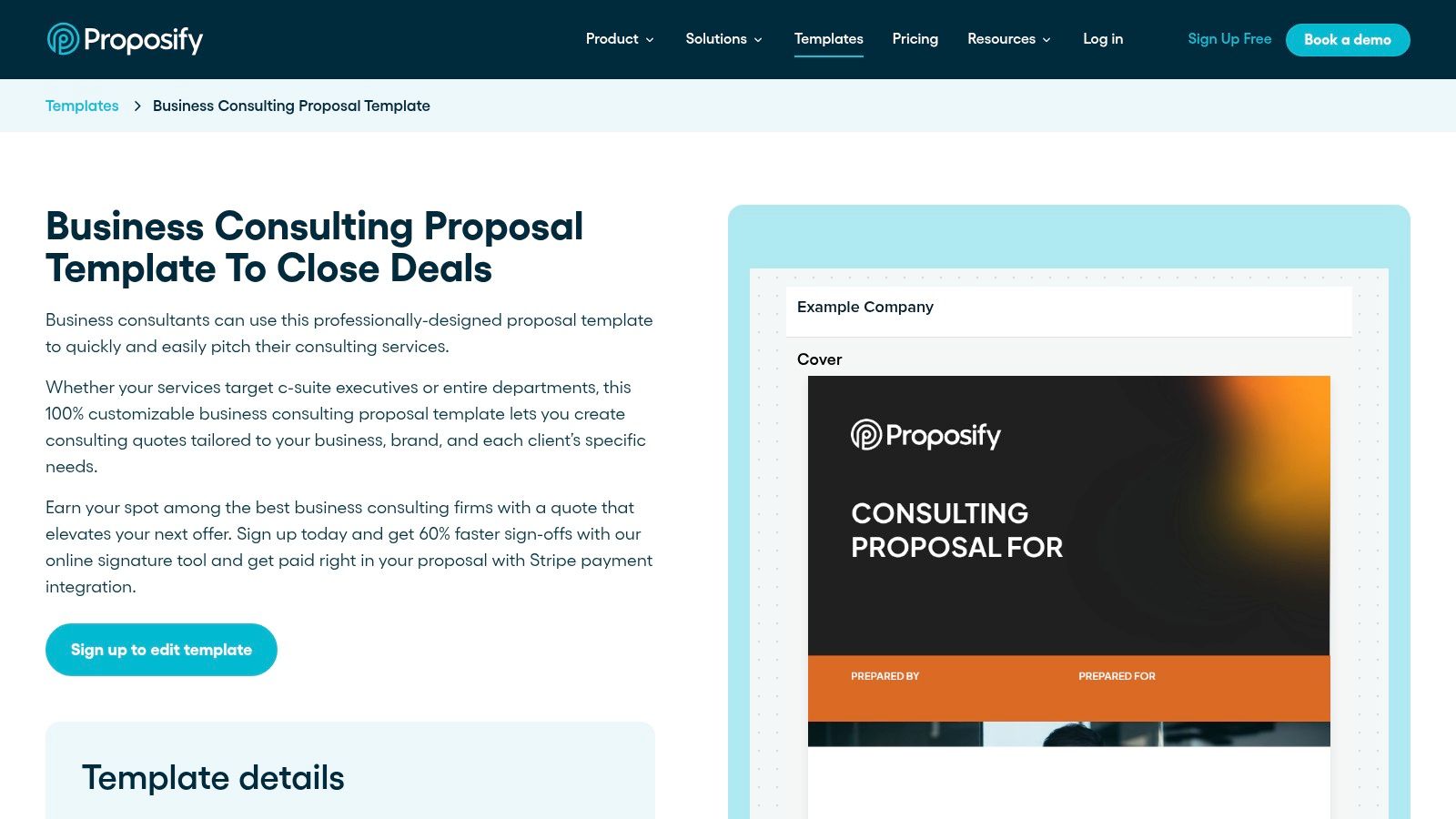
Proposify is built around the recurring proposal problem, not just the first draft. Its Business Consulting Proposal Template provides a starting structure, while the wider template and content library helps a small consulting team keep language, pricing blocks, and service descriptions consistent across opportunities. The editor supports interactive pricing tables, which is useful when you sell tiered scopes or want clients to select an engagement level.
The workflow becomes more valuable when more than one person touches a proposal. Team collaboration and approval features give a firm a defined route from consultant draft to partner review to client send. Analytics cover opens, time viewed, and signatures, giving the owner a clearer signal than a sent-email notification. That visibility helps distinguish a proposal that hasn't been opened from one that has been reviewed but stalled with a decision-maker.
A good fit for proposal operations
Proposify works best when you want repeatability without building a system from scratch. Centralized content reduces the risk of outdated bios, inconsistent scope language, or one consultant using a different pricing explanation from another. The platform is less compelling if every engagement is highly bespoke and your team rarely reuses content.
Subscription pricing is another consideration. You're paying for a proposal workflow, so adopting only the template editor may not justify the change from a document tool. For firms struggling with the post-send gap, pair the proposal status with a defined proposal follow-up workflow so every send has an owner, a scheduled next step, and a clear decision stage.
The platform's main trade-off is commitment. It's easier to get value when your team agrees to manage proposals inside Proposify rather than exporting documents and returning to scattered email threads. Review the Proposify Business Consulting Proposal Template before deciding whether its structure fits your offers.
3. Qwilr
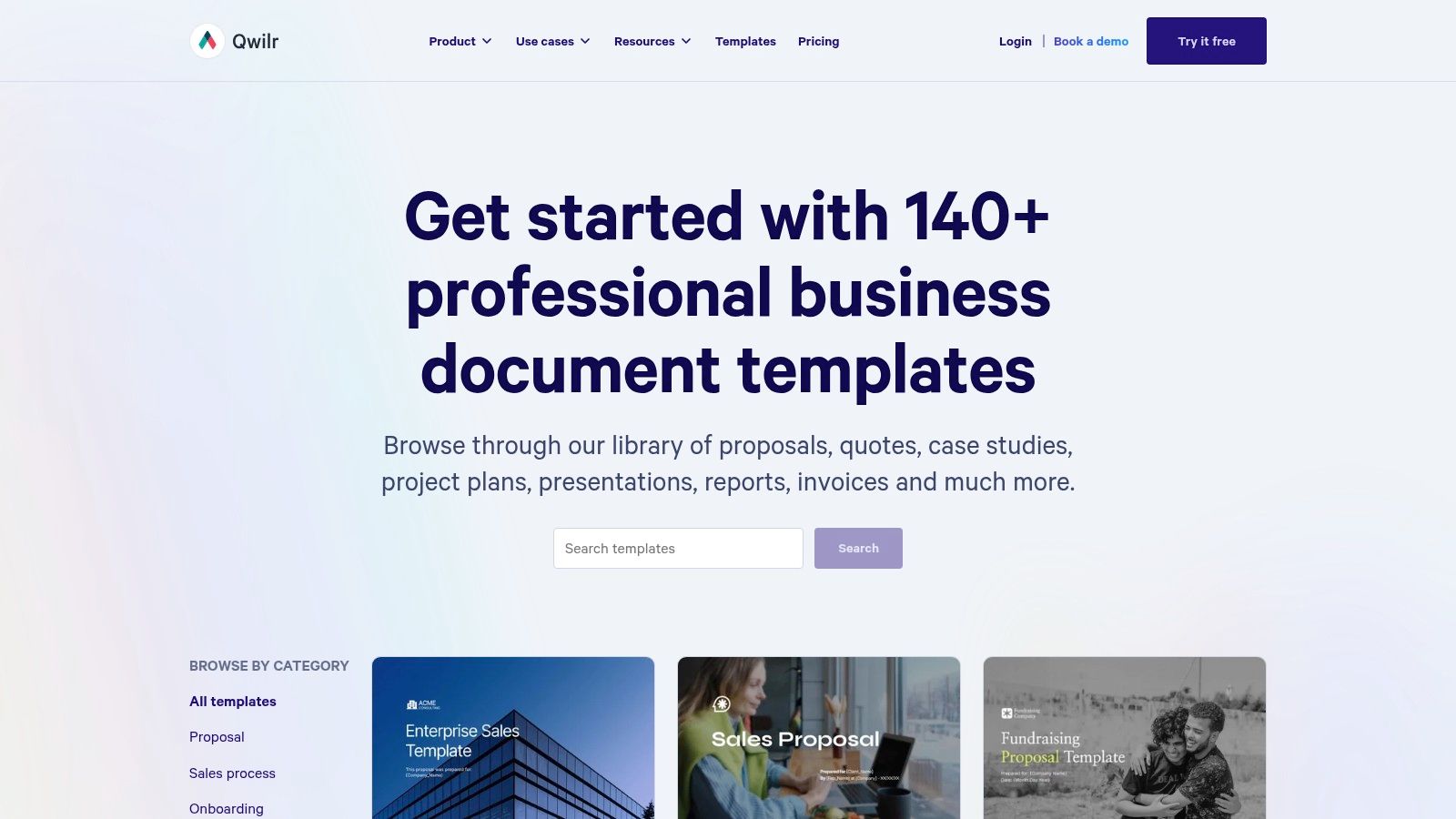
Qwilr takes the proposal out of the traditional document mindset. Instead of sending a static file, you create a web-native proposal page with interactive content blocks, branded layouts, pricing choices, acceptance actions, and, where appropriate, payment steps. That format works particularly well for advisory firms selling a packaged engagement where the client should explore options rather than read a dense attachment.
The client experience is Qwilr's strongest argument. A consultant can present the business context, recommended approach, proof, timeline, and pricing in a page that feels more like a guided decision environment than a PDF. Versioned proposal pages and analytics help the team understand engagement, while integrations connect the proposal to CRM or CPQ workflows.
Choose browser-first when the buyer will
Qwilr is a strong choice for visual storytelling and multi-option pricing. It can make a complex offer easier to follow, especially when the proposal includes media, expandable details, or a clear accept-and-pay path. The interactive format also gives you more control over how the client moves from problem to recommendation to decision.
The limitation is buyer compatibility. Some RFPs, procurement teams, or corporate processes require a static document with fixed pagination, downloadable attachments, or strict submission rules. A web page may be elegant but unusable in that environment. Advanced functionality may also require a higher pricing tier, so test the exact features you need rather than assuming every template includes them.
For consulting work sold through direct conversations, Qwilr can carry the buyer from proposal review to acceptance with little friction. For formal bids, keep a document-first alternative available. Browse Qwilr's proposal template gallery for its consulting and professional-services formats.
4. Better Proposals
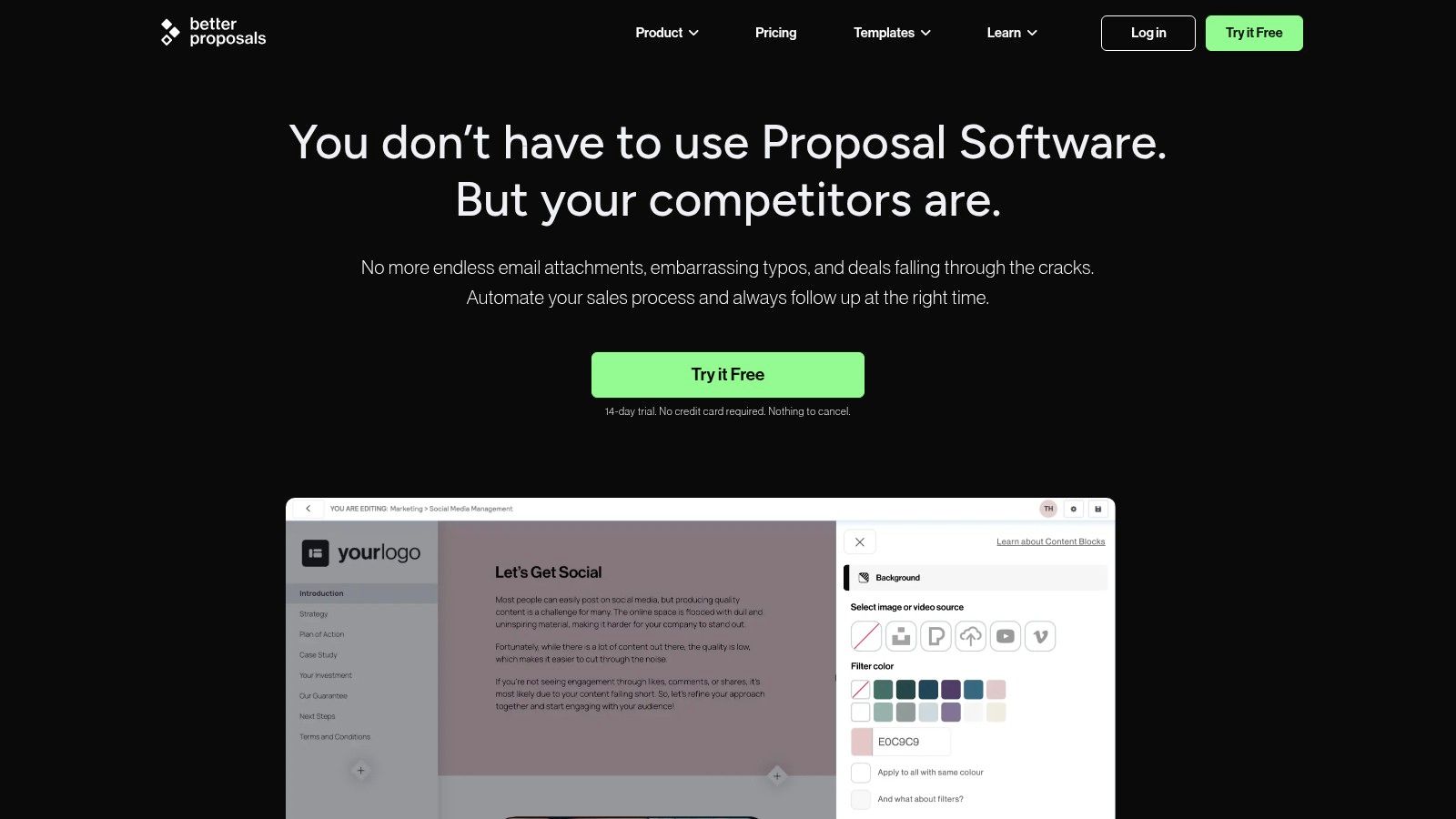
Better Proposals focuses on speed. Its template marketplace and reusable content sections help consultants create a branded document without starting from a blank page. Variables and merge tags can insert client, company, project, or pricing details, which reduces the manual substitutions that often create embarrassing errors before sending.
The client-facing experience is designed for quick acceptance. E-signatures, accept and decline actions, payment integration, pricing tables, analytics, and automated reminders all support a direct path from review to response. Mobile-friendly viewing matters here because clients may open a proposal away from their desk and still need to understand the offer and complete the acceptance step.
Lightweight, but not bare-bones
Choose Better Proposals when you want a clean proposal builder with workflow essentials rather than a broad enterprise system. It's particularly practical for solo consultants and small teams that need professional presentation, signature collection, and reminders without a long implementation project.
Its limits become clearer in a large, complex organization. Teams that need deep permission structures, advanced approval architecture, extensive CPQ logic, or complex CRM administration may find it less capable than a heavier platform. Design flexibility also has boundaries compared with desktop publishing tools, so highly art-directed documents may require compromise.
A useful implementation pattern is to create one base template for each major engagement type, then maintain modular blocks for discovery summaries, deliverables, assumptions, pricing options, client responsibilities, terms, and next steps. Don't duplicate entire proposals unless you have to. Reusable sections keep revisions consistent and make it easier to retire outdated language. See Better Proposals for the current builder and template options.
5. HubSpot Free Consulting Proposal Template
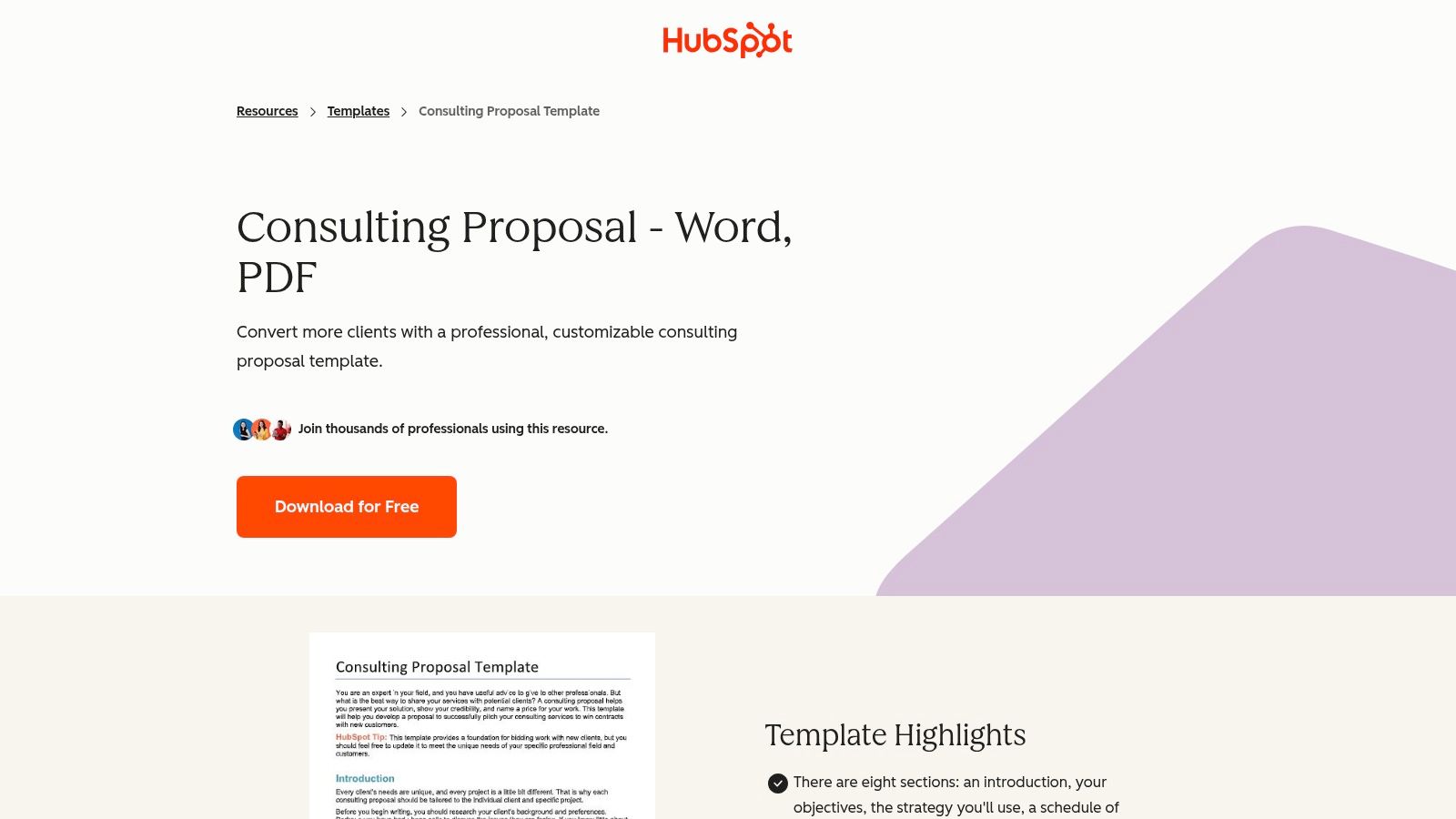
HubSpot's free consulting proposal template is the sensible document-first option for consultants who don't need another proposal platform. You can work in Word, Google Docs, or PDF, then adapt the structure to your brand and existing sales process. That flexibility is valuable when your CRM, email system, and e-signature tool already handle the operational parts.
The template is useful as a starting framework because it gives you guided sections rather than a blank document. You can shape it around the client's situation, proposed scope, deliverables, timeline, fees, assumptions, responsibilities, terms, expiration date, and acceptance path. Those last elements deserve attention. Many attractive proposals explain the work but leave the buyer unclear about who must approve it, by when, and what happens after signing.
The manual workflow is the feature and the drawback
HubSpot makes sense when cost, portability, and control matter more than analytics. You can store the master version wherever your team works, send a PDF through an existing process, and keep opportunity tracking in another CRM. It's also easy to adapt for a consultant who changes tools frequently.
The limitations are operational. There's no built-in proposal analytics or e-signature functionality in the downloadable template, and follow-up remains manual unless you connect it to another system. A document can define the next step, but it won't remind the owner to take it. If your firm's broader acquisition process needs structure, pair the template with a system for generating leads for email marketing and proposal-stage accountability.
Use HubSpot when you need a reliable document, not when you expect the template itself to manage a deal. Download HubSpot's free consulting proposal template and add your own send, follow-up, decision, and handoff fields outside the document.
6. Canva
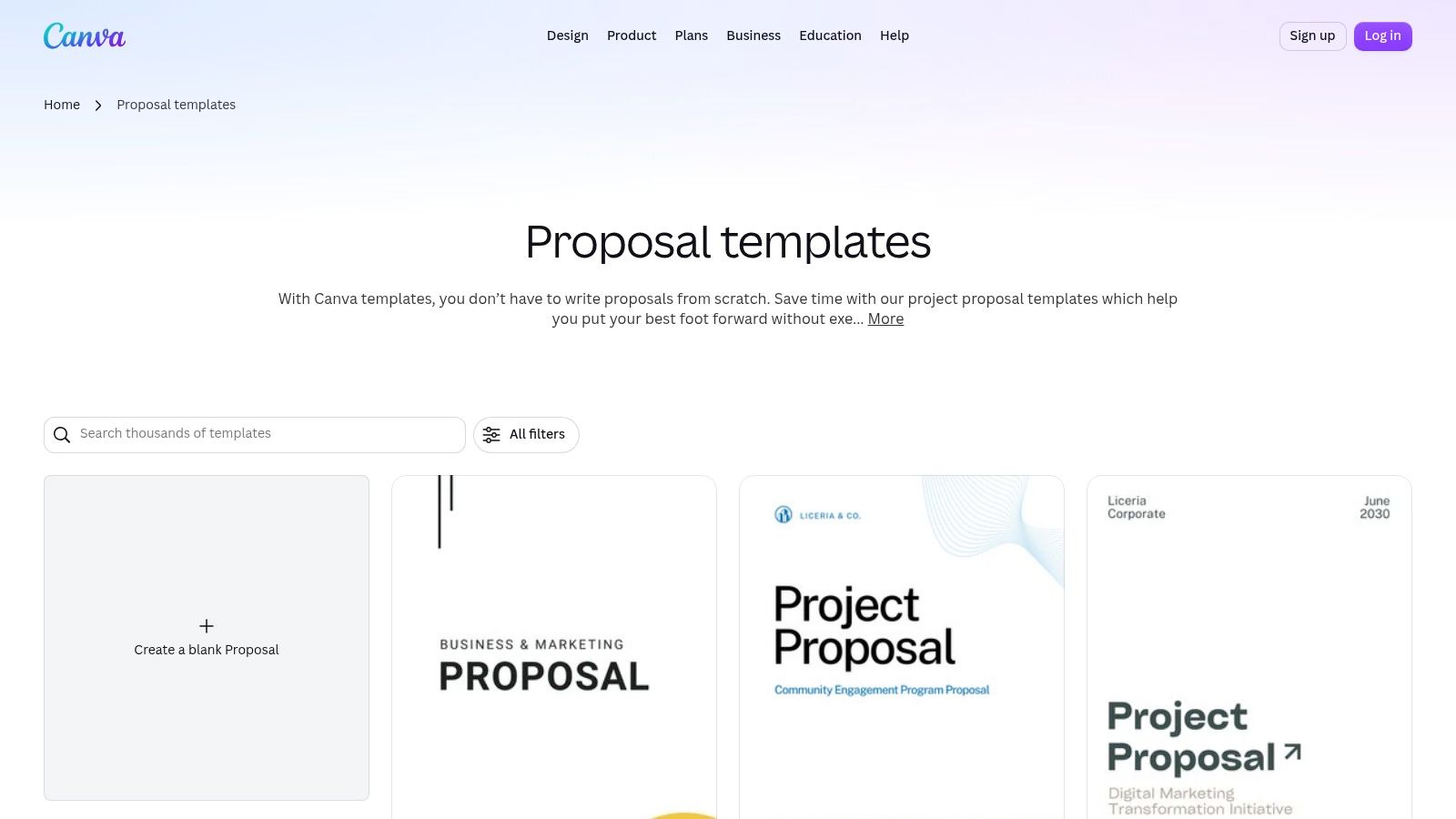
Canva is the design-first choice. Its proposal gallery gives consultants editable layouts, visual assets, brand controls, fonts, and collaborative editing in a familiar drag-and-drop environment. For firms whose current proposals look like unformatted internal reports, Canva can quickly improve hierarchy, typography, cover pages, diagrams, and visual consistency.
The platform is especially useful when your offer benefits from visual explanation. A transformation roadmap, operating model, workshop sequence, or service architecture can be easier to understand when the proposal uses structured visual blocks instead of uninterrupted prose. Brand Kit tools also help keep recurring proposals aligned when several people contribute to the document.
Don't mistake presentation for process
Canva handles visual polish and collaborative production well. It can export to PDF and support shareable web links, which gives you flexible delivery options. It's a strong choice for a consultant who sends a small number of high-touch proposals and wants the document to feel distinctive.
Canva isn't a proposal workflow or analytics platform. It won't natively give you a comprehensive view of proposal status, approval ownership, signature completion, or post-send decision stages. Exporting a beautiful PDF may merely move the tracking problem back to email. Some assets and features also require Canva Pro, so establish a basic visual system before purchasing premium elements.
Keep the proposal readable before making it decorative. A client should find the problem statement, outcomes, scope boundaries, investment, responsibilities, decision deadline, and acceptance instructions without hunting through design components. Explore Canva's proposal templates for layouts, then connect the finished PDF to the follow-up process your firm already uses.
7. Bonsai
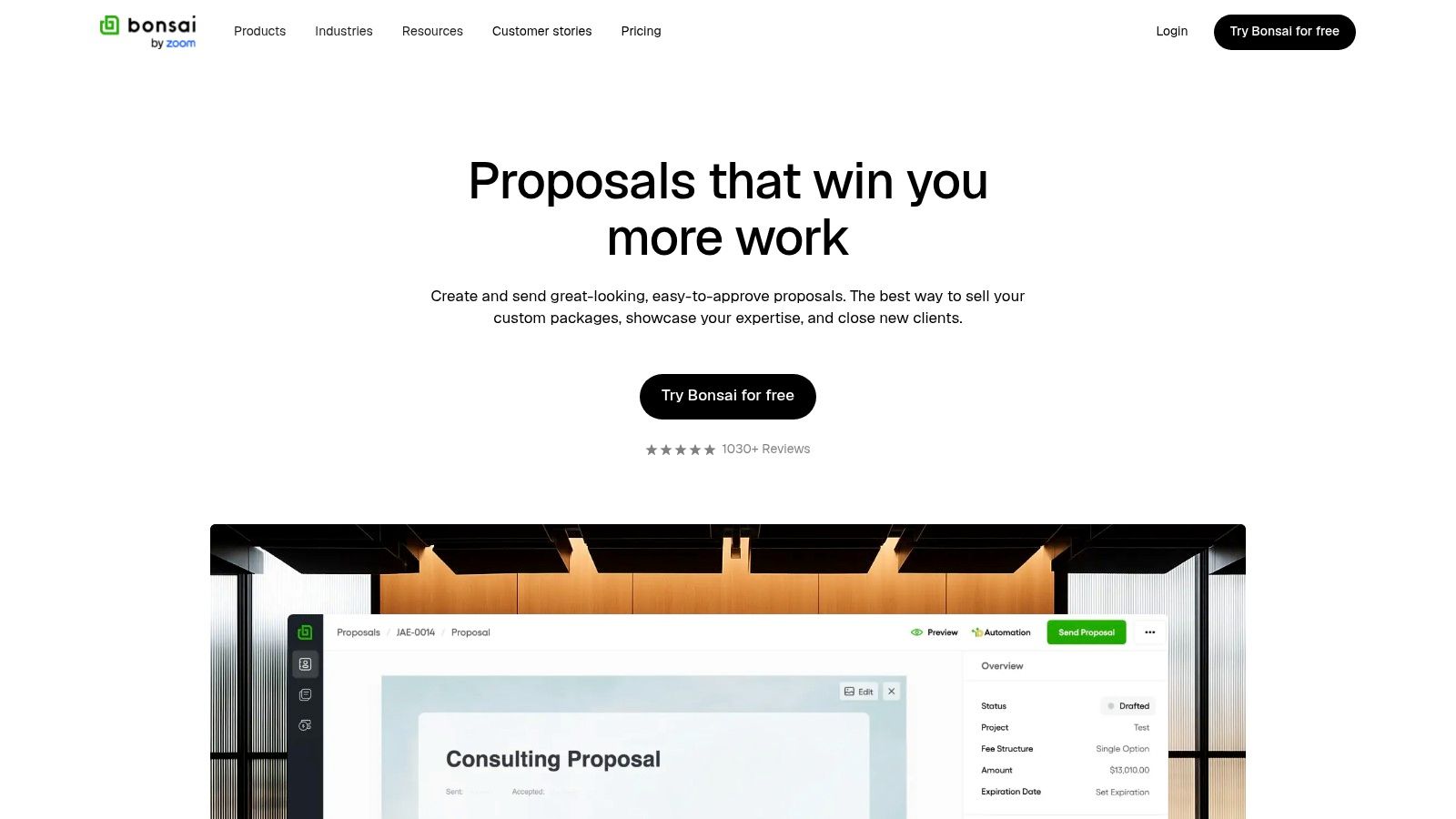
Bonsai is designed for the consultant who wants to move from proposal to signed agreement without assembling several disconnected tools. Its consulting proposal templates are editable, and the builder supports client acceptance and e-signatures. The same ecosystem can extend into contracts and invoices, which makes it practical for solo consultants, freelancers, and small service teams.
The workflow is straightforward. Start with a reusable consulting or statement-of-work template, personalize the client context and scope, add pricing and terms, then send it for acceptance. When the client signs, the next operational step is closer at hand than it would be with a standalone Word file. Optional automation across proposals, contracts, and invoices can reduce duplicate entry.
Keep the system proportionate to the firm
Bonsai's main strength is simplicity across the commercial handoff. If you're currently copying proposal details into a contract and then re-entering them into an invoice, consolidation can remove avoidable work. The interface is also more approachable for consultants who don't have an operations specialist managing a complex sales stack.
The trade-off is depth. Firms needing advanced CRM capabilities, complex sales reporting, or extensive automation may outgrow Bonsai sooner than they would a larger proposal suite. Access to certain templates and features may also depend on signup or paid plans, so verify the workflow you need before standardizing on it.
Bonsai works best when your proposal is close to a service agreement and your delivery model is relatively repeatable. It's less suitable for a large RFP response requiring extensive collaboration, controlled content libraries, or formal bid governance. Review Bonsai's proposal tools for consultants and test the exact path from draft to signature to invoice.
8. HoneyBook
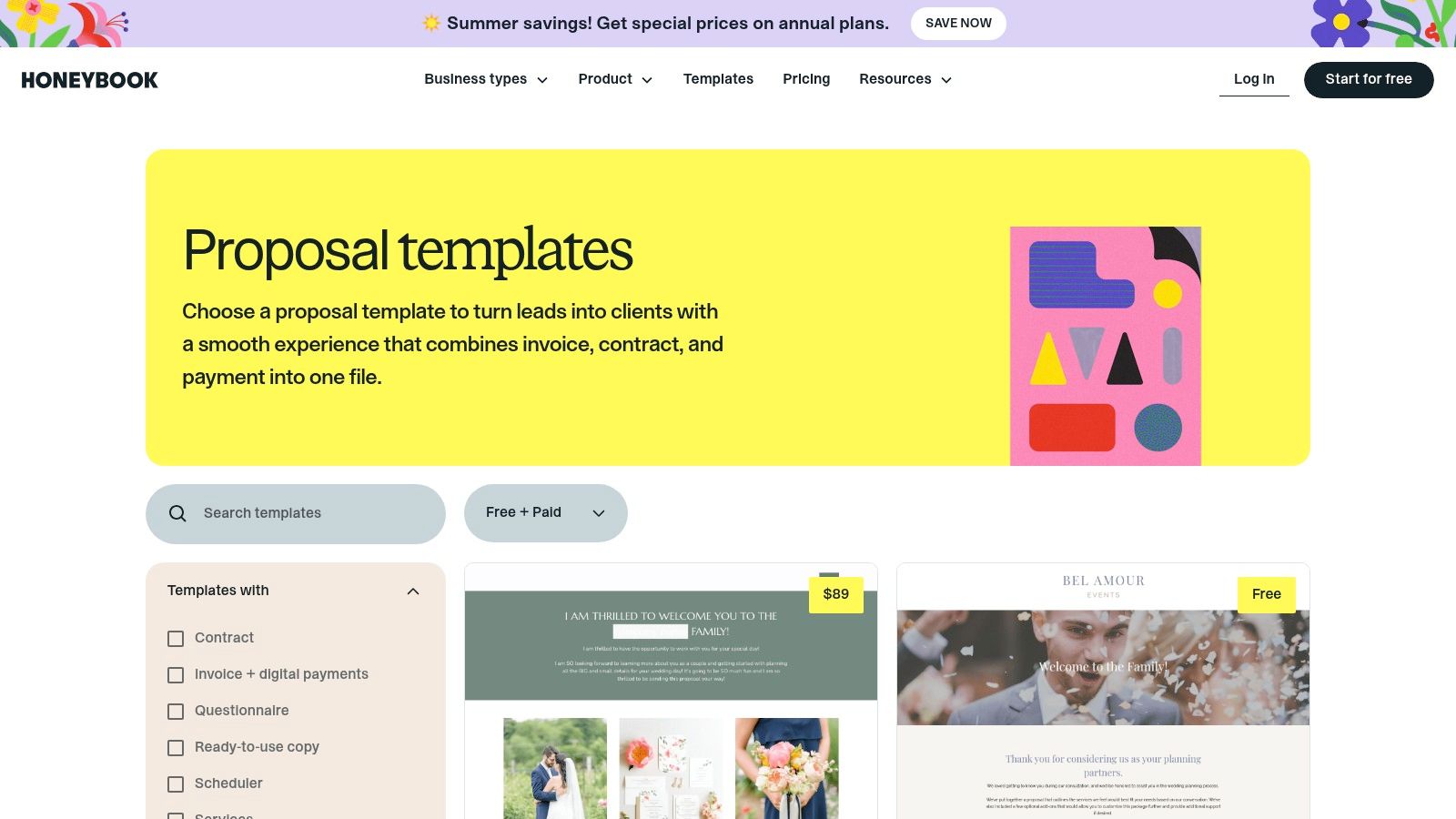
HoneyBook places proposals inside a wider clientflow platform. Its smart files and pre-built proposal templates can connect the initial offer to contracts, invoicing, scheduling, and basic client communication. That makes it attractive to service firms that want one account to carry a client from inquiry through booking and payment.
A consulting firm can create brand-specific template libraries, standardize repeated engagement structures, and use the same environment for commercial administration after acceptance. This is valuable when a proposal isn't an isolated sales asset but part of a client experience that includes scheduling, payment, contracts, and onboarding communication.
The broader platform determines the fit
HoneyBook is a good choice when you want all-in-one client administration and your consulting process resembles a service business with repeatable engagements. It can reduce the number of tools a small firm needs to coordinate, particularly when the same person handles sales, scheduling, contracting, and billing.
The limitation is specialization. HoneyBook is oriented toward creative and service businesses, so a consulting firm with complex B2B qualification, multi-stakeholder approvals, detailed opportunity stages, or advanced reporting may find the model restrictive. You'll also need to adopt the broader HoneyBook workflow to get full value, and access to its templates requires a subscription account.
Before committing, map your current process from discovery through delivery. If you need a simple proposal and already have a CRM, adding an all-in-one platform may create unnecessary duplication. If you want proposals, contracts, invoices, and scheduling in one clientflow, review HoneyBook's proposal template collection.
9. Jotform
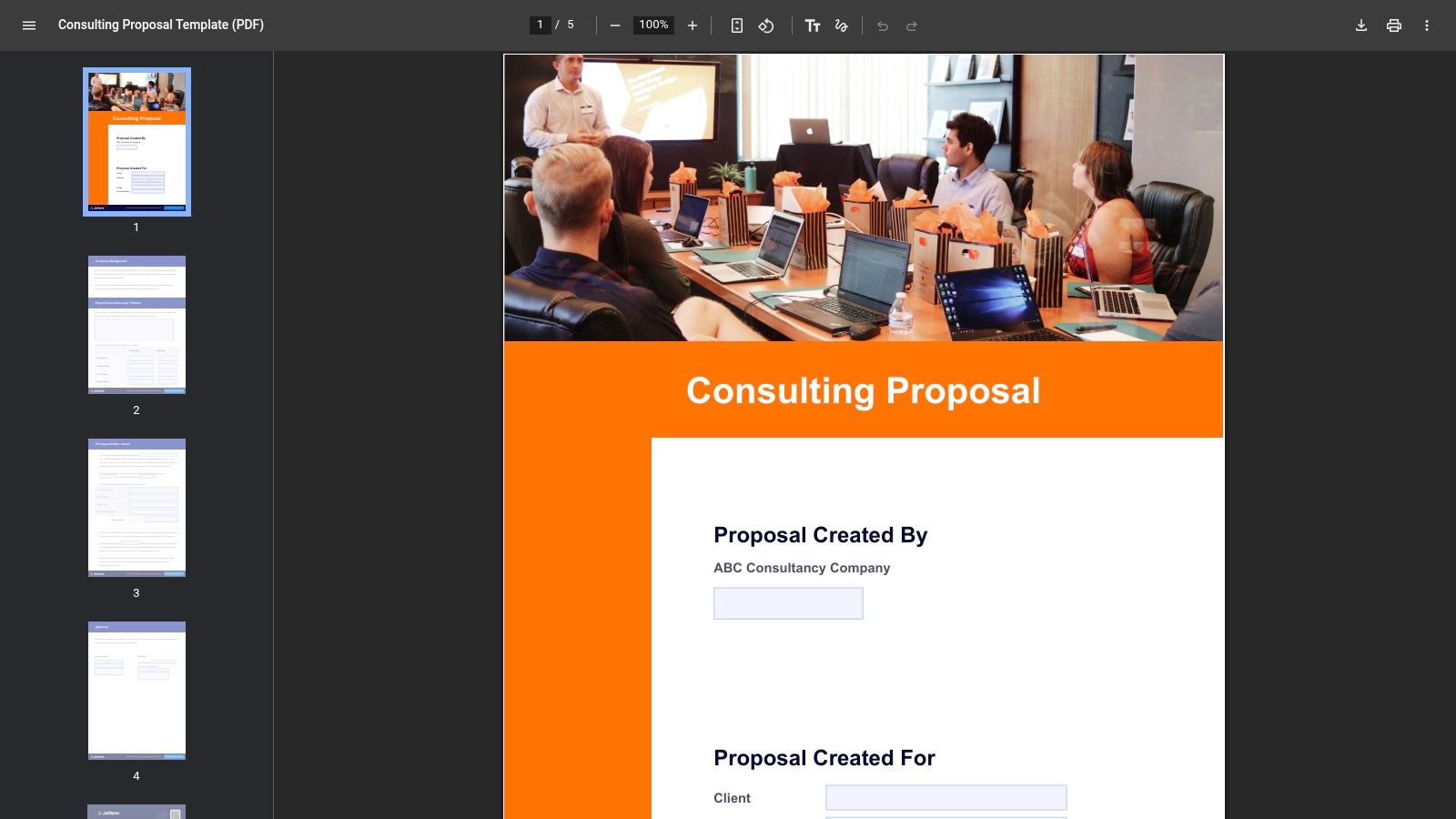
Jotform is a strong option when data capture drives proposal creation. Its consulting proposal templates are available as fillable PDFs and e-sign documents, while forms can collect discovery inputs before the proposal is assembled. That makes it different from a design-first tool. The starting point is structured information, not only page layout.
A consultant can collect stakeholder details, project requirements, budget range, desired timeline, decision-maker information, and service preferences through a form. Those inputs can then feed a proposal-generation process, with payment integrations and Jotform Sign supporting the acceptance stage. The approach works well when your offers have defined fields and repeatable options.
Form logic beats freeform editing in the right workflow
Jotform is useful for teams that want quick cloning, structured intake, and signatures without a heavy proposal application. It can reduce the risk of missing key discovery information before drafting begins. That's particularly helpful when several people qualify opportunities or when proposals are generated from standardized service packages.
The compromise is creative freedom and analytics depth. A form-driven system is more constrained than a freeform publishing tool, and proposal analytics are more basic than those found in dedicated platforms. Highly bespoke advisory work may require manual editing after the automated document is generated.
Use Jotform when your consulting offer can be represented through consistent inputs and decision rules. Don't force it onto engagements that depend on nuanced narrative and extensive custom analysis. Explore the Jotform consulting proposal template and test whether its intake-to-signature path reflects how your firm qualifies work.
10. Notion
Notion works for teams that already treat the workspace as their operating hub. Its client proposal templates can be duplicated, branded, edited collaboratively, and shared as live pages or exported to PDF. A consulting team can connect a proposal page to databases containing opportunities, discovery notes, service packages, decision-makers, and delivery tasks.
That flexibility supports a proposal process where the document remains connected to working information. Comments can keep revisions in one place, and a database can show which opportunities are drafting, awaiting review, sent, stalled, won, or lost. Notion's strength is the ability to design the surrounding system yourself.
Flexible does not mean automated
Notion is a good fit when collaboration and low incremental cost matter, especially if your team already uses it. A live proposal can be useful for discovery-led advisory work where the scope evolves through shared discussion. It also supports a lightweight CRM or relationship database without forcing you into a dedicated proposal platform.
The limitations require discipline. Notion has no built-in proposal analytics or e-signature functionality, and community or third-party template quality varies. You may need external tools for signatures, tracking, reminders, and formal acceptance. Without clear database properties and ownership rules, a flexible workspace can become another place where proposal status goes stale.
Use Notion for the knowledge and collaboration layer, then deliberately connect the decision layer. Define the proposal owner, next action, response deadline, and handoff trigger as database fields rather than relying on page text. A structured client onboarding template can help carry accepted work into delivery. Start with Notion's client proposal templates and build only the workflow your firm will maintain.
Top 10 Consulting Proposal Templates Comparison
| Tool | Core focus / Key features | Client experience ★ | Value & Price 💰 | Best fit 👥 | Unique fit ✨ / 🏆 |
|---|---|---|---|---|---|
| PandaDoc | Proposal templates, interactive pricing, e‑sign, analytics | ★★★★☆ | 💰💰💰, paid tiers | 👥 Mid → large consulting teams | ✨ CPQ + signature workflows; 🏆 deep analytics |
| Proposify | Consulting proposal templates, content library, approvals | ★★★★☆ | 💰💰, subscription | 👥 Small consulting teams | ✨ Template→document workflow; 🏆 repeatable ops |
| Qwilr | Web‑native proposal pages, interactive blocks, analytics | ★★★★☆ | 💰💰💰, premium features | 👥 Client‑facing agencies/consultants | ✨ Polished browser proposals; 🏆 UX for clients |
| Better Proposals | Lightweight builder, templates, e‑sign, payments | ★★★★☆ | 💰💰, affordable | 👥 Small teams & solo consultants | ✨ Fast branded proposals; 🏆 speed to close |
| HubSpot (Free) | Downloadable editable proposal (Word/Docs/PDF) | ★★★☆☆ | 💰, free | 👥 Teams using other CRMs / DIYers | ✨ Free, editable template; 🏆 best low‑cost start |
| Canva | Visual proposal templates, Brand Kit, exports | ★★★☆☆ | 💰 / 💰💰 (Pro for assets) | 👥 Design‑focused consultants | ✨ High visual polish; 🏆 fastest branding |
| Bonsai | Proposal templates + e‑sign & client acceptance | ★★★★☆ | 💰💰, freelancer plans | 👥 Freelancers & solo consultants | ✨ End‑to‑end freelancer flow; 🏆 streamlined signing |
| HoneyBook | Proposals inside all‑in‑one clientflow (invoicing, booking) | ★★★☆☆ | 💰💰, subscription | 👥 Small service firms / creatives | ✨ Integrated booking/payments; 🏆 all‑in‑one clientflow |
| Jotform | Form‑driven proposal PDFs, e‑sign, payment integrations | ★★★☆☆ | 💰, low / free tiers | 👥 Teams needing data‑capture→proposal | ✨ Fillable PDFs & form automation; 🏆 many free templates |
| Notion | Shareable/duplicable proposal pages, collaborative docs | ★★★☆☆ | 💰, low if already used | 👥 Teams using Notion for ops | ✨ Living docs & DB‑driven proposals; 🏆 flexibility |
Turn the Chosen Template Into a Repeatable System
The best template is the one your team can use consistently from discovery through handoff. Start by deciding whether your main constraint is document production, visual presentation, or deal control.
Choose a document-first option such as HubSpot when you need offline flexibility, easy editing, and compatibility with tools you already own. Choose Canva when brand presentation and visual explanation carry more weight than built-in tracking. Choose Notion when proposals need to stay connected to collaborative notes, databases, and client planning. These options can work well, but they leave follow-up, signatures, analytics, or status management to other tools and operating habits.
Choose a workflow-enabled platform when your firm needs pricing options, approvals, signatures, reminders, engagement data, or a direct path into contracts and invoicing. PandaDoc and Proposify are stronger candidates for structured team proposal operations. Qwilr suits browser-based, interactive experiences. Better Proposals emphasizes quick production and acceptance. Bonsai and HoneyBook make more sense when proposals belong to a broader service administration flow. Jotform is especially useful when forms and structured inputs should drive proposal generation.
The data supports treating this as an operating decision rather than a formatting decision. Independent 2026 research reports that proposals sent within 24 hours of an inquiry are 2x more likely to close, and that personalized proposals containing client-specific data close at a 68% higher rate than template-only proposals. The same research reports an average proposal length of 11 pages, an average close time of 14–30 days, a 26% win-rate lift when pricing appears on page 1, and a 30% win-rate increase associated with follow-up within 48 hours. The 2026 proposal follow-up research points toward templates that combine speed with meaningful personalization.
Build the stages around the document
Your selected template should feed a consistent sequence:
- Discovery inputs: Capture the client's problem, desired outcomes, stakeholders, decision process, budget context, timing, and responsibilities before drafting.
- Scope and proof: Translate the conversation into outcomes, deliverables, exclusions, assumptions, relevant evidence, milestones, and client obligations.
- Pricing and decision: Put the investment where the buyer can find it, present options only when they clarify the choice, and state the acceptance path and expiration date.
- Send and follow-up: Assign one owner, record the send date, set the next action, and connect reminders to proposal status.
- Signature and handoff: Treat acceptance as a trigger for contract completion, onboarding, delivery ownership, kickoff scheduling, and internal notifications.
Don't let a visually strong template hide a weak process. Independent proposal-template guidance highlights the recurring omission of client responsibilities, legal terms, expiration dates, acceptance paths, stakeholder information, budget context, decision-makers, and explicit next steps. The consulting proposal template guidance from Paperbell is useful because it frames the proposal as a decision workflow, not merely a polished document.
Software adoption can help when the team uses the workflow. A 2025 industry roundup reports that proposal automation software is associated with a 40–60% reduction in response time, 61% of organizations reaching ROI within one year, and 65% of teams using dedicated RFP software. It also reports higher satisfaction with RFP response capability and proposal win rate among software users. The proposal automation roundup supports a practical test: measure whether your chosen system reduces handoff latency and missed follow-ups, not whether its template gallery looks impressive.
For small consulting and advisory firms, Starward Navigators is relevant when the missing layer sits around the template. Its consulting-focused infrastructure includes prebuilt pipelines, proposal tracking, automated follow-up, appointment reminders, client handoffs, and referral workflows. The platform's published approach connects proposal stages from discovery completion to decision, then updates records and starts delivery activities after a win. Visit Starward Navigators for current platform and implementation details.
Starward Navigators provides client acquisition infrastructure for small consulting and advisory firms, including proposal tracking, automated follow-up sequences, appointment reminders, prebuilt pipelines, and client handoff workflows. If your current consulting proposal template looks polished but leaves ownership and next steps scattered across email, visit Starward Navigators to see how the surrounding operating system can support the full proposal journey.