A consultant books a discovery call for a website redesign, spends forty minutes learning who owns the content and who signs off on copy, and then discovers nobody checked the budget assumptions. The launch date is tied to an event, the page count is still vague, and access to the domain sits with a former vendor. A good website questionnaire template prevents that wasted call by surfacing scope risk before anyone writes a proposal.
The strongest intake collects business context, project goals, a rough page inventory, content ownership, approval authority, system access, a budget range, and a target launch date. It should also ask about integrations, brand readiness, and website speed requirements before development so performance expectations don't appear after pricing. Document templates are fast to adopt, but they leave tracking and routing to you. Hosted forms capture answers in one place and make follow-up easier to standardize.
Each option below is judged on two practical questions. Do its questions expose risk early, and can its answers move cleanly into a pipeline with tags, owners, and follow-up dates? A questionnaire is only a data-collection tool, so your firm remains responsible for its own privacy and regulatory obligations when it gathers client information.
Table of Contents
- 1. Workspace369 – Web Design Client Questionnaire
- 2. Angelwood – Website Questionnaire for Clients
- 3. HoneyBook – Creative Agency Website Design Project Intake Questionnaire
- 4. HelloForms – Website Design Questionnaire
- 5. Tally – Website Questionnaire
- 6. Jotform – Web Designer Client Questionnaire
- 7. forms.app – Web Design Questionnaire
- 8. Google Forms
- How the eight templates differ on format, online collection, free options, and listed pricing
- Route Every Submission Into a Pipeline Step, Not a Stored File
1. Workspace369 – Web Design Client Questionnaire
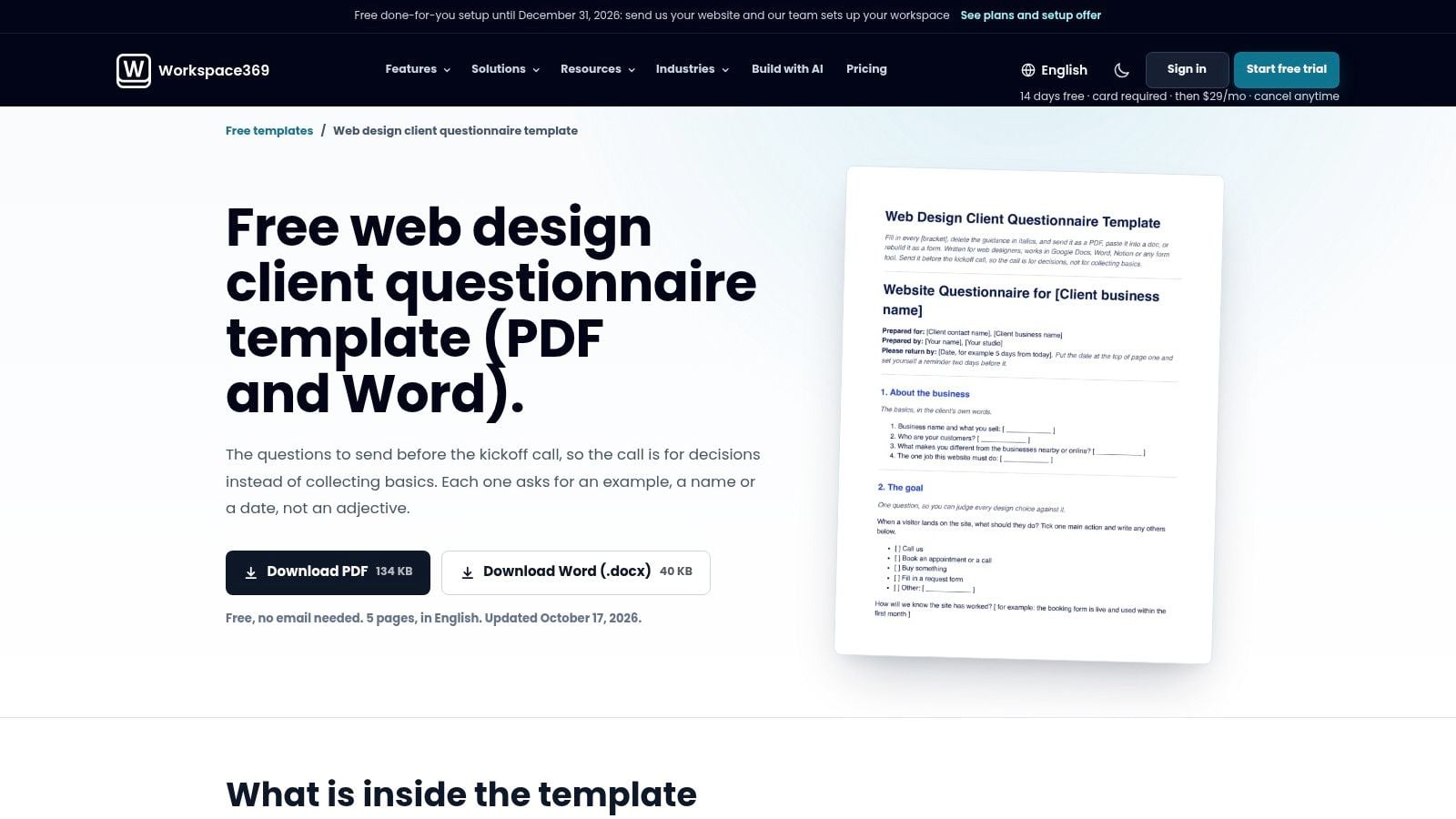
Choose Workspace369's Web Design Client Questionnaire when you want a free, five-page document you can edit today and send before a kickoff call. It's available in Word and PDF, organized into eight sections, and built around business context, project goals, style references, website content, and practical delivery details. The prompts push clients toward concrete examples instead of vague preferences like modern or clean.
That document format is both the appeal and the limit. You can shorten it, reorder sections, or convert the best questions into an online form without fighting a builder. You don't get submission tracking, validation, or conditional logic, so a client can skip the one answer you needed for pricing and you won't know until the file comes back.
Where it works and where it stalls
- Strongest for proposal prep: Use the completed answers to define pages, content responsibilities, and reference sites before you scope.
- Weakest for routing: Someone on your team must rename the file, log the inquiry, assign an owner, and set the next date manually.
- Best adaptation: Keep the full version for qualified projects and trim it to a short qualifier for first contact.
I recommend pairing it with a defined client onboarding workflow so returned documents don't sit in email. Add explicit fields for final approver, content deadline, hosting access, and budget range if your version keeps them soft. Those four answers decide whether you're ready to propose, need a paid discovery step, or should disqualify the project until the client can staff it properly.
2. Angelwood – Website Questionnaire for Clients
Say your recurring problem isn't taste. It's dependencies. Nobody knows who supplies photography, who approves copy, or whether you can log into the current site. Angelwood's Website Questionnaire for Clients leans into those operational questions, which makes it more useful than templates that stop at colors and competitor sites.
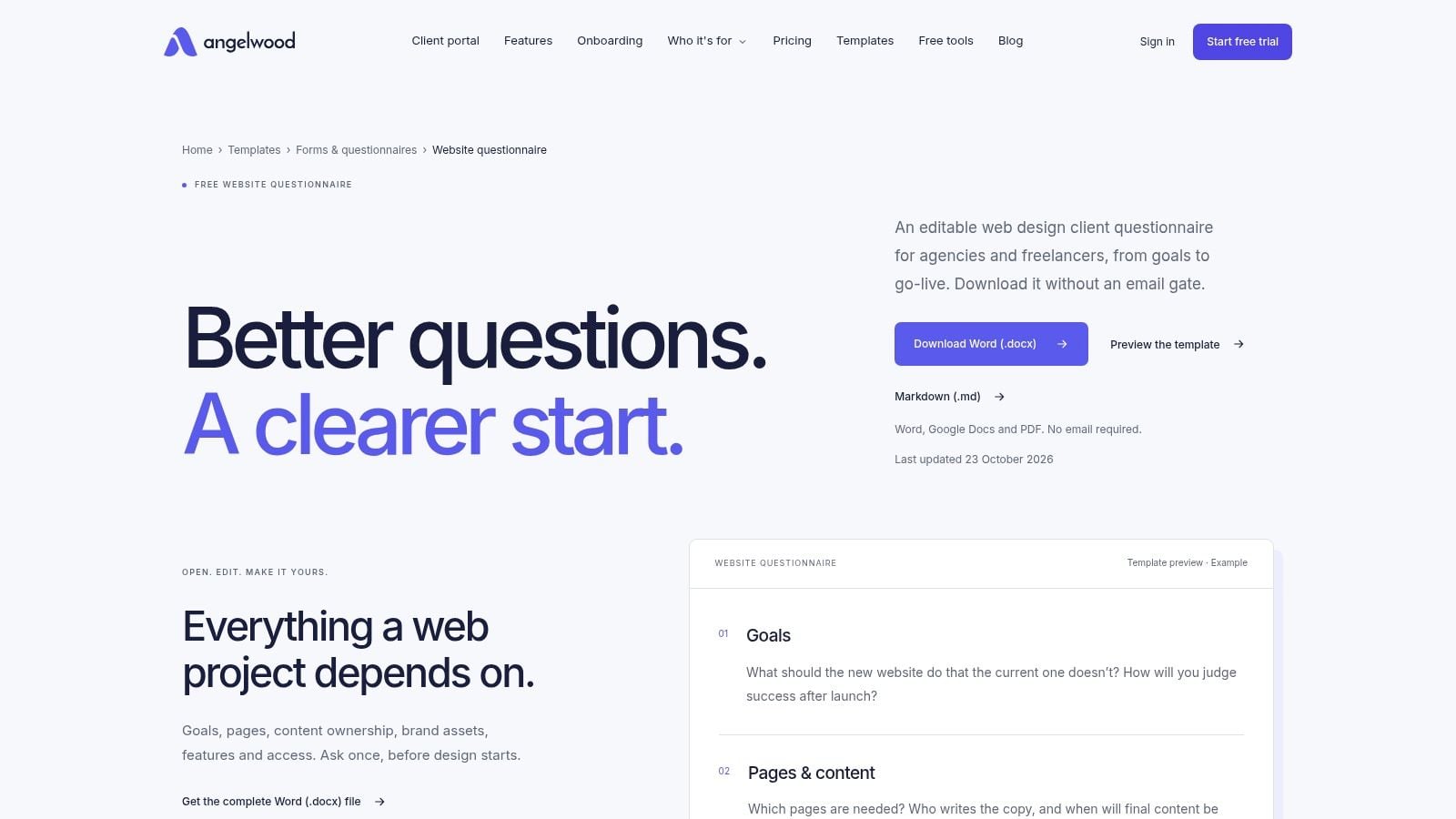
It's a free, editable Word document with no email gate, covering goals, pages and content, brand assets, features, access, and approval responsibilities. Because it's a document, you can adapt it quickly for a redesign, a landing page build, or a broader advisory engagement that happens to include a website. You can also work with it through common document tools without changing your stack.
Approval questions aren't administrative detail. They predict whether review cycles take days or weeks, and whether your launch date is real.
The trade-off is familiar. There's no hosted submission, no automatic reminder for an unfinished questionnaire, and no direct path into a CRM or project system. Answers arrive as prose, which is good for nuance and bad for tagging. If you want to filter by service type, urgency, or budget band later, you'll retype that data by hand.
Use Angelwood when the relationship is already warm and you need depth more than speed. Before sending it, read what client onboarding actually covers and check that your version distinguishes pre-sale qualification from post-sale onboarding. Don't ask for every asset upfront. Ask who owns each asset, when it'll be ready, and what happens if it's late. That turns a preference sheet into a scope-risk check your proposal can price against.
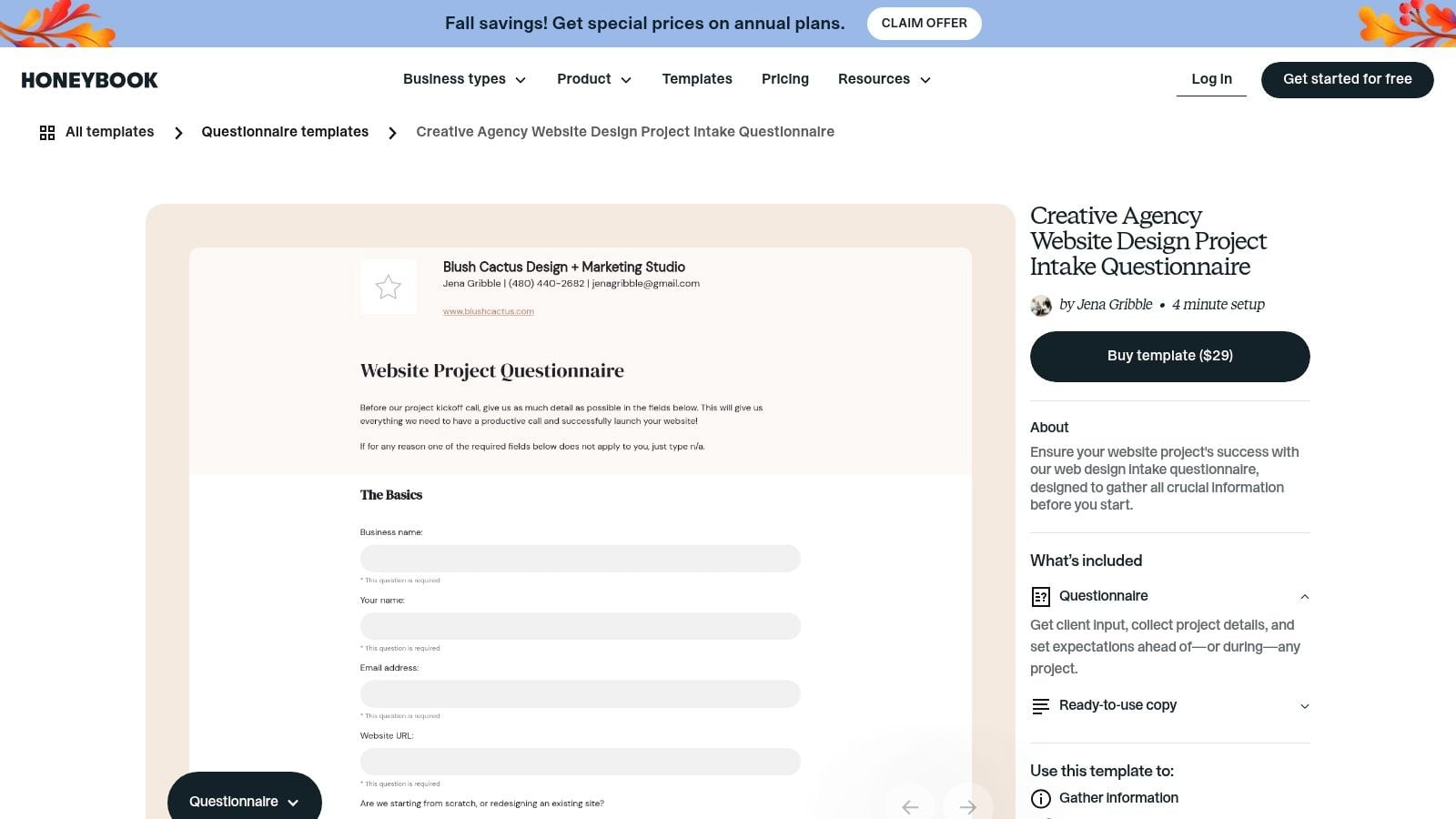
3. HoneyBook – Creative Agency Website Design Project Intake Questionnaire
HoneyBook's Creative Agency Website Design Project Intake Questionnaire suits creative teams that already run client work inside HoneyBook and don't want to write intake copy from scratch. The listing describes a four-minute setup and a $29 template price, with prewritten copy you can edit to gather project information and set expectations before or during an engagement.
What you're really buying
You're buying speed and fit inside one client-management environment, not a more rigorous scoping method. Prewritten questions help a small studio look organized quickly, and keeping intake near the rest of the client record reduces file hunting. For a straightforward brand or design-led site, that's often enough.
Complex builds expose the limit. You'll likely need to add questions on integrations, migration risk, analytics access, content volume, and who makes technical decisions when design and functionality conflict. Without those, the form can produce a tidy brief that still hides the expensive parts.
- Keep: Expectation-setting language that frames timelines, inputs, and client responsibilities early.
- Add: Structured fields for budget range, decision date, and must-have functionality so you can qualify without a second round of email.
- Watch: Platform fit, because the template is most valuable if your team works in HoneyBook.
If you're comparing intake inside a platform against a standalone form, a structured client onboarding template helps you separate what belongs in qualification from what belongs after signature. I would use HoneyBook for polished creative intake, then tighten its questions until every answer maps to a proposal section, an exclusion, or a follow-up task with an owner.
4. HelloForms – Website Design Questionnaire
The jump from document to hosted form changes what you can enforce. HelloForms' Website Design Questionnaire is a ready-to-use online intake with 15 questions, conditional logic, budget and target launch fields, file uploads, and response export options. Its sample asks about the business and current website, needed pages, primary goal, brand readiness, and content-management needs.
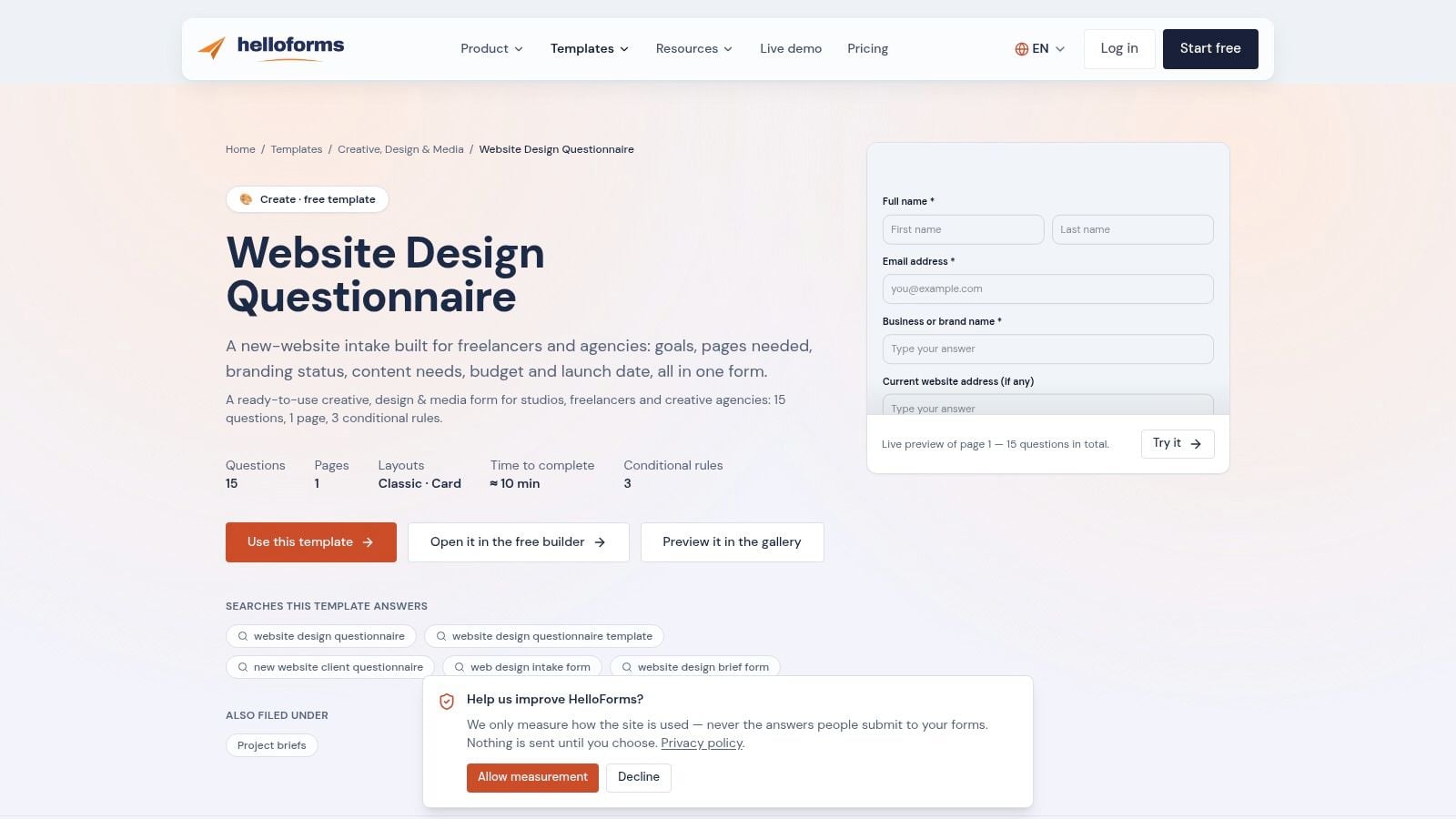
Conditional logic is the practical win. A client who needs ecommerce shouldn't see the same path as a client who needs a five-page credibility site, and a client with finished copy shouldn't answer questions written for a client starting from nothing. Used well, branching shortens the perceived form while still capturing the details that change price.
Length still needs discipline. The New South Wales Government behavioural insights guide cites web-survey completion rising from 19% to 31% when estimated completion time fell from 30 to 60 minutes to 10 to 20 minutes. Your intake should be far shorter than that, but the direction is clear. Show an honest time estimate, group questions into stages, and keep free text optional except where narrative context changes the decision.
Before you publish, check account, plan, and file-upload requirements. Then test the live preview on a phone, because upload fields and budget selectors are where friction hides. I would keep HelloForms for proposal-stage intake, not first-touch lead capture, unless you cut it down to routing-critical questions and move asset collection until after qualification.
5. Tally – Website Questionnaire
Tally's Website Questionnaire template is the cleanest starting point if you want a form that reads like a document but behaves like hosted intake. You duplicate the template, edit it in Tally's document-like builder, then share it as a link or embed it on your site. Tally also offers a separate web-project intake example, so check which starting point matches your process before you customize.
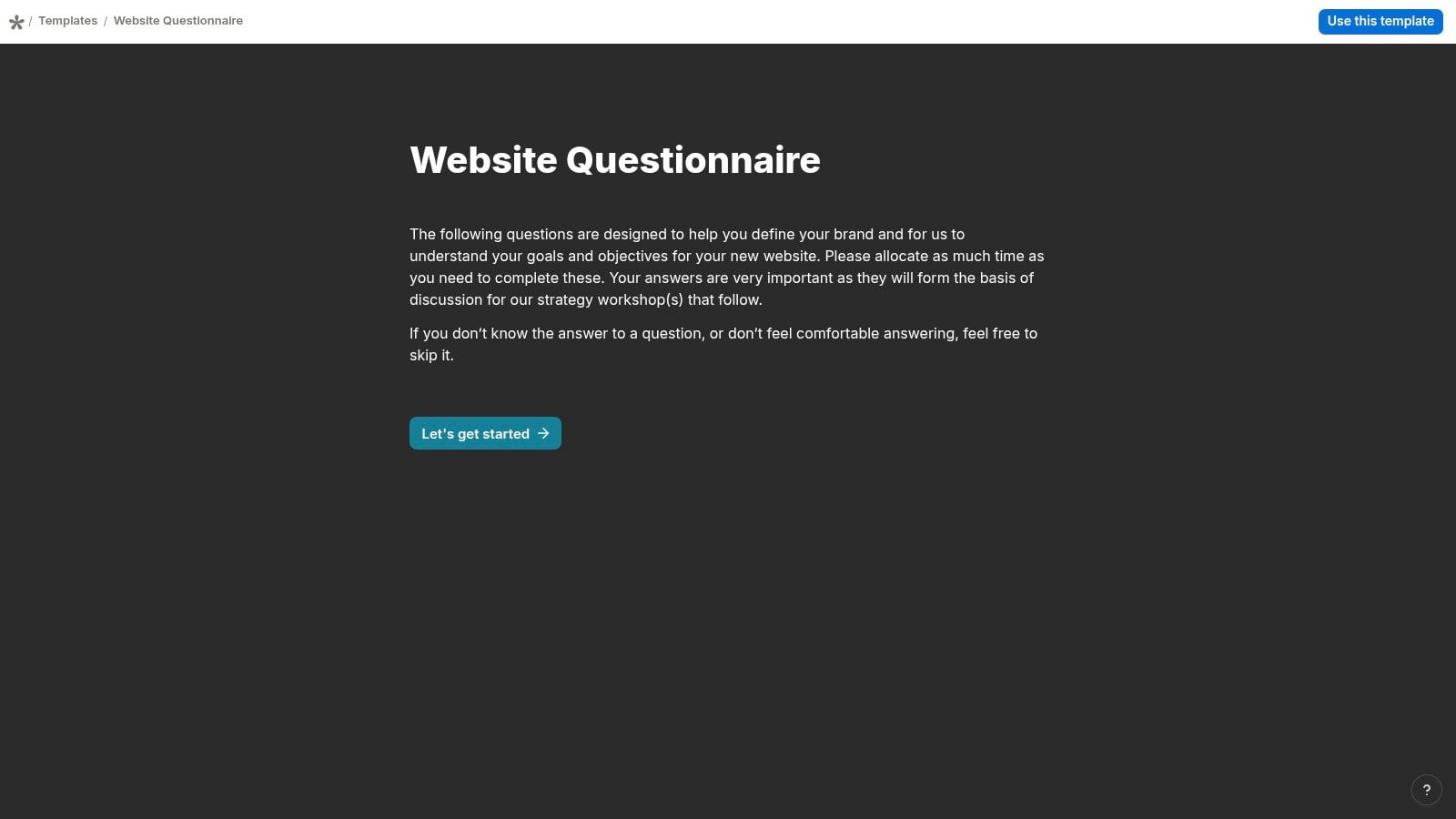
For small firms, the low friction matters. A partner can draft questions quickly, brand the form lightly, and send responses toward tools like Notion, Airtable, or Zapier without building a custom system. That's enough to tag inquiries by service type, create a task for the owner, and stop relying on forwarded email threads.
What to add before launch
The template won't interrogate technical scope for you. Add structured prompts for current platform, required integrations, migration needs, analytics access, content readiness, and post-launch maintenance expectations. Use dropdowns or checkboxes for anything you plan to filter later, and reserve long-text fields for goals and constraints.
Practical rule: If an answer will become a tag, stage, or deadline in your pipeline, don't collect it as an open paragraph.
Plan limits for responses, branding, and integrations depend on your tier, so confirm them before you embed the form on a high-traffic page. I recommend Tally when speed and clarity beat deep customization. It's a strong website questionnaire template for simple intake, provided you add the approval, access, and budget questions that decide whether a project is ready to price.
6. Jotform – Web Designer Client Questionnaire
Scale changes the choice. If your intake will grow into multiple service forms, approvals, and integrations, Jotform's Web Designer Client Questionnaire gives you a specific template inside a broad drag-and-drop builder. You can modify questions, share the form by email, embed it on a website, and collect submissions in your Jotform account, with paid plans listed from $34 per month billed annually.
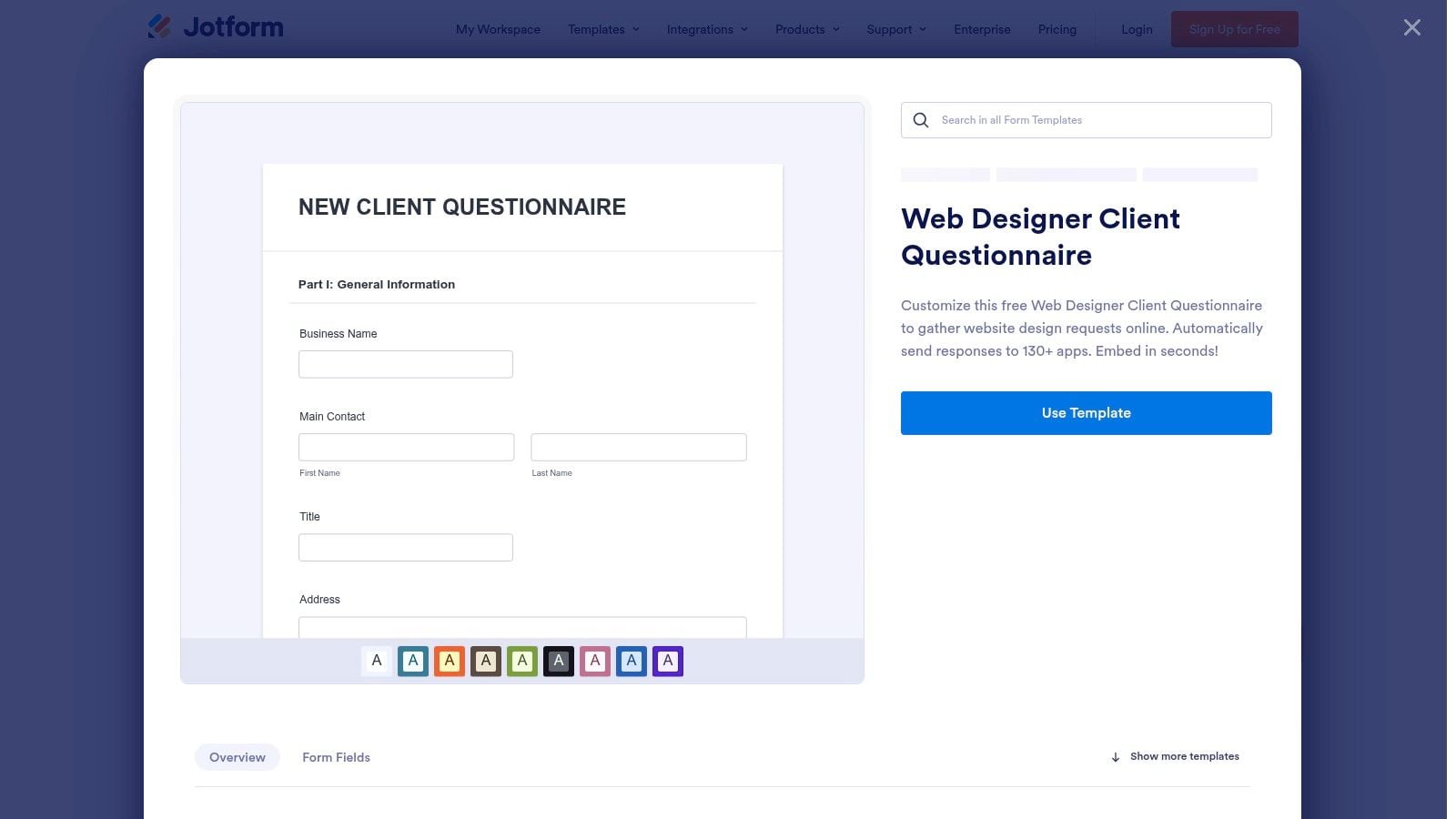
That breadth helps when a website inquiry might branch into branding, development, or ongoing support. Integrations with other apps make it easier to push structured answers into the systems your team already uses. The risk is form sprawl. Because adding fields is easy, teams keep adding them until the questionnaire becomes an unpaid discovery project.
Benchmarks argue for restraint. A summary of Zuko form benchmarking across 93,022,997 sessions reports an average starter-to-completion rate of 51.71%, with desktop completion at 54.48% compared with 47.53% on mobile. Nearly half of starters don't finish. Every optional field should have to justify its place.
Tailor the template for content ownership, approval authority, integrations, and access before you rely on it for scoping. Check free-plan limits early, especially if you expect file uploads or high submission volume. I would choose Jotform when you need a form system that can expand, then govern it with a field owner and a quarterly review that deletes questions nobody uses in proposals.
7. forms.app – Web Design Questionnaire
Freelancers and small studios often need something publishable today, not a form architecture project. The forms.app Web Design Questionnaire covers a website's purpose, target audience, desired look, content, features, and special functionality, and its Basic paid plan is listed at $19 per month billed annually. A free plan is available, and you can customize questions and presentation before sharing or embedding the form.
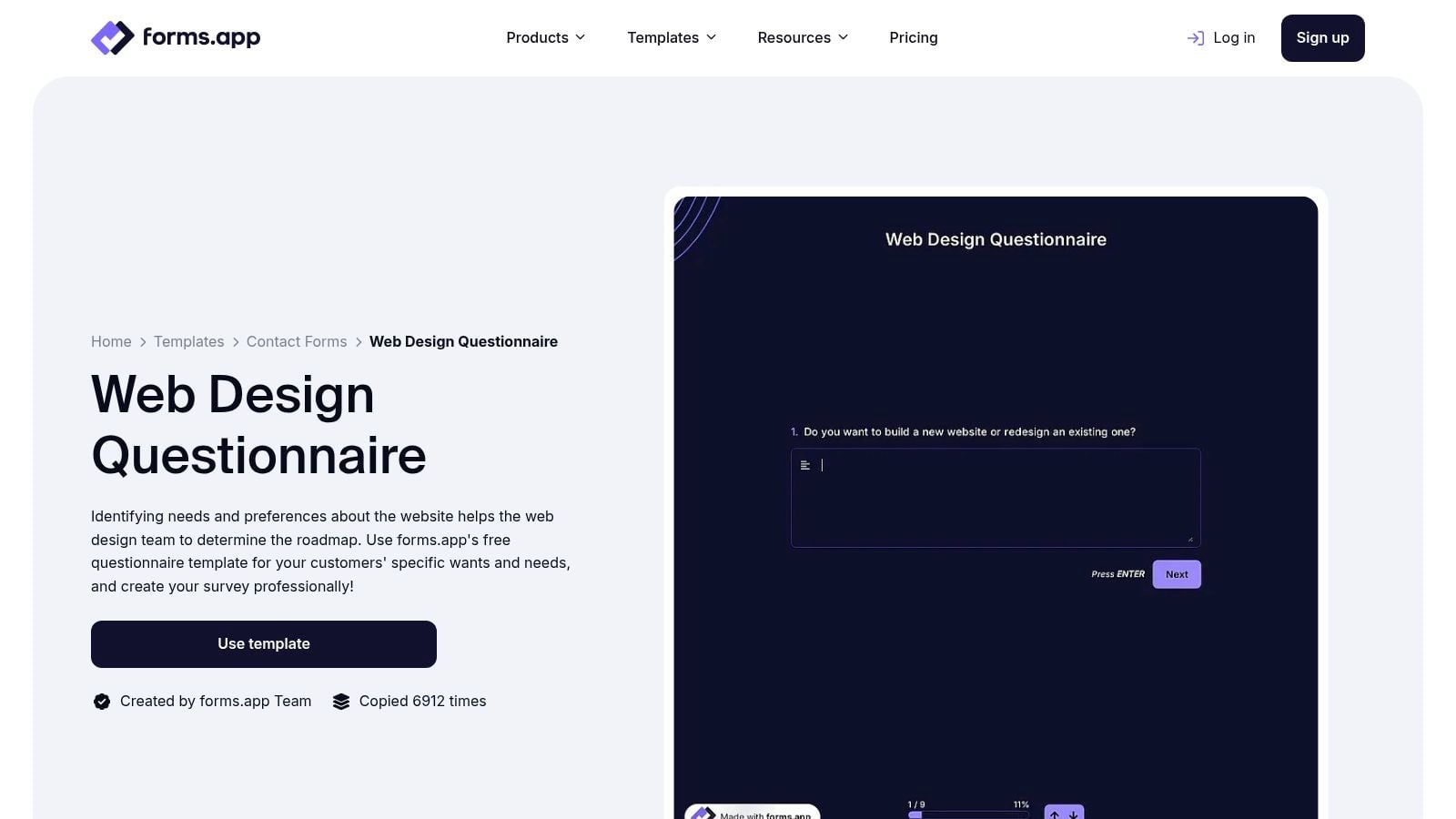
Its question set matches design intake closely, and conditional logic plus multiple field types let you separate a brochure site from a build with booking, payments, or member access. That makes it useful for collecting client preferences quickly without sending a document back and forth.
The gap is project control. The template may not press hard enough on who approves, when content is due, what happens if assets slip, or which business outcome justifies the build. Those aren't nice-to-have details. They determine whether your timeline is a plan or a guess.
- Add a decision block: Budget range, desired decision date, and preferred next step.
- Add a readiness block: Copy status, brand assets, domain and hosting access, and final approver.
- Add an exit option: A prefer to discuss choice for sensitive fields, so uncertainty doesn't become abandonment.
Check free-plan limits before publishing, then complete the form yourself on mobile. I would use forms.app for fast, design-led intake, but only after adding the constraint questions that protect margin when a simple request turns into custom functionality.
8. Google Forms
Google Forms is the default choice when your team values familiarity over presentation. There's no dedicated website-design questionnaire to start from, so you build from a blank form using common question types, then review responses directly or through a spreadsheet workflow. Sharing and embedding are straightforward, and it works naturally with Google accounts and Google Workspace.
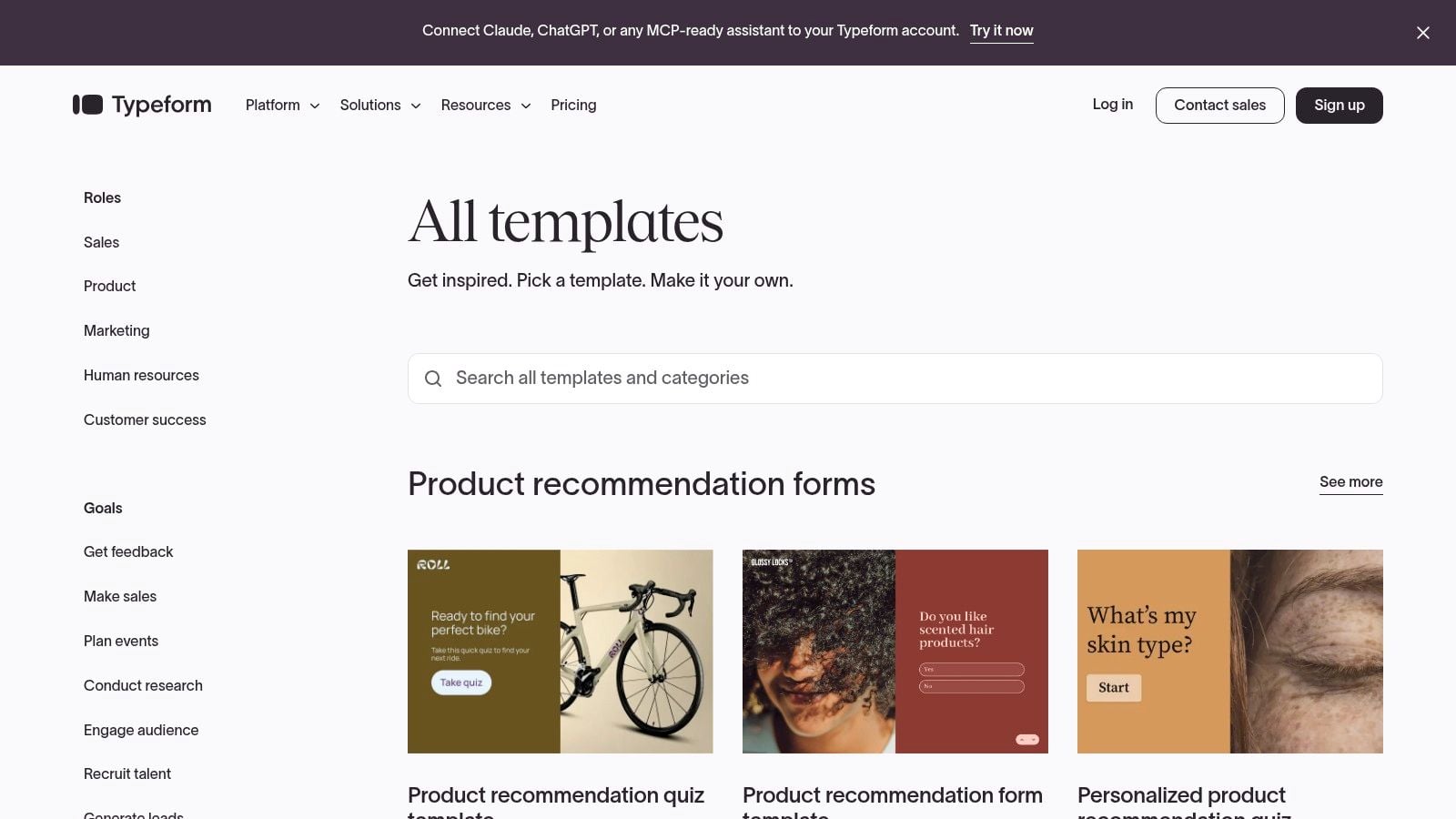
That blank canvas is the trade-off. You must write and organize questions on business goals, audience, pages, content readiness, technical needs, budget, and launch date yourself. Done carefully, that's a strength, because every field reflects how your firm scopes. Done quickly, it produces a long, flat form with inconsistent answer formats that are painful to sort later.
How to make a blank form work
Build in sections with short headings, use structured choices for budget and timeline, and add one optional field for context the choices missed. The web form itself has a long lineage, and The SAGE Handbook of Online Research Methods overview identifies Pitkow and Recker's 1994 research as the first published web-survey study. The tools are easier now, but the method still depends on disciplined questions.
Google Forms is free for basic use and quick to build, but it's less suited to a highly branded client experience, and complex automation may require another tool. I recommend it for internal pilots or low-volume intake. If submissions need owners, stages, reminders, and proposal follow-up without manual spreadsheet work, you've outgrown the free default.
How the eight templates differ on format, online collection, free options, and listed pricing
| Item | Format | Collects Online | Free Option | Listed Price Signal |
|---|---|---|---|---|
| Workspace369, Web Design Client Questionnaire | Word document or PDF | No; document-based | Free download | No listed price |
| Angelwood, Website Questionnaire for Clients | Editable Word document | No; document-based | Free download | No listed price |
| HoneyBook, Creative Agency Website Design Project Intake Questionnaire | Customizable platform template | Yes; within HoneyBook | No; listed as paid | $29 |
| HelloForms, Website Design Questionnaire | Online form | Yes | Check account and plan requirements | No listed price |
| Tally, Website Questionnaire | Online form; shareable or embeddable | Yes | Plan-dependent | No listed price |
| Jotform, Web Designer Client Questionnaire | Online form; shareable or embeddable | Yes | Free plan available; limits apply | From $34/month, billed annually |
| forms.app, Web Design Questionnaire | Online form; shareable or embeddable | Yes | Free plan available; limits apply | $19/month, billed annually |
| Google Forms | Online form | Yes | Free for basic use | No listed price |
Route Every Submission Into a Pipeline Step, Not a Stored File
A polished form that deposits answers into a folder hasn't solved your acquisition problem. It has only made the pile neater. The routing work starts at capture, when each response is still fresh and the prospect still remembers why they reached out.
Tag every submission with its source and service type at the moment it arrives. Source might be your website, LinkedIn, an event, a partner, or a referral. Service type might be redesign, new build, advisory support, or not yet qualified. Those two tags let you see which channels create real opportunities and which segment needs a different follow-up path.
A routing checklist to test before launch
- Trigger an immediate first response: Confirm receipt, state when a person will reply, and name the next step instead of leaving the inquiry in an inbox.
- Assign a stage and owner: Place each submission in a stage such as Discovery Booked or Proposal, with one named person accountable for moving it.
- Set a follow-up date: Every open inquiry needs a next date, including prospects who submitted but didn't schedule.
- Define tags from day one: Tags set up on your import template should be live immediately, so a defined segment can be contacted without cleanup work first.
- Measure quality, not just volume: Track completion, qualified-opportunity rate, booked meetings, and proposal outcomes by source.
That discipline also exposes weak questions. If a field never changes a stage, a tag, a price, or a follow-up action, cut it or move it later in the process. If an answer routinely triggers a clarification email, rewrite it as structured choices with a short optional comment field.
Firms that want form responses connected directly to pipelines, automatic first responses, and proposal follow-up can evaluate a system such as Starward Navigators alongside the templates above. The comparison point isn't the form builder alone. It's whether a submission becomes a tracked opportunity with reminders and a defined cadence, a principle also reflected in DBotMaker's guide to CRM automation.
Test your chosen website questionnaire template against the checklist before you go live. Submit it as a ready buyer, as an early-stage prospect, and as a poor-fit inquiry. Confirm that each path lands in the right stage, reaches the right owner, and produces the right next action. If any path ends in a stored file or an unassigned notification, fix the routing before you fix the design. That's the difference between collecting information and running intake as an acquisition control.
If your questionnaire collects good answers but proposals still go quiet, we can connect your forms to prebuilt pipelines, automated first responses, appointment reminders, and proposal follow-up built for small consulting and advisory firms. Visit Starward Navigators to see how the system turns a completed intake into a tagged, owned opportunity with a clear next step.