A five-person advisory firm signs up for a CRM on a Tuesday. By Thursday someone has imported 3,000 contacts from a spreadsheet, built nine pipelines, and renamed half the stages. Six weeks later the pipelines sit empty. Proposals still leave from personal inboxes, decision calls aren't booked in the system, and the partner who runs delivery learns a new client signed when the invoice request lands in her inbox.
That isn't a software failure. It's a scope failure, and it usually happens because the implementation was planned by whoever sold the subscription rather than by someone who has watched a consulting deal travel from first call to kickoff.
Consulting and advisory firms lose revenue in two specific places. The first is the gap between proposal sent and decision made, where a deal goes quiet because nobody scheduled the call that forces an answer. The second is the handoff from sales to delivery, where the context that made the sale work evaporates the moment the contract is signed.
A useful CRM implementation checklist is built around those two failures, not around feature categories. The ten steps below each carry an owner, an output, and a test you can run before go-live. Work through them in order and you'll finish with a system your team opens on Monday.
Table of Contents
- 1. Define Goals, Scope, and Success Metrics
- 2. Map the Sales and Delivery Pipeline Stages
- 3. Structure Data Model and Import Clean Contacts
- 4. Configure Lead Capture and Routing
- 5. Automate Lead Response and Nurture Sequences
- 6. Set Up Appointment Scheduling, Confirmations, and Reminders
- 7. Track Proposals with Defined Follow-Up Cadence
- 8. Automate Client Onboarding and Delivery Handoff
- 9. Build Referral Partner Management Workflows
- 10. Plan Adoption, Validate Go-Live, and Establish Ongoing Governance
- What each CRM implementation step delivers, the main risk it carries, and which firms benefit most
- Turn the Checklist into a Live System in Two Weeks
1. Define Goals, Scope, and Success Metrics
Before you touch a pipeline, write down what the system has to change. For a consultancy that means three things you can measure today: how many qualified conversations turn into proposals, how long the gap runs between proposal sent and client decision, and where handoffs stall after signature. Everything else is decoration.
The failure rate backs up that discipline. A 2022 survey of 503 U.S. enterprises found that about one-third of CRM projects fail, while roughly 54% of businesses reported adoption rates below 90%. Read those numbers carefully. They describe failed behavior, not failed software.
What belongs in the one-page brief
- Offers and deal sizes: List the two or three engagements you sell, with typical fee ranges and cycle lengths.
- Stage owners: Name the person accountable for each stage, including whoever approves pricing.
- Broken handoffs: Record the exact moment work drops, usually the week between a verbal yes and a signed agreement.
- Success metrics: Pick three to five, each starting with a verb and containing a number, such as "every proposal has a dated next step by end of day Friday."
A five-person B2B advisory firm that logs its average time from first call to signed engagement has a baseline to beat. Without that number, nobody can say whether the new system helped or just added typing.
Practical rule: if a goal can't be measured from a pipeline report, it isn't a goal. It's a wish with a deadline.

2. Map the Sales and Delivery Pipeline Stages
Your pipeline is a model of your sales conversation, not a generic funnel. If a stage exists because the software shipped with it, delete it.
The size gap explains why this matters more for small firms than most vendor material admits. Eurostat's enterprise technology data reported that 28.51% of enterprises in the European Union used CRM applications in 2025, up 2.68 percentage points from 2023, but usage stood at 24.69% among small enterprises against 65.43% among large ones. A 40.74-percentage-point gap isn't a marketing problem. It's what happens when a five-person firm buys a system designed to be configured by someone with six spare weeks.
Stages that match advisory work
Aim for five to seven stages in the acquisition pipeline, each with entry criteria, exit criteria, and a required next step.
- Discovery Complete: exit means a documented problem, a budget signal, and a named decision owner.
- Proposal: exit means the document is sent and a decision call is on the calendar.
- Decision: exit means signed, or a verbal yes with a start date, or a written reason for no.
- Nurture: exit means a specific trigger and a date to re-engage.
Test the model by walking three recent wins and three losses through it. Any deal that jumps two stages at once tells you the model, not the deal, is wrong.
A fractional CFO practice that cut twelve stages down to six still got the same reporting. What it gained was a queue a partner could scan in ninety seconds.

3. Structure Data Model and Import Clean Contacts
The import is where implementations break. Failure estimates across published studies range from 20% to 70% of CRM projects, and the same synthesis attributes 32% of CRM users' greatest challenges to insufficient expertise, with only 40% of businesses reaching a 90% adoption rate. Bad data at the start guarantees both problems.
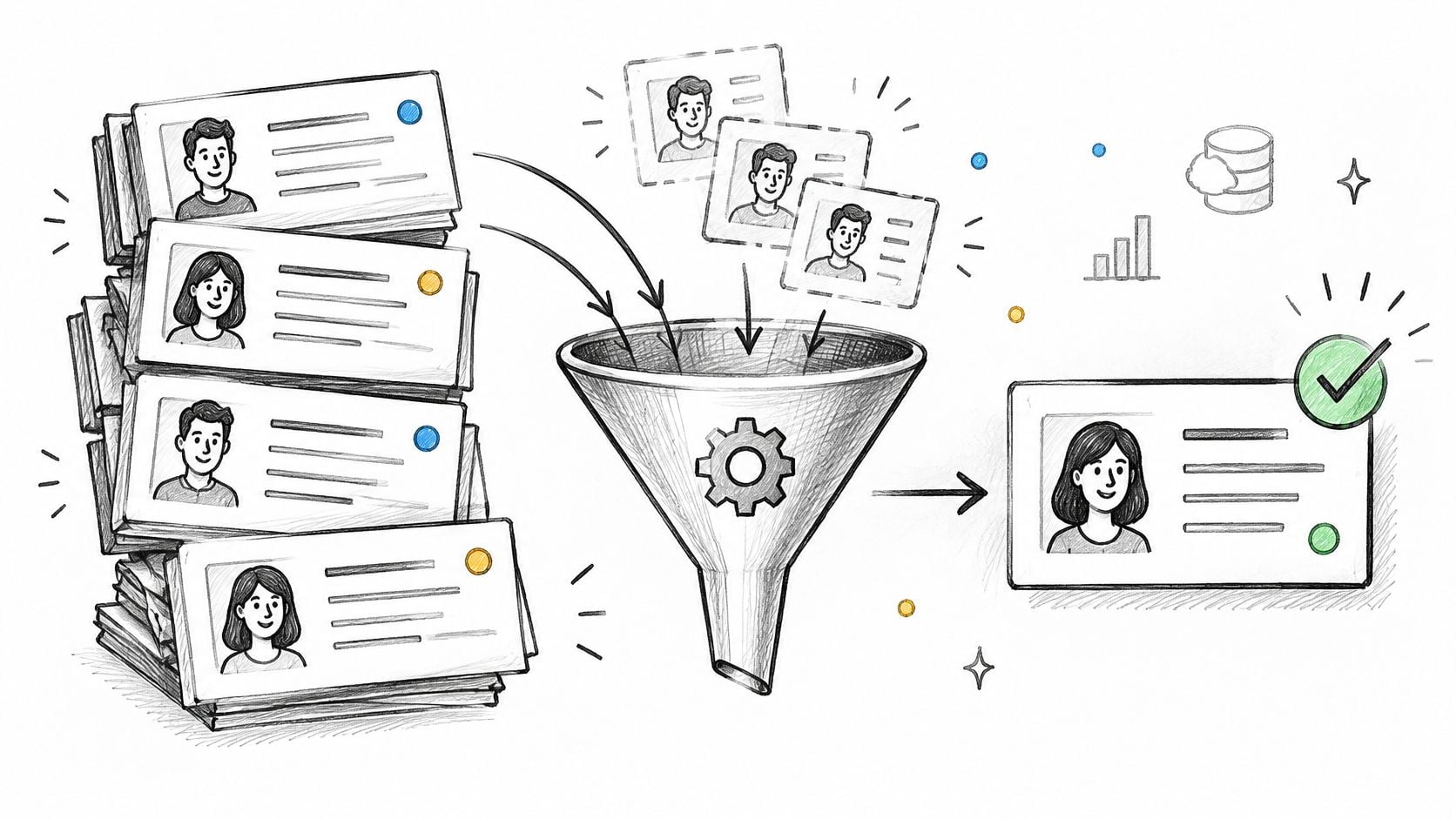
Define a canonical contact key before the first file is uploaded. Normalize email addresses to lowercase, use the company domain as the secondary key, and classify every source channel with a fixed picklist rather than free text.
The five objects worth configuring
- Contacts: one person, one record, with owner and consent status.
- Companies: the account record that survives staff turnover on the client side.
- Opportunities: the deal, with value, stage, and a dated next step.
- Engagements: the live work, created only when a deal is won.
- Referral partners: individuals who send work, tracked separately from prospects.
Consent matters beyond tidiness. Record the lawful basis or consent status for every marketing contact before your first campaign, because retrofitting it across thousands of rows is a job nobody volunteers for. For a closer look at the object model consultancies need, see this guide to CRM setup for consulting firms, and for the reporting side of the same structure, this piece on aligning marketing, sales and finance reporting is worth reading before you name a single field.
One independent consultant imported five years of spreadsheet contacts, merged about a fifth as duplicates, and tagged the dormant ones for a re-engagement sequence. The merge took an afternoon. The re-engagement produced two engagements.
4. Configure Lead Capture and Routing
Most firms already own the software. In 2024, 73% of businesses reported using CRM software, according to Freshworks' survey of 600 U.S. business owners and professionals. If three-quarters of firms have a CRM and referrals still get lost, the missing piece is capture, not licensing.
Every inbound channel needs to land in one record with a visible source. That means the website contact form, the shared inbox, LinkedIn messages, event sign-up sheets, and the introduction email forwarded by a partner. Set routing rules so each new lead gets an owner immediately, by service line, geography, or a simple round-robin among partners.
Capture rules that survive contact with reality
- Ask for little on the first form: name, work email, company, and one qualifying question beats a nine-field interrogation.
- Test every channel: send a live test lead through each one before go-live and watch it arrive, assign, and trigger the acknowledgement.
- Alert on orphans: if a lead sits unassigned past your response window, notify the business development lead automatically.
If you're routing chat or bot inquiries, the mechanics of sending chatbot inquiries to sales apply equally to form fills from an advisory site: an unassigned record is a lost record.
A boutique strategy firm wired its website form, event scanner, and LinkedIn exports into one pipeline, then compared source-level win rates after two quarters. The finding mattered less than the habit: every inquiry had a name attached within the hour.
5. Automate Lead Response and Nurture Sequences
Speed of acknowledgement is the cheapest competitive advantage a small firm has. Automation is how you keep it consistent on the week three partners are travelling and a proposal is due.
Do this with restraint. Automation runs on prospect data, and that data has a compliance tail. BCG's research on generative AI in professional services identified data privacy and confidentiality as the leading impediment to adoption among legal, financial, and tax and accounting workers, and reported that 50% of professionals in another 2025 survey were exposing their firms to increased information-security risk through unauthorized AI tools. Every field you pipe into an automated email or a drafting assistant is a field you've decided is safe to expose.
A sequence that doesn't sound like a robot
Set a same-day acknowledgement, then a three-step nurture over roughly two weeks, then a manual call task for the owner. Stop the sequence the moment a prospect replies or books a call.
- Write in the owner's voice: first person, short sentences, no stock phrases about "touching base."
- Always include an opt-out and a calendar link: both, every time, in every message.
- Review monthly: reply rate and unsubscribe rate tell you whether the timing or the copy is wrong.
A solo advisor ran a same-day acknowledgement plus three emails across a fortnight, with a manual call task after the second. Half the responses came from the call, not the emails, which is the point of mixing the two.
6. Set Up Appointment Scheduling, Confirmations, and Reminders
Discovery calls are where advisory deals are won or die. A no-show isn't a calendar problem, it's a pipeline leak, and it's almost always fixable with logistics.
Connect a booking link to the CRM so a booked call creates the meeting, advances the opportunity stage, and generates a prep task for the consultant. Then standardize the messages that surround it.
The reminder cadence that works
Send a confirmation at booking, a reminder 24 hours before, and a second two hours before. Include a short agenda and one question the prospect should think about, such as which decision-maker needs to be in the room for the next conversation.
- Log the outcome: held, no-show, or rescheduled, recorded against the opportunity within the hour.
- Attach prep to the calendar, not memory: a two-line brief on the prospect's business and the last conversation.
- Route reschedules to the owner: a rescheduled call is a stalling signal worth a personal follow-up.
A fractional COO firm added confirmations and reminders to its discovery bookings and tracked no-show changes across a quarter. The reminder itself did less than the agenda question, which turned a polite chat into a scoping conversation.
Make the prep task part of the booking, not a separate to-do. Systems that create work in two places get abandoned in one of them.
7. Track Proposals with Defined Follow-Up Cadence
This is the step that pays for the whole project. The gap between proposal sent and decision made is where advisory revenue goes to sleep, and it closes only when the next step is a dated commitment in a system someone reviews.
Treat proposal hygiene as an operating metric rather than a reporting nicety. The workflow-level view of adoption set out in these aggregated CRM statistics is the right lens: what share of proposals carry a dated next action, and what share of won opportunities create delivery records without anyone retyping them. Login counts tell you nothing about either.
What every proposal record needs
- Value and submission date: the two fields that make a pipeline forecast possible.
- Decision owner: the named human on the client side who says yes.
- A scheduled follow-up: a decision call or revision meeting, not "check in."
- A loss reason: picked from four or five options so patterns emerge.
A B2B advisory firm set follow-ups at three, seven, and fourteen days after sending a proposal, with a Monday review of everything still open. Two deals that had gone silent for a month closed within a fortnight of the cadence starting.
Attach the proposal document to the opportunity rather than leaving it in a sent folder. When a partner asks what you offered and at what price, the answer should take one click.
8. Automate Client Onboarding and Delivery Handoff
The signed engagement is the most fragile moment in the cycle. Sales context lives in one person's head, delivery starts from zero, and the client notices the drop in responsiveness within days.
Here's how that handoff looks when the system carries it instead of a person.
When an opportunity moves to Won, the account should update, the delivery pipeline should open, the engagement owner should be notified, and the kickoff should be scheduled. Trigger onboarding only after the signed agreement is recorded, otherwise you'll start delivery work on deals that never close.
The handoff summary that saves a kickoff
- Goals as the client stated them: in their words, not your proposal language.
- Stakeholders and roles: who sponsors the work, who signs invoices, who blocks decisions.
- Known risks: the budget concern, the internal champion who's leaving, the deadline that isn't negotiable.
For the full sequence from signed agreement to first delivery review, this walkthrough of a client onboarding workflow covers the stages and owners in order.
An advisory firm used a Won trigger to create the kickoff task, request the shared folder, and invite the client sponsor, all before the partner opened her inbox the next morning. The first ten onboardings are the ones to audit; refine the checklist from what those ten reveal.
9. Build Referral Partner Management Workflows
Referrals are usually the highest-quality channel a consultancy has, and the one most often managed by memory. Attorneys, accountants, bankers, and former clients send work when they trust you and remember you. Only one of those is automatic.
Track partners as relationships with stages: identified, engaged, active, and dormant. Define in writing what makes a partner active, typically one qualified introduction in the past twelve months, so the label means something consistent across partners.
The habits that keep referrers sending
- Thank within two business days: a personal note from the partner who received the introduction, not a template.
- Send a quarterly update: one short email on what you're working on and who you'd like to meet.
- Review annually: rank partners by introductions and revenue, then move effort toward the top handful.
A solo consultant tagged five accountants as referral partners, sent a quarterly update, and added a personal thank-you after each introduction. Two of the five became recurring sources within a year.
If you want the mechanics of stages, source attribution, and thank-you automation in one place, this guide to how to track referrals lays out the workflow. The trade-off is real: a referral pipeline takes an hour a month to maintain, and it competes with delivery work for that hour. Skip it and the channel stays accidental.
10. Plan Adoption, Validate Go-Live, and Establish Ongoing Governance
Adoption isn't a training event, it's an operating change with a review cycle attached. Assign seats and permissions by role, then train each person on the three workflows they personally own: capture, follow-up, and handoff.
The change-management angle is where most rollouts underspend. Thomson Reuters' 2025 report on generative AI in professional services found that only 13% of surveyed professionals said generative AI was already central to their workflow, while 29% expected it to become central within a year, and it flagged organizational culture and implementation planning as critical factors. New tooling lands slowly even when people expect it to land fast.
The go-live test pass
Before launch, run sample records through every automated path: form capture, routing, reminder delivery, stalled proposal alerts, won-stage handoff, and referral nurture. Then check the exception log, because silent failures are the ones that cost you a deal.
- Name one administrator accountable for fields, automations, and data quality.
- Limit the first dashboard to five to seven metrics, reviewed in a standing meeting.
- Have leaders update the pipeline live during that meeting, which teaches more than any slide deck.
- Book the 30, 60, and 90-day reviews before go-live, while everyone still agrees they matter.
A ten-person advisory firm ran two forty-five-minute role-based sessions, then reviewed pipeline hygiene weekly for a quarter. A fractional executive firm ran a test lead through every workflow, then changed two reminder timings at its 30-day review.
What each CRM implementation step delivers, the main risk it carries, and which firms benefit most
| Item | Key Deliverable | Main Risk | Works Best For |
|---|---|---|---|
| Define Goals, Scope, and Success Metrics | Measurable goals, baseline metrics, and prioritized workflows | Time required from busy principals; incomplete historical data | Firms aligning CRM setup with clear business outcomes |
| Map the Sales and Delivery Pipeline Stages | Defined pipeline stages, exit criteria, and next steps | Overly detailed or unrealistic stages may be ignored | Teams seeking consistent forecasting and deal visibility |
| Structure Data Model and Import Clean Contacts | Connected CRM records with clean, deduplicated, consent-aware data | Time-consuming cleanup and inaccurate legacy assumptions | Firms consolidating contact data from multiple sources |
| Configure Lead Capture and Routing | Integrated lead channels, source tags, and ownership rules | Poor forms or outdated routing rules can lose leads | Teams handling inquiries across several channels |
| Automate Lead Response and Nurture Sequences | Timed follow-ups with reply and booking stop conditions | Generic or improperly stopped messages can annoy prospects | Teams needing consistent, timely lead follow-up |
| Set Up Appointment Scheduling, Confirmations, and Reminders | CRM-linked booking, reminders, alerts, and prep tasks | Impersonal booking or time-zone errors | Firms scheduling frequent discovery calls |
| Track Proposals with Defined Follow-Up Cadence | Proposal records, scheduled follow-ups, and aging reports | Excessive follow-up may feel pushy | Teams that need accountability for open proposals |
| Automate Client Onboarding and Delivery Handoff | Won-stage handoff, delivery record, and onboarding checklist | Premature triggers or inflexible onboarding steps | Firms coordinating sales and client delivery |
| Build Referral Partner Management Workflows | Partner records, relationship stages, and referral reporting | Sensitive data or impersonal nurture can harm relationships | Consultancies that rely on referral relationships |
| Plan Adoption, Validate Go-Live, and Establish Ongoing Governance | Role-based training, tested workflows, dashboards, and review routines | Low adoption or lapsed governance without leadership support | Firms seeking reliable, long-term CRM usage |
Turn the Checklist into a Live System in Two Weeks
The order matters more than the speed. Goals and metrics come first because they define what the pipeline has to show. Stages come next, then the data model, then capture, response, scheduling, proposals, handoff, and referrals. Governance closes the loop.
Skipping the test pass is the one shortcut that reliably backfires. A reminder that never fires, a won-stage trigger that creates the delivery record without the owner notification, a routing rule that assigns every lead to the founder: each of these surfaces in a live client situation if it isn't caught with a sample record first. Budget half a day for the pass and run it twice, once with a clean record and once with a messy one, because real imports are messy.
Two trade-offs are worth naming. First, an opinionated system that enforces a dated next step will beat a flexible one that lets each partner invent their own stage names, even if the flexible one has better features. Second, automation should carry coordination and humans should carry judgement. Routing, reminders, stage changes, and internal alerts are safe to automate. Client notes, proposal language, and anything generated from sensitive context deserve a person reading it before it leaves the building.
If the setup work is too heavy for a team already stretched across delivery, Starward Navigators implements a prebuilt operating system for consulting and advisory firms, with pipelines, follow-up, and reminders configured around how your firm sells. Setup usually takes about two weeks from the point your contact list, calendar, and domain access are ready.
Start smaller than you want to. Pick one step from this checklist, name an owner, and put it on this week's calendar. The proposal follow-up cadence is usually the fastest return, because it fixes the gap where deals go quiet without anyone noticing.
Starward Navigators builds client acquisition infrastructure for small consulting and advisory firms: prebuilt business development, client delivery, and referral pipelines with proposal follow-up, appointment reminders, and automatic handoffs already running. If you'd rather install a working system than configure a blank one, visit Starward Navigators to see how the Map, Install, Go Live process applies to your firm's sales cycle.