
A partner clears an hour, reviews the prospect's website, sketches an agenda, then sits in an empty video call. The booking existed, but nobody confirmed it, nobody sent the meeting link again, and nobody owned the follow-up when the prospect went quiet. Two reschedules later, the interest that prompted the first request is gone.
That's the practical test for an appointment reminder form. It isn't just a place to collect a name and pick a time. It's the record that should carry intake context, contact consent, timezone, meeting link, and confirmation status into the discovery call, and then trigger a next step if the call doesn't happen.
The evidence for doing this systematically is strong in healthcare settings, and the workflow logic transfers cleanly to advisory work. A 2011 systematic review of telephone and SMS reminder interventions found reminders reduced non-attendance by a weighted mean of 34% relative to baseline, with 29% for automated reminders and 39% for manual calls.
Below are 10 tools judged on three things: what their form collects before the call, which reminder channels you get on which plan, and what still needs a separate system once the meeting ends.
Table of Contents
- 1. Calendly
- 2. Zoho Bookings
- 3. Acuity Scheduling
- 4. Jotform Appointments
- 5. Paperform
- 6. Cognito Forms
- 7. Formstack
- 8. Setmore
- 9. Square Appointments
- 10. SimplyBook.me
- How the 10 appointment reminder form tools compare on reminder channels, intake depth, and free access
- Match the Reminder Form to Where Deals Stall
1. Calendly
Calendly is the default most prospects already understand. You share a booking page, it checks calendar availability, the client picks a slot, and confirmation, rescheduling, and cancellation messages follow the booking. For solo consultants, that familiarity reduces friction before you've earned any trust.
The intake side is booking questions, not a full intake form. You can ask about company size, current challenge, or referral source, and those answers travel with the calendar event. That's enough for a first conversation. It isn't enough for branching qualification, document collection, or routing different prospect types to different partners without help.
Where the Plan Boundary Shows
- Included basics: booking pages for different meeting types, availability checks, and automated confirmations
- Plan dependent: advanced automations and reminder options, including text on eligible setups
- Separate tools needed: proposal tracking, lead routing, and client handoffs
Firms that like Calendly's front door but need the back office connected often pair the booking link with appointment automation that handles confirmations and no-show follow-up so the calendar event isn't the end of the workflow. Choose Calendly when speed and recognition matter more than deep intake. Move on when you're copying booking answers into a CRM by hand.
2. Zoho Bookings
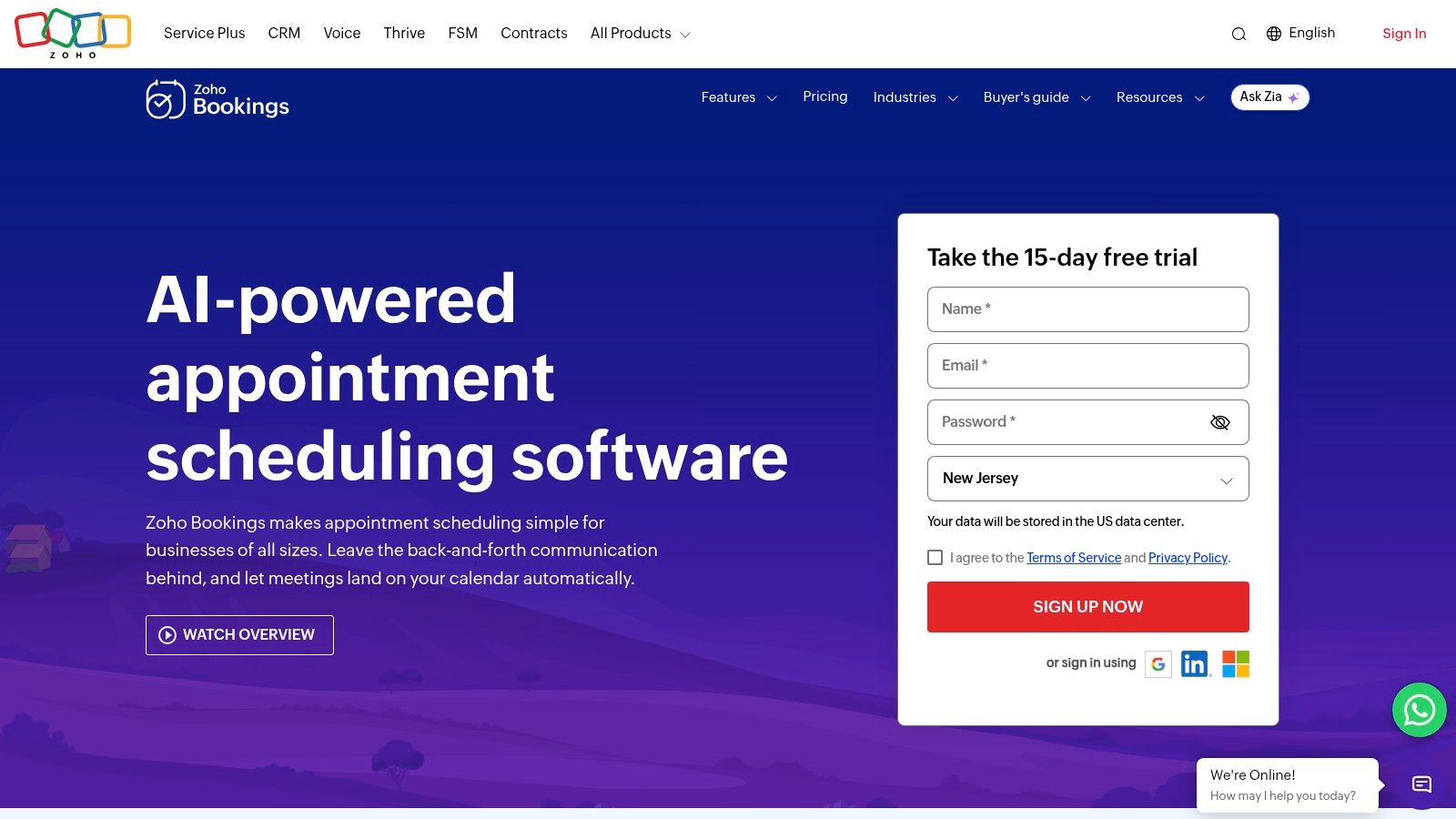
Zoho Bookings gives you more form control than a basic scheduling link. You can set required and optional custom fields, so a prospect booking a pricing review can be asked different questions than someone booking an introductory call. That extra structure helps if partners keep arriving underprepared.
Its reminder setup is the headline. Zoho Bookings supports up to three scheduled reminders, with email and SMS workflows depending on plan and provider setup. That staged pattern has evidence behind it. In a large randomized trial involving 54,066 scheduled visits, two reminders at three days and one day out cut missed appointments to 4.4%, compared with 5.8% for three-day only and 5.3% for one-day only.
Practical rule: capture mobile number, consent, and timezone at submission. A staged reminder sequence can't fix a form that never collected a reachable contact.
The trade-off is setup. SMS requires a connected provider and may add cost, and the free plan for one user is a testing tier, not a team solution. The strongest case is a firm already on Zoho CRM, where appointment data flows into lead management instead of sitting in a scheduler.
3. Acuity Scheduling
Acuity Scheduling suits firms that sell defined sessions alongside free discovery calls. Clients book, complete an intake form attached to that appointment type, and receive confirmation, reminder, and follow-up emails that can carry appointment details and form answers.
That attachment of intake to appointment matters. A paid diagnostic can require background documents in advance, while a fit call stays light. Calendar and timezone handling reduces the classic cross-border mix-up, and multiple calendars on higher plans help small teams with several practitioners.
Email reminders are included on all plans. Text reminders are gated to eligible higher plans and availability can vary by location, so check that before you design a workflow around SMS. There's no permanent free scheduling plan, only a trial, which makes the buying decision more deliberate.
- Works well: repeat appointments, multiple service types, intake tied to each service
- Watch out: paying for depth you don't need if you only run occasional discovery calls
- Still separate: pipeline stages after the call, proposal follow-up, referral tracking
Pick Acuity when the appointment itself is a product. For pure prospecting volume, it's heavier than necessary.
4. Jotform Appointments
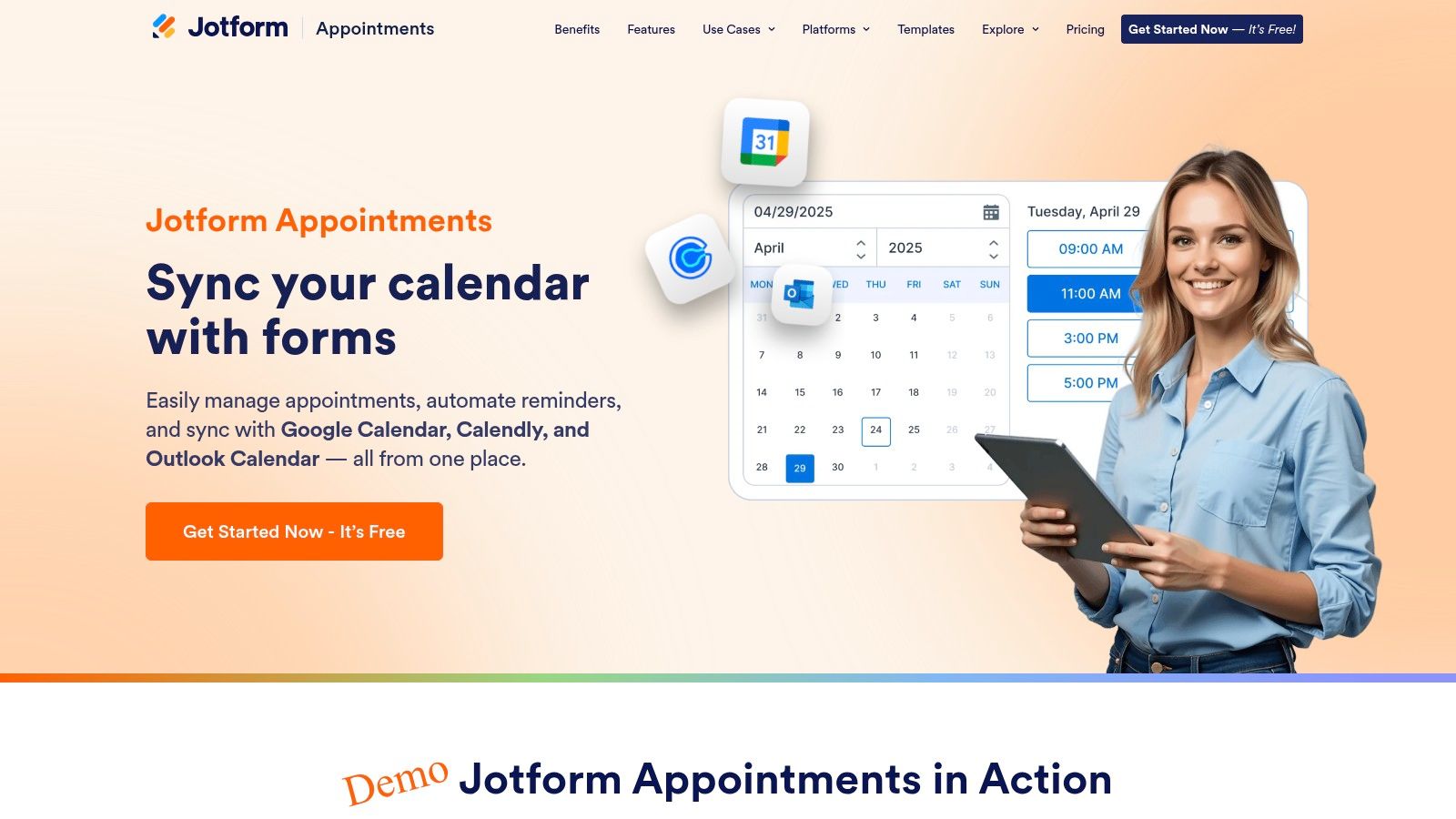
Jotform Appointments builds the booking flow around the form. Use drag-and-drop fields to collect discovery-call context, then connect the form to availability. Templates for consultations and appointments speed setup. Conditional questions, file uploads, and approvals help when the call requires more than a name and email address.
Automated confirmations and reminders are email based and tied to the appointment field. Availability settings such as minimum notice and daily booking limits can prevent last-minute bookings that leave no time to prepare. Intake answers captured in the form give the adviser useful context, though calendar sync and form logic need testing together.
A systematic review of 28 studies, including 13 randomized controlled trials reported a pooled odds ratio of 1.62 for SMS reminders. That finding concerns SMS, so it does not establish how effective Jotform's email reminders are. It also does not settle the right timing or number of messages for this workflow. Judge the setup by whether reminders reach clients and whether the booking carries the intake details needed for the call.
The trade-off is configuration. Test how form rules, calendar sync, and reminder timing work together before publishing. Heavier use or advanced integrations may require a paid plan. Choose Jotform when booking is part of a broader data-collection process; for a basic link and email reminder, the added setup may not pay off.
5. Paperform
Paperform is for firms that care how the booking page looks. It builds branded forms and landing pages for consultations, appointments, and events, syncs availability with Google Calendar, and sends automated email confirmations and reminders.
That brand control isn't cosmetic for premium advisory work. A prospect evaluating a fractional CFO judges competence from the first form they touch. Paperform lets that page read like your firm, ask considered questions, and collect payment through supported integrations in the same flow.
What Reaches the Call
The form can gather context, service selection, and payment before anyone meets. Reminder sequences then reference that booking without staff retyping details. Multiple meeting or service types fit on one system, so discovery calls, paid workshops, and follow-up reviews don't need separate tools.
The limits are integration dependence and upkeep. Some calendar and workflow functions rely on connected services, and design flexibility means someone owns testing after every change. If your firm wants a plain booking link by Friday, Paperform is more project than product. If the booking page is part of your positioning, that effort earns its keep.
6. Cognito Forms
Cognito Forms earns its place when qualification matters more than slot picking. Conditional logic shows relevant questions based on earlier answers, so a prospect who selects a turnaround engagement sees different fields than one asking about fractional support. That keeps forms shorter while collecting sharper detail.
It sends confirmation emails and scheduled reminder emails, connects submissions to calendars and other applications, and can trigger internal tasks from an entry. Entry management, payments, and workflow features sit on eligible plans. The free plan suits low-volume testing, but monthly entry caps become real as enquiry volume grows.
A branching intake form only helps if someone reviews the answers before the call. Route submissions to the meeting owner, not a shared inbox nobody checks.
Be clear about what it isn't. Cognito Forms is a form platform, so you may need another service for a complete scheduling system with live availability. SMS reminders may also require other tools. It works best as the qualification layer in front of a scheduler, or for firms whose appointments are arranged after reviewing an enquiry rather than booked instantly.
7. Formstack
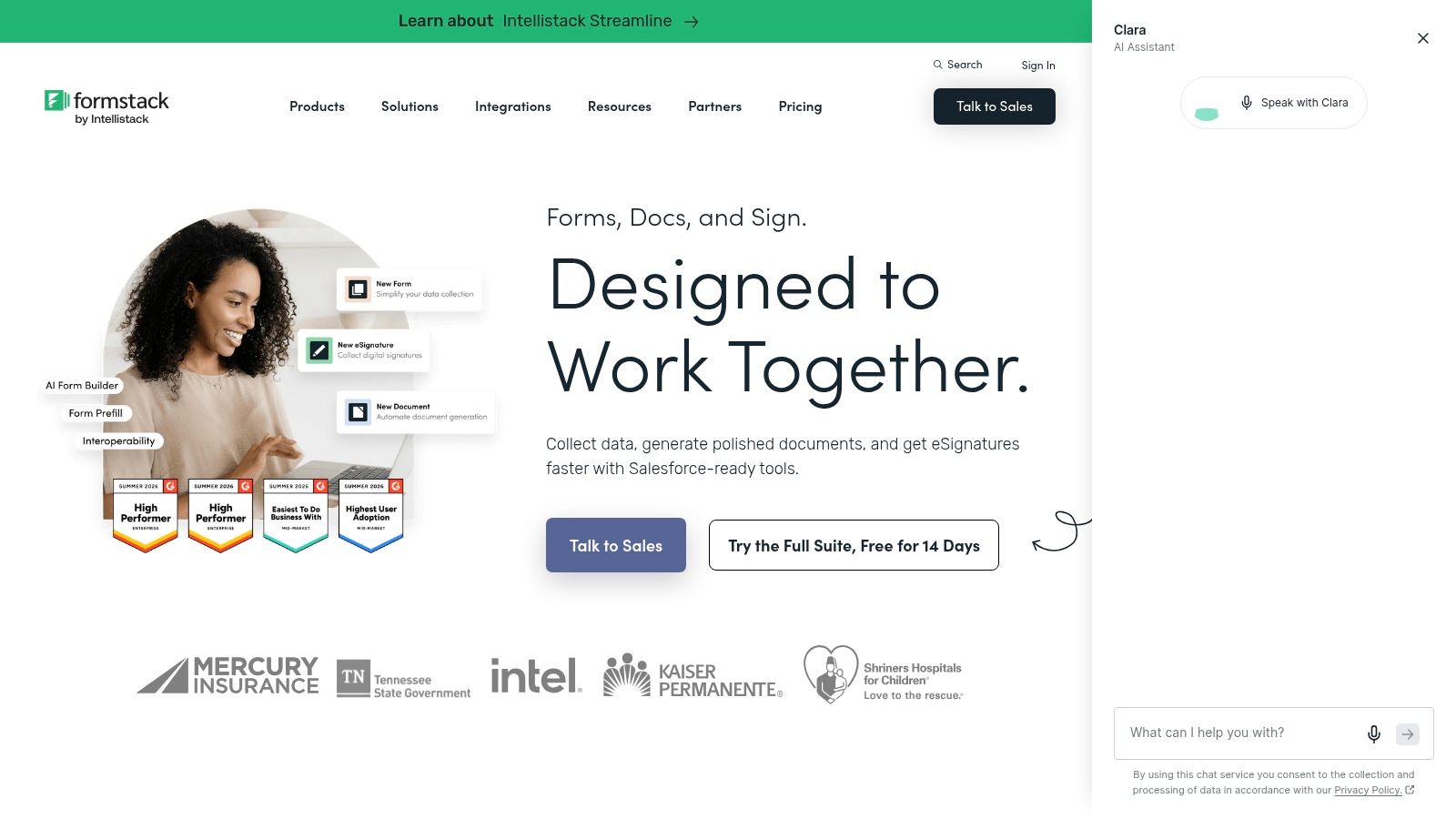
Formstack is a business process tool that happens to handle appointment requests. Its strengths are structured data collection, routing, and approvals on eligible plans, plus administrative and integration capabilities aimed at larger operational needs, including higher-tier compliance options.
That matters when an appointment request triggers work for several people. An intake form can route to the right partner, collect signed-off information, and feed connected document or workflow systems. Firms already using those connected tools may find the fit natural.
It connects well to a broader client onboarding workflow that continues after the first meeting, but it isn't primarily a scheduling calendar. Real-time slot management and reminder workflows may depend on integrations or connected products, so you're assembling a system rather than switching one on.
Cost is the deciding factor for small firms. Formstack is relatively expensive if your only problem is prospects forgetting discovery calls. Buy it for governed, multi-step intake across the firm. Don't buy it as an appointment reminder form with a calendar attached, because that's not the product's centre of gravity.
8. Setmore
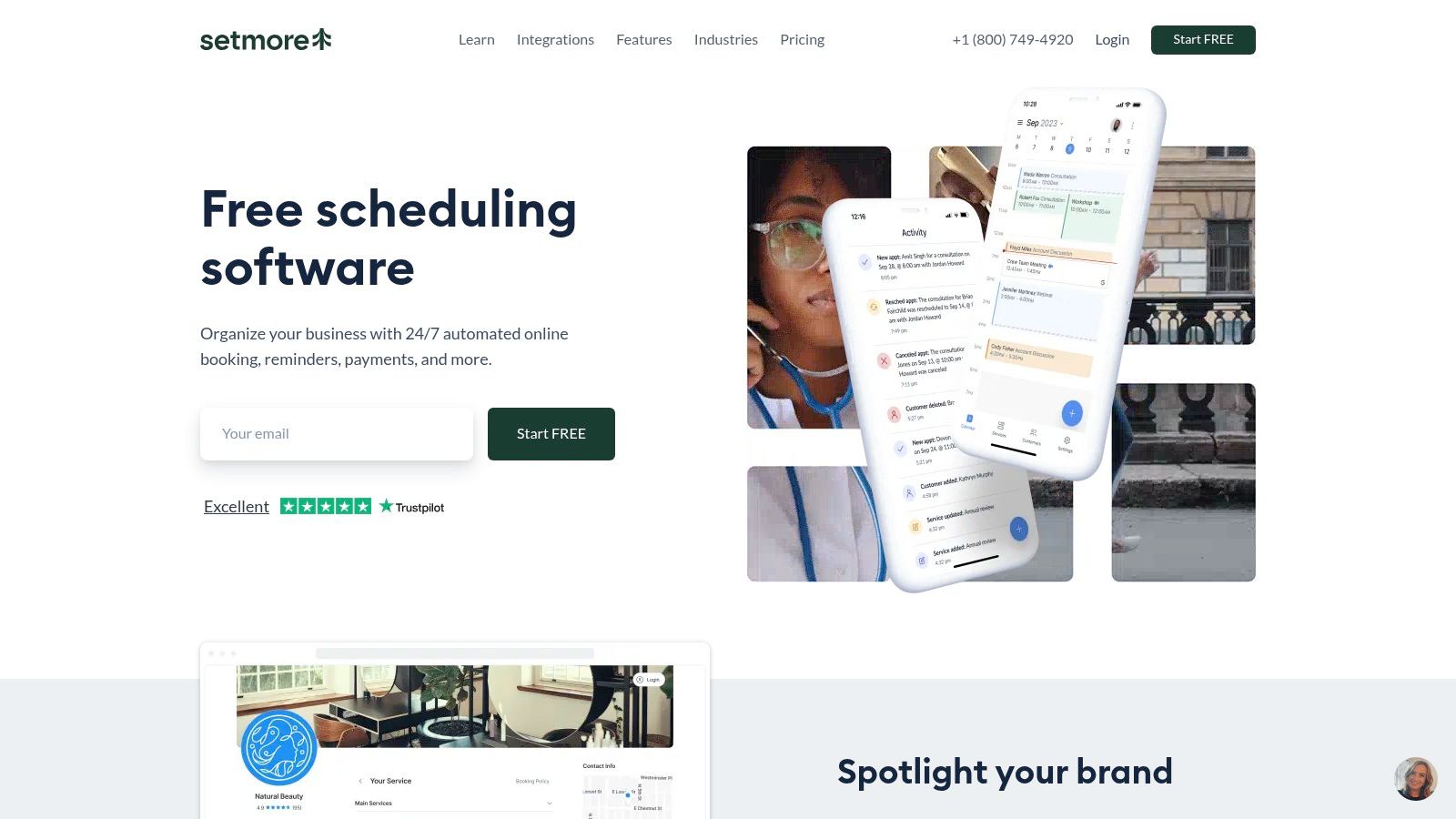
Setmore keeps the proposition simple. You publish a booking page, connect staff calendars, let clients choose a time, and send automated email reminders, with SMS on eligible plans. Payment and calendar integrations cover the basics without building a custom form system.
For a solo consultant, the free entry point is genuinely useful. Setup is straightforward, the booking page can live on your website, and clients self-serve instead of trading emails about availability. It solves the scheduling ping-pong problem quickly.
The ceiling shows in intake. Form capabilities are more limited than dedicated builders, so you'll collect contact details and a service choice rather than detailed pre-call context. Branding and reminder quantity also vary by plan, which means the free version may not match how your firm presents itself.
- Good fit: solo practice, small team, basic repeat bookings
- Weak fit: qualified discovery calls needing rich intake before anyone gives up an hour
- Missing layer: pipeline, proposal, and handoff tracking, which a structured client onboarding template only partly covers
Use Setmore to stop losing bookings today. Plan to outgrow it when call preparation starts depending on answers it can't collect.
9. Square Appointments
Square Appointments suits firms that take payment at booking. Its online booking page and website widget pair automated text and email reminders with deposits, cancellation policies, and no-show fees. Clients can reply to confirmations or schedule changes, creating a record your team can check before preparing for a call.
That reply has practical value: a confirmed prospect is easier to plan around than one who has not responded. Square's text and email reminders provide the prompt, while the response loop shows whether the prospect has acknowledged it. A 2011 systematic review and meta-analysis of SMS reminders reported that SMS reminders increased the odds of appointment attendance compared with no reminder. That supports using a text reminder to prompt confirmation, but it does not establish that Square's feature will improve attendance by a particular amount.
Square Free has no monthly subscription per location. Compare paid-plan costs with payment processing fees before choosing it. Intake is less central here than in form-first tools, so firms that need detailed discovery-call answers may need a separate form. Square is a practical fit for paid consultations where a deposit filters casual bookings.
10. SimplyBook.me
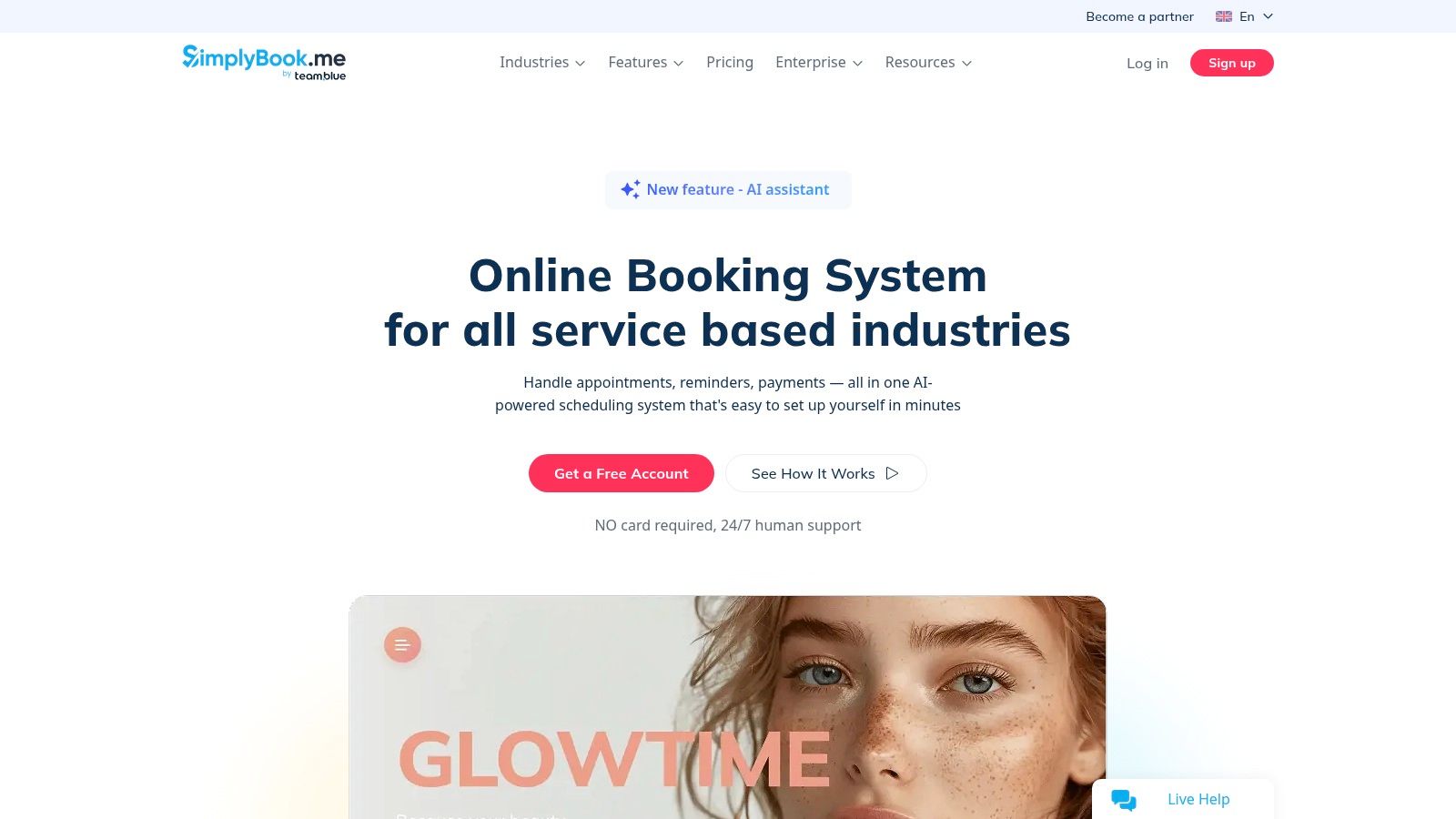
SimplyBook.me gives firms a branded booking website, appointment types for different services, and a widget for an existing site. Its free plan supports low-volume testing, while paid plans and optional custom features determine which added capabilities are available. Reminder emails are available; SMS reminders depend on plan and setup, so confirm that SMS is included before moving bookings over.
The booking form can collect client details and service-specific information through custom fields. Check the plan limits for custom features and the number of bookings you expect, then test that the fields and reminder settings carry through to the confirmation. The trade-off is flexibility for more configuration work.
Best Use Case
SimplyBook.me fits advisory firms offering assessments, retainer check-ins, and group briefings alongside discovery calls. Separate appointment types and custom booking questions can gather context for each call, while reminders help clients keep the selected time. A consultant with one call type may find a simpler scheduler easier to maintain.
Before migrating, map each service to its intake fields, confirm whether the selected plan supports your reminder channels, and assign someone to maintain settings as services change. After a booking is confirmed, rescheduled, or missed, decide how that status reaches the person responsible for follow-up. SimplyBook.me manages the booking flow, but it does not by itself turn appointments into a sales pipeline.
How the 10 appointment reminder form tools compare on reminder channels, intake depth, and free access
| Item | Best For | Reminder Channels | Intake Form Depth | Free Plan |
|---|---|---|---|---|
| Calendly | Simple client booking through a shareable page | Email; SMS on eligible setups | Basic booking questions | Plan-dependent; free-plan details not specified |
| Zoho Bookings | Scheduling linked to Zoho CRM | Email and SMS, subject to plan and setup | Custom required and optional fields | Available for one user |
| Acuity Scheduling | Booking with appointment-linked intake | Email; SMS on eligible higher plans | Appointment-associated intake forms | No permanent free plan; trial available |
| Jotform Appointments | Form-led booking with custom data collection | Email confirmations and reminders | Highly customizable forms and questions | Free-plan details not specified |
| Paperform | Branded booking forms that collect context or payments | Email confirmations and reminders | Customizable forms with consultation templates | Free-plan details not specified |
| Cognito Forms | Conditional intake and pre-meeting qualification | Confirmation and scheduled reminder emails | Advanced conditional questions | Available for low-volume use |
| Formstack | Structured business intake and information routing | Depends on integrations or connected products | Custom forms with routing and approval options | Free-plan details not specified |
| Setmore | Straightforward self-service appointment booking | Email; SMS on eligible plans | Limited intake-form capabilities | Free plan supports basic scheduling |
| Square Appointments | Appointment booking with payments, deposits, or fees | Email and text | Custom intake is not a central feature | Square Free has no monthly subscription per location |
| SimplyBook.me | Customizable booking sites for multiple service types | Reminder email; other channels depend on plan | Customizable booking setup; form depth not specified | Free plan available for low-volume use |
Match the Reminder Form to Where Deals Stall
A prospect books a discovery call, then misses it because the confirmation went to an old address or the reminder arrived in the wrong timezone. Start by identifying where the booking process breaks. If prospects forget, check that the form captures structured contact fields, consent, and timezone, and that your plan includes a dependable reminder channel. If they attend but arrive unprepared, prioritize intake depth. Jotform, Paperform, and Cognito Forms can collect more context than a bare scheduling link, but confirm which submitted fields reach the meeting owner before choosing one.
A sent reminder does not confirm that a prospect saw it or intends to attend. The review of reminder channel effects and no-show risk factors identifies missed confirmation messages, prior no-shows, and longer booking lead times as risk signals. Use those signals to decide when an automated nudge is enough and when a person should follow up.
Set a clear action for each booking state:
- Confirmed: Send the agenda, meeting link, and any pre-read. Stop nudging.
- Unconfirmed and high value: Ask the meeting owner to follow up personally rather than send another automated text.
- Rescheduled or cancelled: Update the pipeline stage that day and prompt the prospect to rebook where appropriate.
- No-show: Send a same-day message with a fresh booking link, and set a limit on repeat attempts.
Access needs can change which channel works. A scoping review of technology-facilitated reminders describes barriers including digital exclusion, language barriers, privacy concerns, and socioeconomic inequality. For advisory firms, that can mean an executive assistant books on a client's behalf, a shared inbox receives the confirmation, or an international client prefers a calendar invite to a text. Ask for the preferred channel, a fallback contact, and language preference. A mobile number alone does not establish that SMS is welcome or private.
Test the full booking path before publishing. Make a real test booking on a phone and in a different timezone. Check that the confirmation, reminder, reschedule link, and internal alert all arrive with the correct details. Then deliberately miss the test meeting and see whether the right person is prompted to act. This catches workflow gaps that a feature list will not.
Connect the form to the work after the call, too. If proposals stall, reminder software cannot fix unclear follow-up ownership. Starward Navigators combines confirmations and reminders with proposal tracking and client handoffs in prebuilt pipelines, for firms that prefer one operating system over a scheduler and spreadsheet. Whichever tools you choose, every booking state should end with a named owner and a next action.