Which contract template fits your planning business, and will it still fit when a couple changes the venue, adds events, or postpones the wedding? The best wedding planner contract templates aren't necessarily the most complex. They're the documents your team can understand, adapt to the services you provide, and use consistently from proposal to signature.
Start with your planning tier, payment structure, cancellation policy, vendor responsibilities, and access to legal review. A full-service planner needs different scope language from a month-of coordinator. A downloadable document also solves a different problem from a proposal platform that connects package selection, signing, and payment.
The financial context makes those distinctions important. Industry reporting places average U.S. wedding spending at about $36,000, with couples potentially managing contracts across 8 to 15 vendors, according to the Bank of America Institute's wedding-spending report. Your agreement needs to identify your responsibilities without accidentally absorbing everyone else's.
Selection rule: Choose the document for its service fit first. Choose the signing or payment workflow second. Neither polished branding nor electronic signatures can fix unclear obligations.
For guided drafting, start with Rocket Lawyer. For an editable standalone sample, consider SignWell or Signaturely. For connected booking paperwork, evaluate Bonsai or HoneyBook. Each requires customization before it becomes your business's agreement.
Table of Contents
- 1. Rocket Lawyer – Wedding Planner Agreement
- 2. LegalZoom – Wedding Planning Services Agreement
- 3. SignWell – Free Wedding Planner Contract Sample
- 4. Signaturely – Wedding Planner Contract Template
- 5. SignWren – Wedding Planner Contract Template
- 6. Wedgic – Free Wedding Planner Contract Template
- 7. Bonsai – Wedding Planner Contract Template
- 8. eSign.com – Event Planner Contract Template
- 9. Jotform – Wedding Services Contract Template
- 10. HoneyBook – Wedding Planner Proposal with Contract and Signing
- Top 10 Wedding Planner Contract Templates Compared
- Build a Contract That Matches Your Business
1. Rocket Lawyer – Wedding Planner Agreement
Choose Rocket Lawyer when you want guided drafting rather than a blank document. Its wedding consultant contract builder uses questions to assemble an agreement between the planner and client. It addresses planning services, compensation, responsibilities, and general provisions, with options for legal questions or document review.
That structure suits a planner who knows their package but needs help organizing it into contractual terms. The guided process is more useful than copying language you don't understand, particularly when you need to distinguish client obligations from your own.
Customize the answers, not just the names
Treat every service description as an operational commitment. Replace broad promises about coordinating the wedding with named deliverables, approval deadlines, included meetings, and wedding-day coverage.
- Service model: Separate full planning, partial planning, and coordination rather than using an interchangeable description.
- Payment handling: Specify the fee, payment milestones, and treatment of additional services. Don't confuse documenting payment obligations with collecting payments.
- Legal support: Check which question-and-review options require payment or membership before choosing the service.
The limitation is package specificity. Guided generation doesn't guarantee that the resulting agreement reflects your state, subcontracting arrangements, or cancellation policy.
Use the finished agreement to define what client onboarding should include: who receives the signed document, what information the couple must supply, and which task starts next. Choose Rocket Lawyer for drafting guidance, then have counsel review the terms carrying meaningful risk.
2. LegalZoom – Wedding Planning Services Agreement
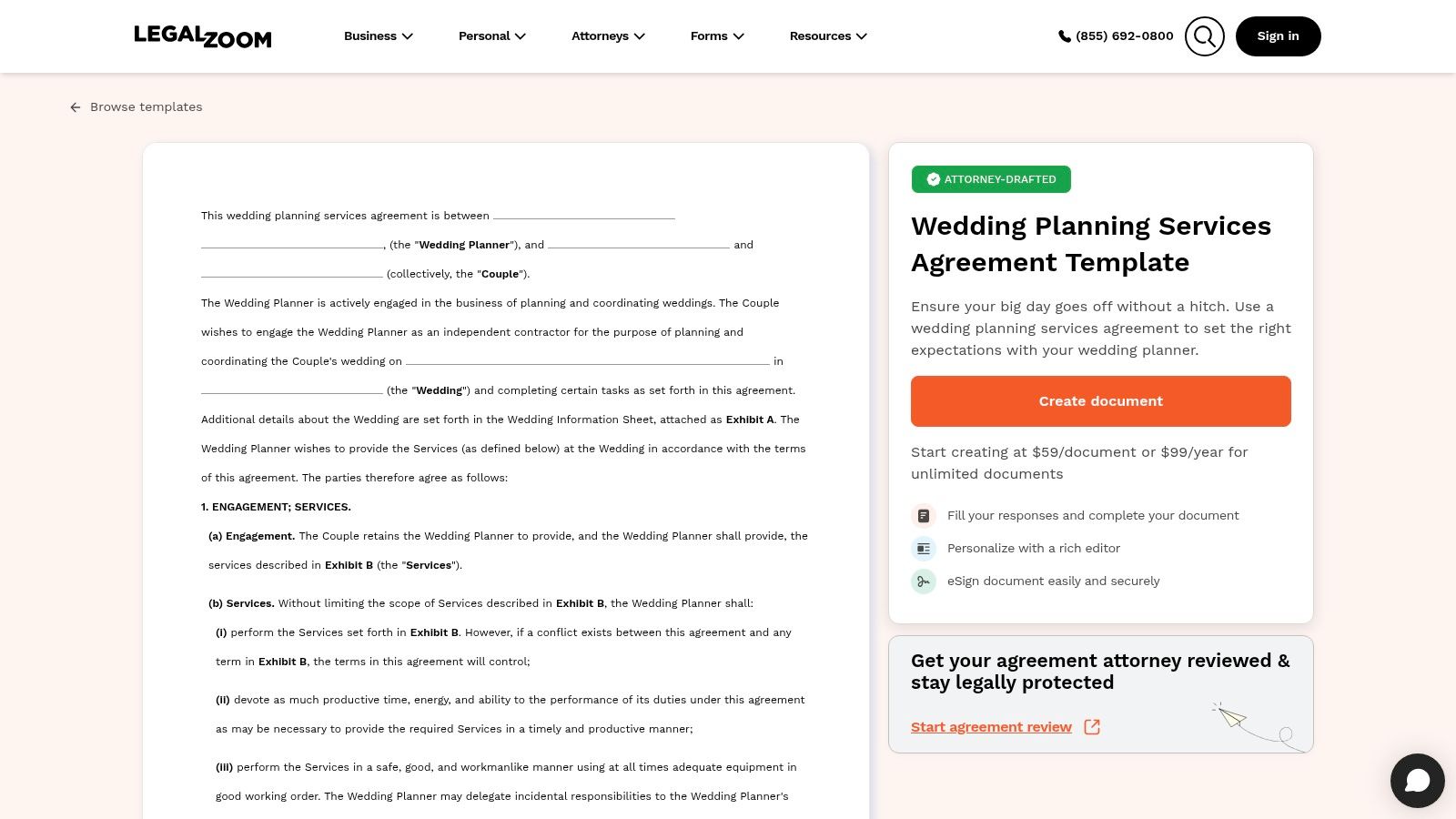
A planner who wants a document accompanied by explanatory guidance should consider LegalZoom's Wedding Planning Services Agreement. This paid, fill-in template addresses wedding details, planning responsibilities, client expectations, and payment, with electronic signing available through LegalZoom.
Its best fit is a defined service package that needs a structured agreement, not a business still deciding what it sells. The accompanying guide helps you think through responsibilities, but you must supply the commercial decisions.
Use the guide to challenge vague promises
For example, vendor coordination could mean recommending suppliers, arranging consultations, reviewing proposals, or managing wedding-day arrivals. Select the responsibilities you accept and exclude the rest.
The same discipline applies to payment. State when each installment becomes due, how additional work is authorized, and what happens when a client misses an approval deadline that affects delivery.
A paid template is still a template. Pay for useful structure and guidance, not the assumption that every clause fits your business.
Customization effort is moderate: you're filling and refining an existing agreement rather than building an entire booking workflow. LegalZoom is a sensible choice when that's what you need.
Its limitation is the distance between standard wording and your actual engagement. Have relevant state-law, refund, liability, and payment provisions reviewed before using the document repeatedly.
3. SignWell – Free Wedding Planner Contract Sample
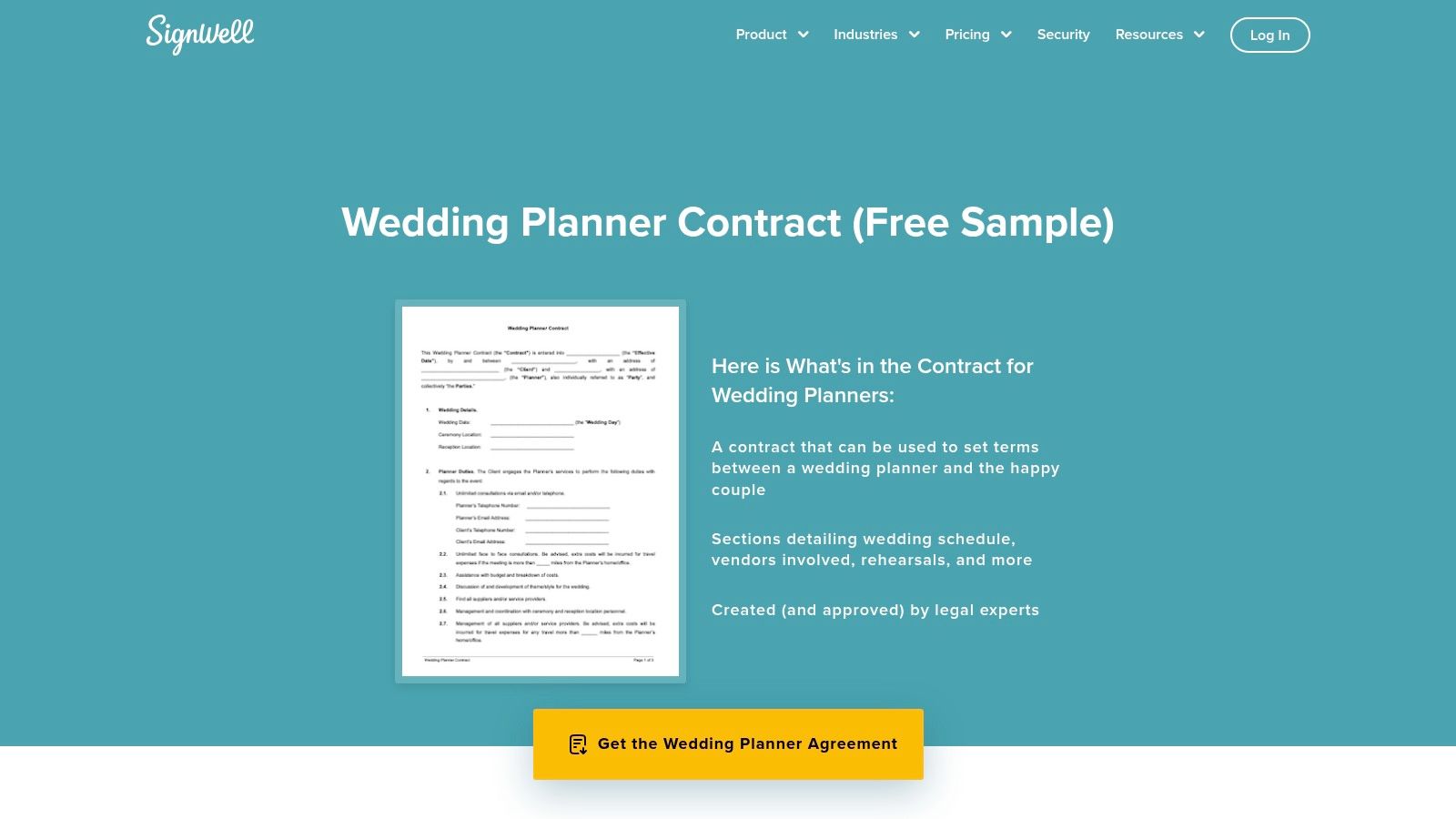
SignWell is a practical starting point when you want an editable sample before committing to a larger platform. Its free wedding planner contract sample presents Word and PDF access and includes wedding details, planner duties, fees, cancellation, liability, and dispute resolution. You can also pair the document with SignWell's electronic-signature service.
The wedding-specific fields make it easier to begin than a general services agreement. They don't, however, define how your planning package works.
- Best service fit: A planner with established packages who can translate them into clear contractual language.
- Customization effort: Review every substantive clause, especially payment, cancellation, and third-party responsibilities.
- Payment handling: Use the sample to document obligations, then confirm how you'll invoice and collect the agreed amounts.
- Practical limitation: Some access may involve supplying contact information, and the sample isn't customized to your jurisdiction.
Turn duties into deliverables
Replace open-ended planning assistance with concrete outputs such as a vendor shortlist, approved production timeline, or rehearsal coordination. Explain when the client receives each deliverable and what approval you need before proceeding.
Choose SignWell for a straightforward draft plus an optional signing path. Don't treat its clause headings as evidence that your risks are fully addressed. Before sending it, check that the downloaded version, edited version, and signature version all contain the same approved terms.
4. Signaturely – Wedding Planner Contract Template
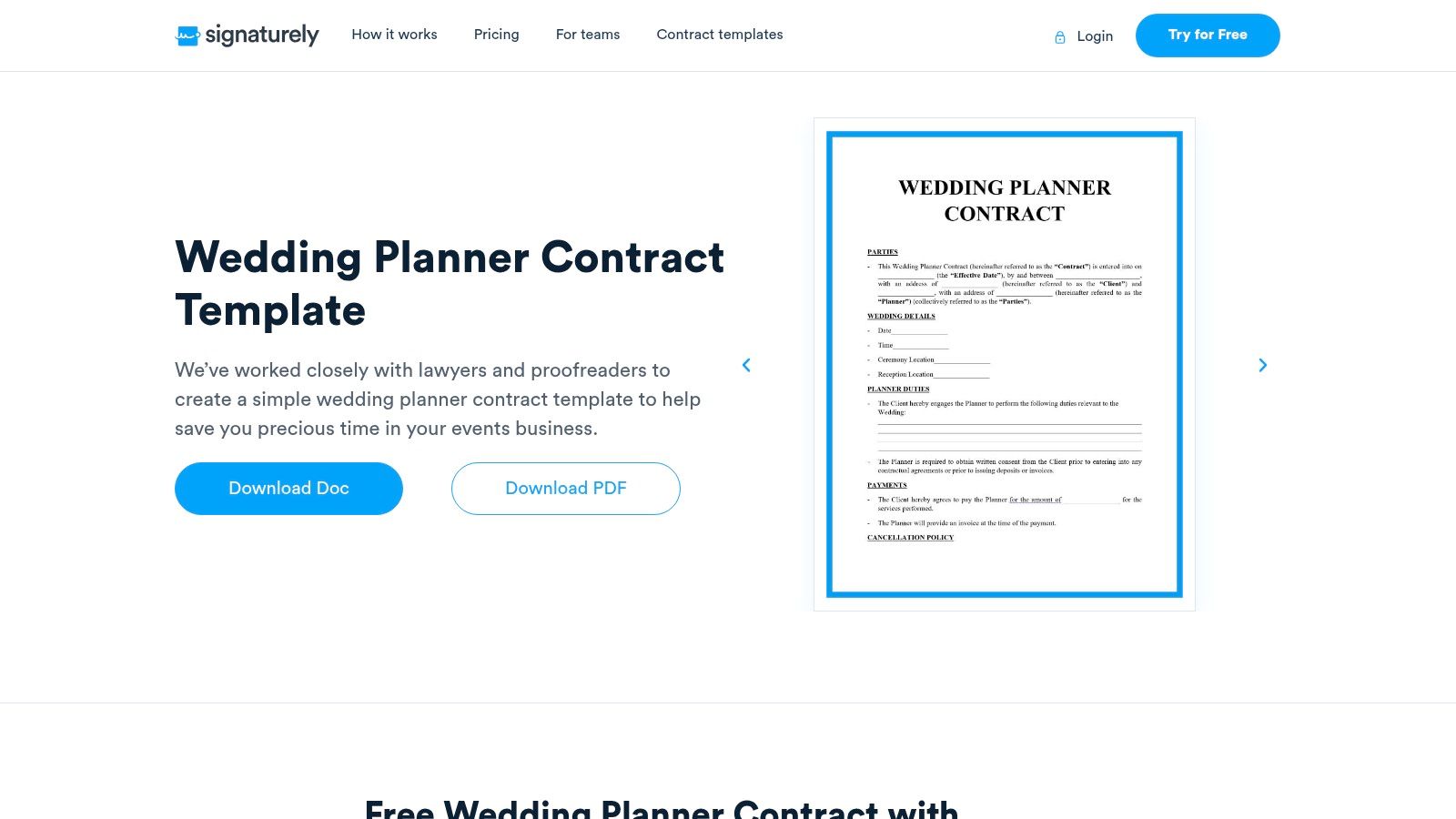
Scope boundaries deserve particular attention when evaluating Signaturely's wedding planner contract template. The free Word and PDF options cover wedding details, planner responsibilities, payments, cancellation, liability, dispute resolution, and signatures. The accompanying guidance also addresses presenting the agreement during booking.
Choose it when you want a readable standalone draft and are prepared to tailor the commercial terms. Its discussion of service boundaries makes it a useful starting point for planners who need to explain what clients are buying.
Rewrite cancellation around the work
Don't adopt a nonrefundable label and stop there. Define how completed planning work, documented costs, future commitments, and remaining services affect the financial outcome, then have counsel review that approach.
- Cancellation: Explain the procedure for ending the engagement and calculating amounts retained or owed.
- Postponement: Address availability, fee credits, rebooking costs, and whether a revised agreement is required.
- Vendor limitations: Distinguish coordinating a supplier from accepting responsibility for that supplier's performance.
The payment section should align with those distinctions rather than operate as an isolated schedule. Generic refund and liability wording is the main limitation, not the availability of editable files.
Connect the approved agreement to a consistent client onboarding workflow. Once everyone signs, assign the next task, request outstanding information, and preserve the final agreement alongside later scope changes.
5. SignWren – Wedding Planner Contract Template
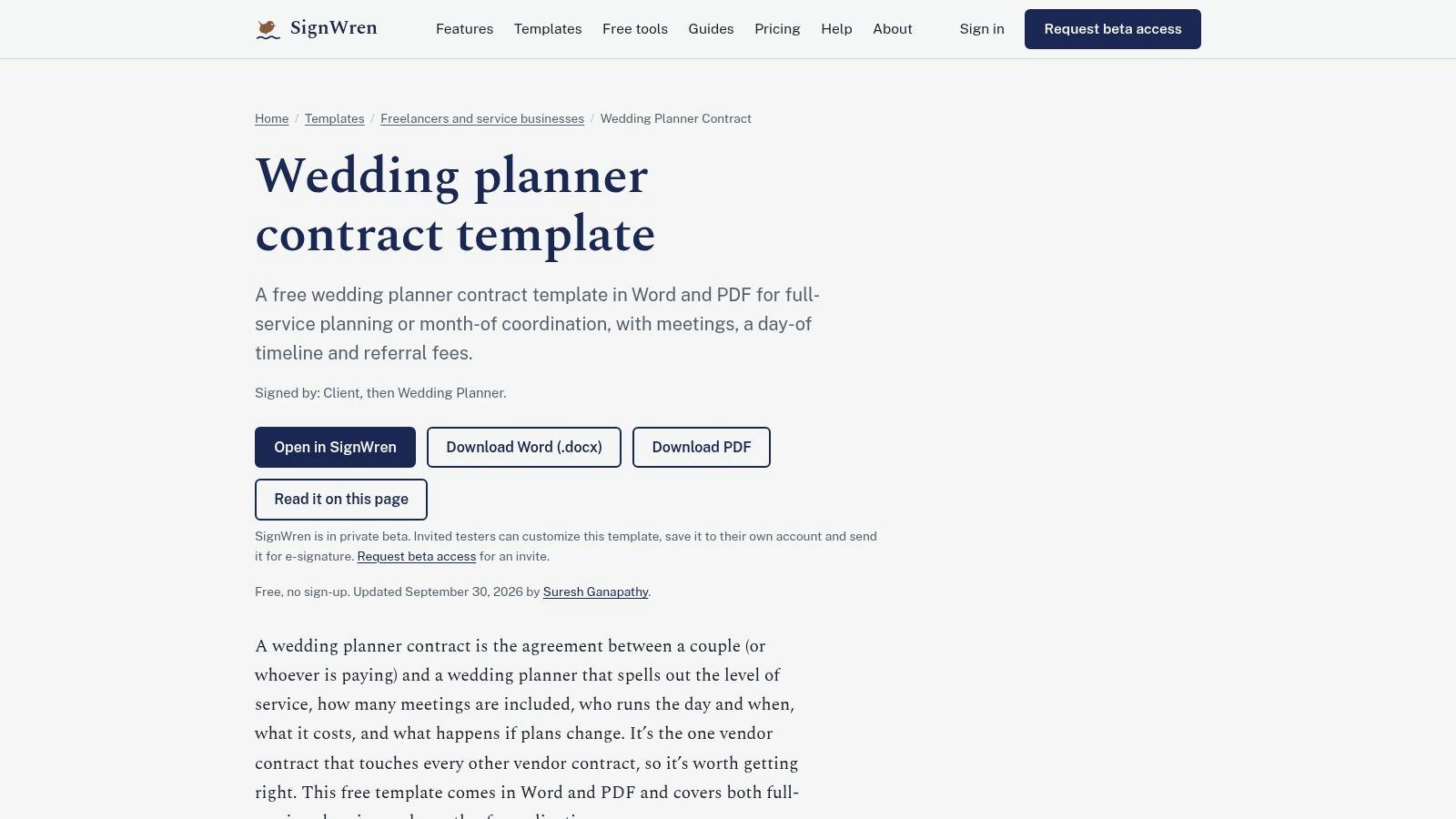
Full-service planning and month-of coordination shouldn't share an undifferentiated scope. SignWren's wedding planner contract template explicitly distinguishes those service levels and addresses meetings, wedding-day responsibilities, pricing, changes to plans, and referral fees.
That makes it a strong shortlist choice for planners selling distinct packages. The page offers free Word and PDF downloads without signup, while its customization and electronic-signing workflow is described as being in private beta. Choose it for the downloadable document, not for an assumed production-ready signing system.
Keep package boundaries visible
For full planning, specify the research, budget work, vendor coordination, and approvals you'll manage. For month-of coordination, define when your involvement begins, which existing records the client must provide, and which unresolved tasks remain outside the package.
The referral-fee language also deserves deliberate attention. Match it to your actual vendor relationships and disclosures rather than retaining a provision because it arrived with the template.
- Payment handling: Align pricing and changes with the selected package, including authorization for additional work.
- Customization effort: Concentrate on service boundaries, coordination start dates, meetings, and wedding-day coverage.
- Main limitation: The document provides general information, not individualized legal advice.
Use SignWren when package distinctions are your priority. Have counsel check the resulting provisions against your referral practices, vendor arrangements, and applicable law.
6. Wedgic – Free Wedding Planner Contract Template
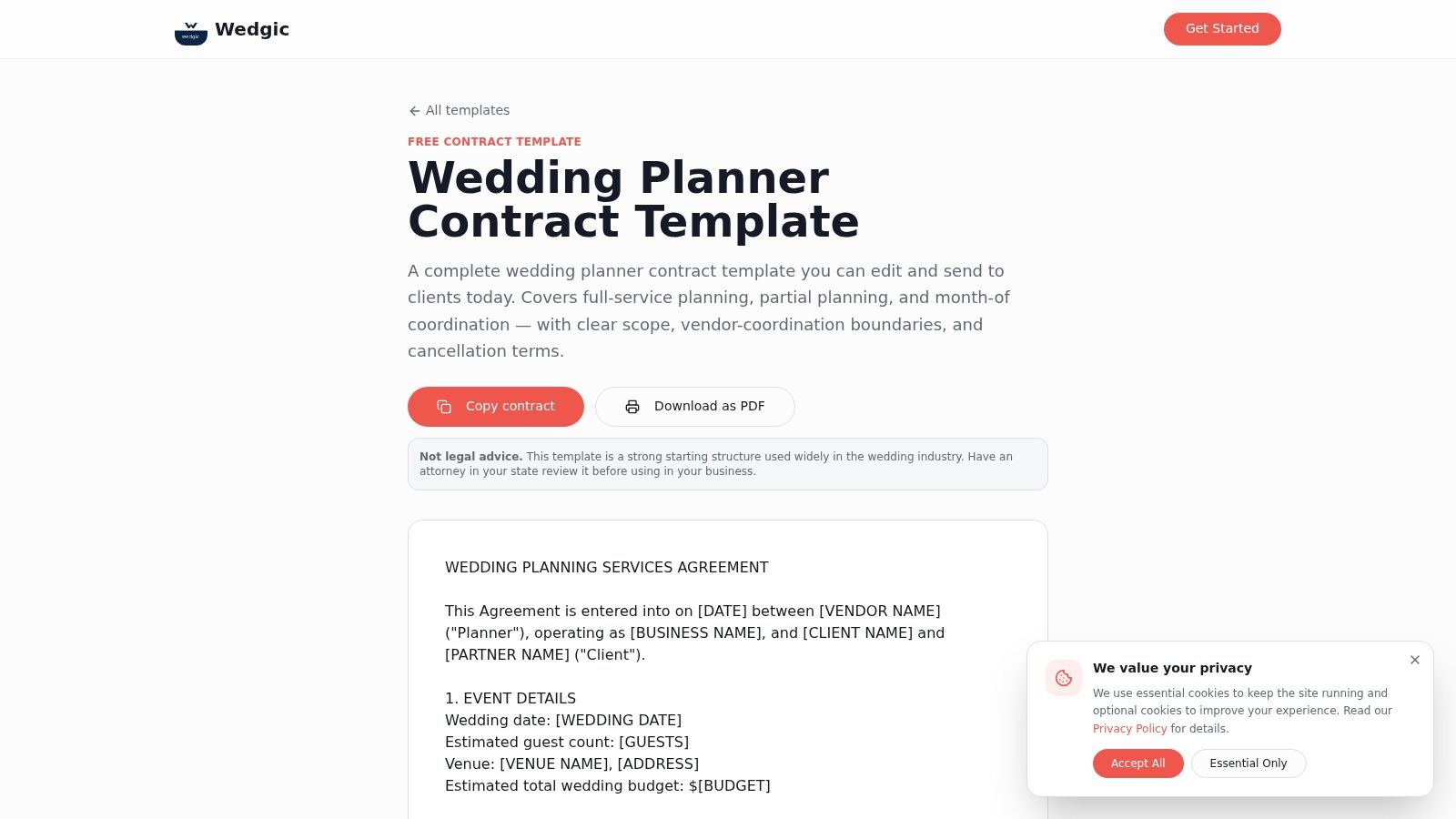
Wedgic fits planners who want to keep their existing document or CRM workflow. Its free wedding planner contract template is copyable into Word, Google Docs, or a CRM and includes scope options for full-service, partial-planning, and month-of coordination.
It also addresses vendor coordination, client responsibilities, fees, cancellation or rescheduling, liability, force majeure, and marketing use. That breadth makes it useful as a drafting framework, but it also creates editing work: you must decide which provisions belong in each package.
Copy selectively, then standardize
Start with your actual scope, not the longest available version. Remove services you don't offer and clarify whether marketing permissions are separate from the client's purchase of planning services.
The payment language needs the same attention. Tie installments to identifiable obligations, and explain how changes to venues, events, vendors, or guest-count assumptions affect pricing.
Operational safeguard: Keep a protected master agreement and create client-specific copies. Don't let routine package edits become accidental changes to your legal terms.
The advantage is portability; the trade-off is manual responsibility. You must handle formatting, version control, approval, and the connection to signing or payment tools.
Choose Wedgic if your current workflow already works and you need adaptable contract content. Avoid it if you expect the template itself to manage booking, collect payment, or enforce internal approval rules.
7. Bonsai – Wedding Planner Contract Template
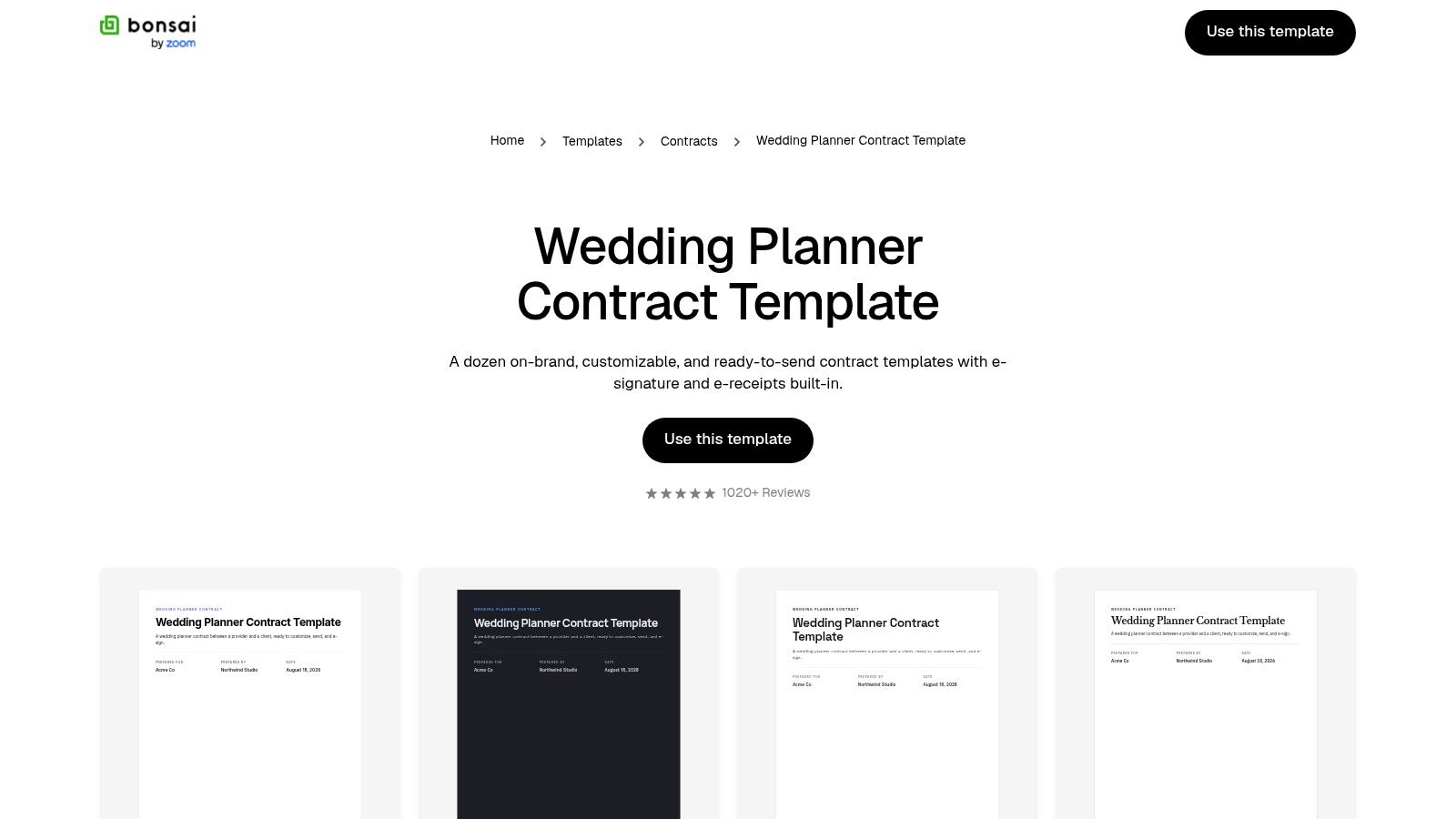
Repeatedly preparing agreements raises a different question: should you keep editing files, or move contracting into your business-management system? Bonsai's wedding planner contract template is the more workflow-oriented option, with customizable terms and client details alongside advertised electronic-signature and electronic-receipt features.
Choose Bonsai when repeatable digital administration matters more than owning a standalone download. It's best evaluated as a platform decision, not just a source of contract wording.
- Service model: Build consistent package language, then enter the client-specific scope rather than rewriting the agreement each time.
- Customization effort: Separate reusable legal provisions from variables such as dates, fees, coverage, and travel.
- Payment handling: Verify the payment and invoicing features included in your chosen plan. Don't assume an electronic receipt provides the collection workflow you need.
- Practical limitation: Check platform access requirements, subscription costs, and included features before migrating your process.
Standardize the handoff too
Use a client onboarding template to define what happens after the agreement is executed. Include responsibility for the kickoff, outstanding questionnaires, vendor records, and the first planning milestone.
Bonsai's workflow orientation won't remove the need for legal review. Approve the core agreement before making it reusable, then restrict routine changes to commercial variables. That's the right sequence for a planner who wants consistency without repeatedly renegotiating their own standard terms.
8. eSign.com – Event Planner Contract Template
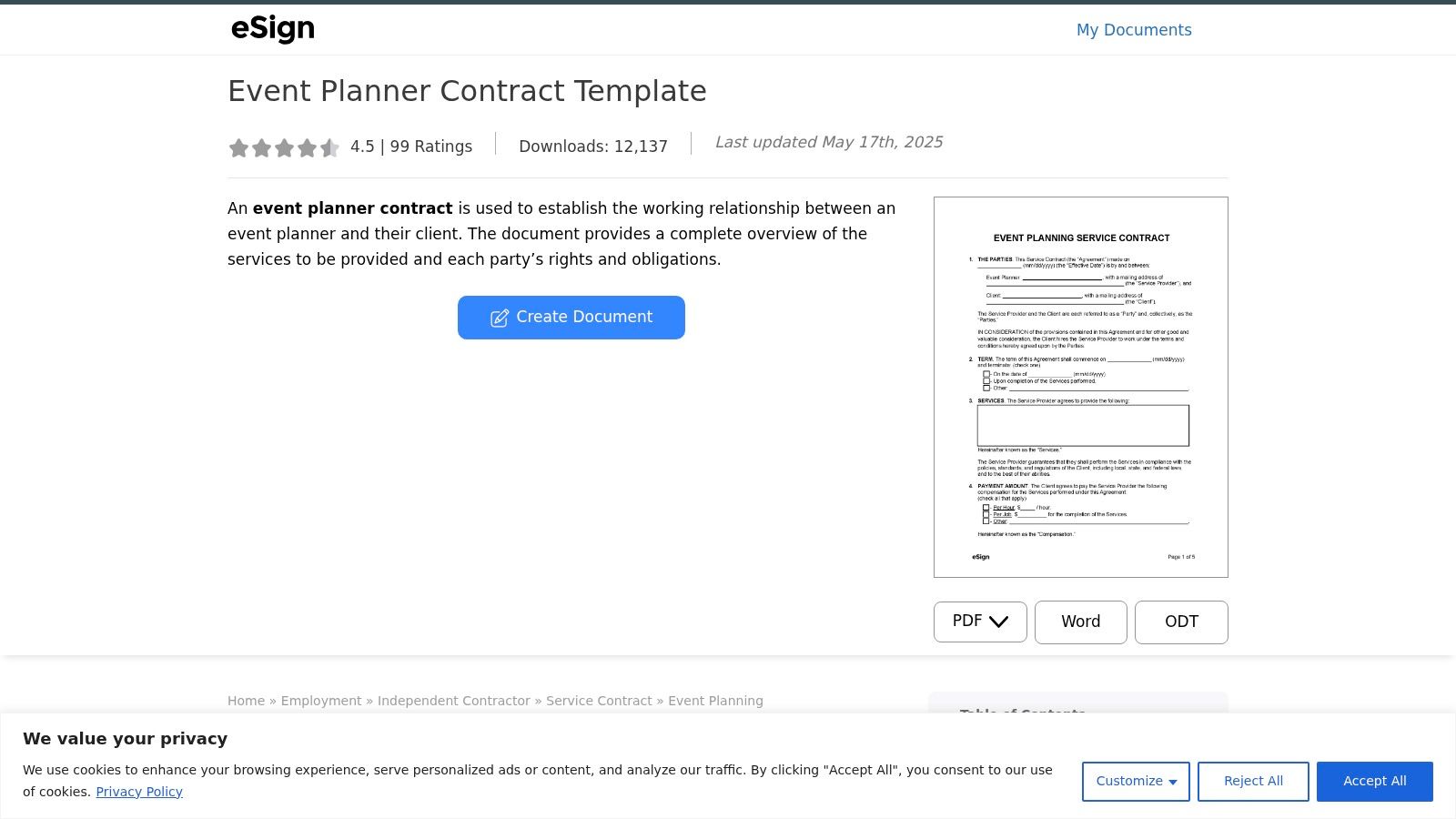
Use eSign.com when you deliberately want a general event-planning agreement. Its event planner contract template lists PDF, Word, and OpenDocument formats and addresses services, term, payment, retainer, and independent-contractor status.
That's a useful base for a business working across different event types. It's less suitable for a wedding-only planner who wants package-specific language ready to refine.
Add the wedding-specific layer
Define ceremony and reception locations, rehearsal obligations, coordination start dates, setup access, teardown responsibilities, and coverage limits. If the engagement includes related celebrations, name them rather than treating them as implied extensions of the wedding.
The payment amount, method, and retainer fields provide a starting structure. You still need to explain earned fees, additional work, postponement, and cancellation in terms appropriate to your business.
- Best fit: A planner comfortable adapting a general services document outside a dedicated CRM.
- Main advantage: Multiple editable formats support an independent document workflow.
- Main limitation: Wedding-specific responsibilities and service tiers require substantial drafting.
The page recommends professional review before use. Follow that advice, especially when adapting general provisions into an agreement you'll use repeatedly.
If you're also evaluating how to streamline your event agreements, map document creation, approval, signing, and storage separately. Choose software for those tasks only after you've settled the underlying terms.
9. Jotform – Wedding Services Contract Template
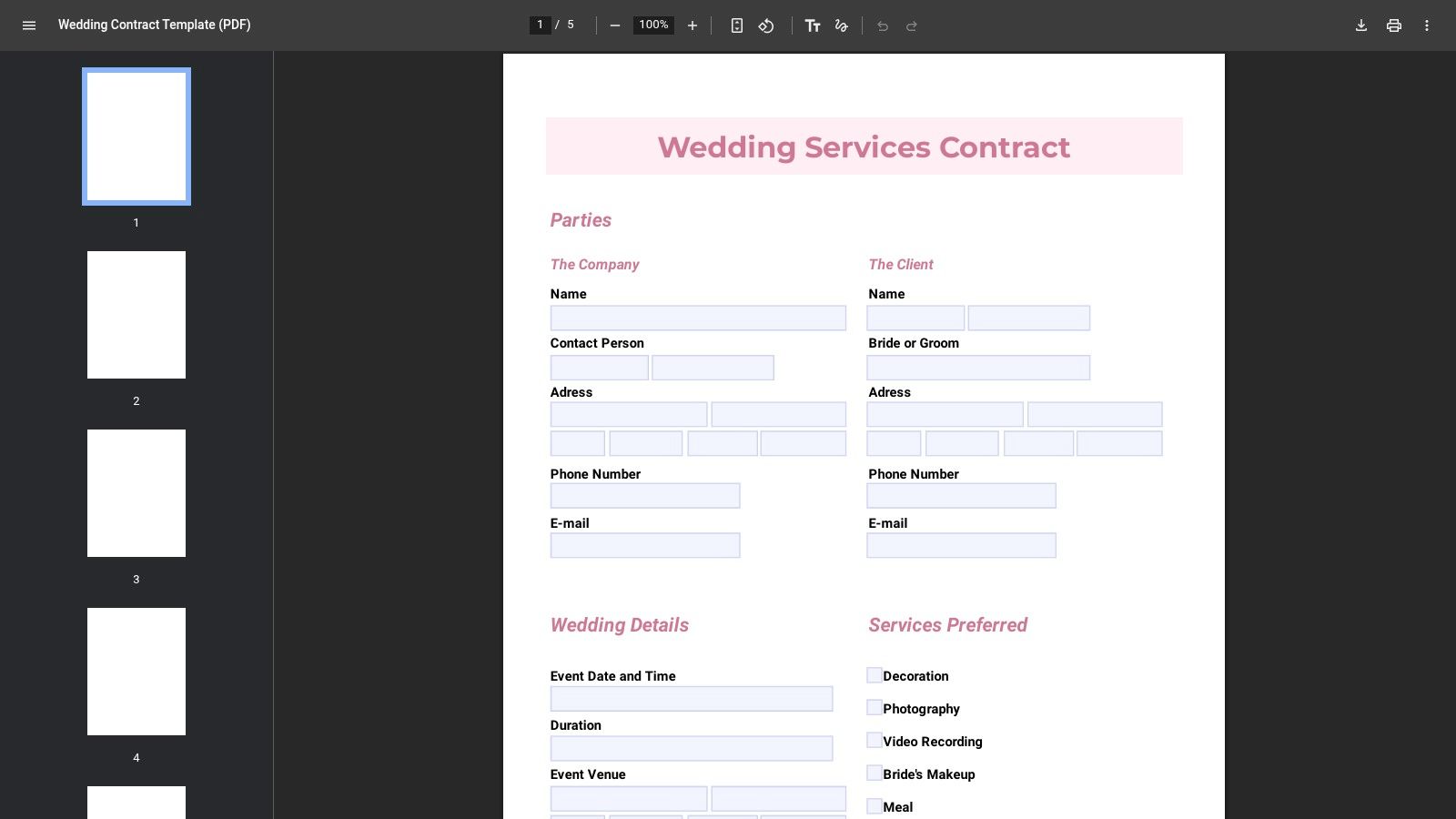
Already collecting wedding inquiries in Jotform? Its Wedding Services Contract Template is worth considering because you can clone it, edit fields, and use Jotform's document and signing tools within a familiar environment.
The important distinction is that this is a wedding-services template, not exclusively a planner agreement. Its sample categories span different providers, so don't assume every obligation describes your role.
Edit the service category before the design
Remove wording that could make you appear responsible for delivering another vendor's service. Then replace broad service descriptions with planning outputs, communication expectations, approval deadlines, and clear exclusions.
The drag-and-drop builder is useful for presenting those terms in a branded client-facing document. It shouldn't become a reason to prioritize layout over the meaning of the agreement.
- Customization effort: Expect substantive editing of provider roles, not just business details.
- Payment handling: Review scope and pricing fields, then verify how your intended payment process connects to the document.
- Platform limitations: Check plan limits for advanced features and signing before standardizing your workflow.
Choose Jotform when intake and document collection already belong in that system. Choose a planner-specific starting draft instead if you don't want to rewrite broad wedding-provider language.
Keep operational information separate from negotiated terms. A changed intake response shouldn't alter an agreement the client has already signed.
10. HoneyBook – Wedding Planner Proposal with Contract and Signing
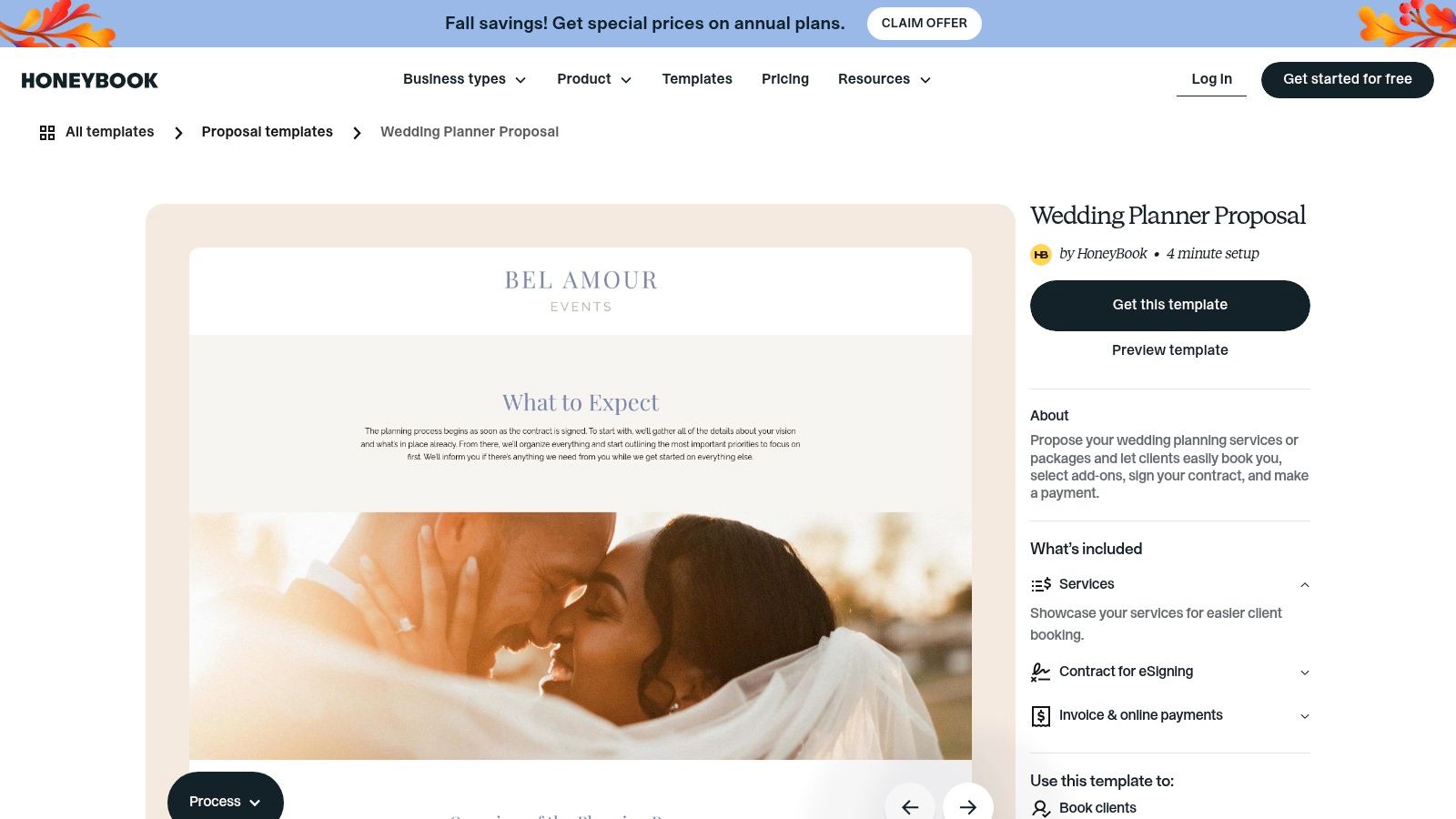
HoneyBook is the choice for connected booking, not a simple contract download. Its wedding planner proposal template can present services, packages, and add-ons alongside a contract and online payment. The platform also supports electronic signing and client portals.
That combination suits planners who want clients to move from package selection to agreement and payment within a connected process. It requires HoneyBook access, and some templates or features may depend on a paid plan.
Make package selection control the agreement
If the couple selects coordination rather than full planning, the contract must reflect that choice. Add-ons should have identifiable prices, deliverables, and coverage implications rather than appearing only in the sales presentation.
Likewise, check that the proposal, contract, and payment schedule agree. A booking flow isn't ready if the proposal promises services that the contract excludes.
The selected package, signed obligations, and payment request should describe the same engagement.
The key limitation is the template category: this is a proposal-based workflow, so verify and customize the contract component before using it. Don't mistake an attractive booking presentation for a legally reviewed agreement.
Choose HoneyBook when you want proposal, signature, and payment steps connected. Choose a standalone template when you already have those systems and only need contract content.
Top 10 Wedding Planner Contract Templates Compared
| Option | Core Coverage | Guidance & Workflow | Price / Access | Best For |
|---|---|---|---|---|
| Rocket Lawyer, Wedding Planner Agreement | Services, fees, responsibilities, and general terms | ★ Guided builder; legal questions or document review options | 💰 Support features may require payment or membership | 👥 Planners wanting guided creation and access to legal help |
| LegalZoom, Wedding Planning Services Agreement | Scope, client responsibilities, payment, and event details | ✨ Fill-in template, explanatory guide, and e-signing | 💰 Paid template; check current pricing | 👥 Planners seeking a guided, established-provider template |
| SignWell, Free Wedding Planner Contract Sample | Duties, fees, cancellation, liability, and dispute resolution | ✨ Downloadable sample; optional e-signing | 💰 Free sample; some access may require contact details | 👥 Planners wanting a practical draft to edit |
| Signaturely, Wedding Planner Contract Template | Wedding details, responsibilities, payment, and cancellation | ✨ Word/PDF options plus guidance on when to present a contract | 💰 Free download | 👥 Planners wanting an editable template and booking tips |
| SignWren, Wedding Planner Contract Template | Full-service and month-of coordination, meetings, and referral fees | ✨ Word/PDF downloads; customization and e-signing in private beta | 💰 Free download | 👥 Planners offering multiple service tiers |
| Wedgic, Free Wedding Planner Contract Template | Scope, fees, vendor coordination, cancellation, and force majeure | ✨ Copy into Word, Google Docs, or a CRM | 💰 Free | 👥 Planners wanting broad clause coverage and flexible editing |
| Bonsai, Wedding Planner Contract Template | Customizable wedding-planner agreement and client details | ✨ Contract tools, e-signature, and electronic receipts | 💰 Platform access or subscription may be required | 👥 Planners managing repeat client paperwork digitally |
| eSign.com, Event Planner Contract Template | Services, payment, retainer, and contract term | ★ Fillable document with PDF, Word, and OpenDocument formats | 💰 Check access and signing costs | 👥 Event planners comfortable adding wedding-specific clauses |
| Jotform, Wedding Services Contract Template | Service scope and pricing; wording may cover varied providers | ✨ Customizable, signable form with drag-and-drop editing | 💰 Advanced use or signing may depend on plan limits | 👥 Planners already using Jotform for intake and forms |
| HoneyBook, Wedding Planner Proposal with Contract and Signing | Packages, add-ons, contract terms, and payment | 🏆 Proposal, contract, e-signing, and payment in one client flow | 💰 Some features or templates may require a paid plan | 👥 Planners wanting an integrated booking experience |
Build a Contract That Matches Your Business
Choose wedding planner contract templates by service model first, then by the workflow you need. Rocket Lawyer suits guided drafting; LegalZoom provides a structured template with explanatory guidance. SignWell, Signaturely, SignWren, and Wedgic offer starting points for planners prepared to edit documents, while Bonsai, Jotform, and HoneyBook deserve closer attention when digital administration drives the decision. Use eSign.com when a broader event-planning foundation is intentional.
Replace generic language with specific commitments about planning hours, meetings, vendor coordination, communication, deliverables, deposits, final payments, and wedding-day coverage. Name the client decisions you need and their deadlines. Define how someone requests additional work, who approves it, and when revised pricing takes effect.
Test the agreement against a difficult booking
Walk through a hypothetical engagement in which the couple changes venues, adds a related event, and requests a postponement. Your document should explain the next action, required approval, pricing process, and record to retain without relying on an improvised conversation.
- Scope changes: Combine deliverables, decision deadlines, escalation rules, and written change approval. An hourly cap alone won't explain what happens when urgent work arrives near the wedding, a distinction explored in Everbook360's wedding-planner contract guidance.
- Disruptions: Treat cancellation, postponement, force majeure, and vendor failure as separate situations. Have counsel review retained fees, credits, rebooking rules, liability, and the distinction between coordinating vendors and subcontracting them.
- Evidence: Preserve client approvals, vendor agreements, payment records, changes, and issue logs alongside the executed contract.
Then test the signing process. Check required fields, signer identities, timestamps, version locking, reminders, and storage, using these as evaluation requirements rather than assuming every tool provides them. For the booking workflow itself, evaluate eSignature for wedding planners against your approved document and recordkeeping needs.
Have qualified counsel review the terms that carry meaningful legal risk before you reuse the agreement. Once approved, keep a controlled master, limit routine edits to defined commercial variables, and make the signed agreement trigger the next operational step. The goal isn't to obtain a signature; it's to give the client and your team the same clear instructions.
Starward Navigators provides client acquisition infrastructure for small consulting and advisory firms, including standardized pipelines, proposal follow-up, appointment reminders, and client handoffs. If this contract review has exposed gaps between proposal acceptance and delivery, visit Starward Navigators to explore a prebuilt operating system for managing those transitions consistently.